
LGFilterView
 LGFilterView copied to clipboard
 Friend-LGA
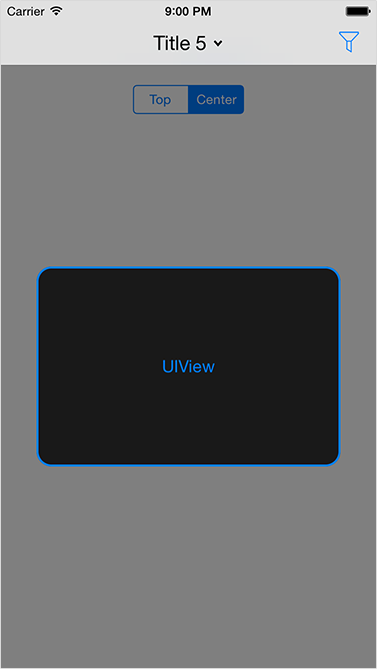
View shows and applies different filters in iOS app
LGFilterView
View shows and applies different filters in iOS app.
Preview
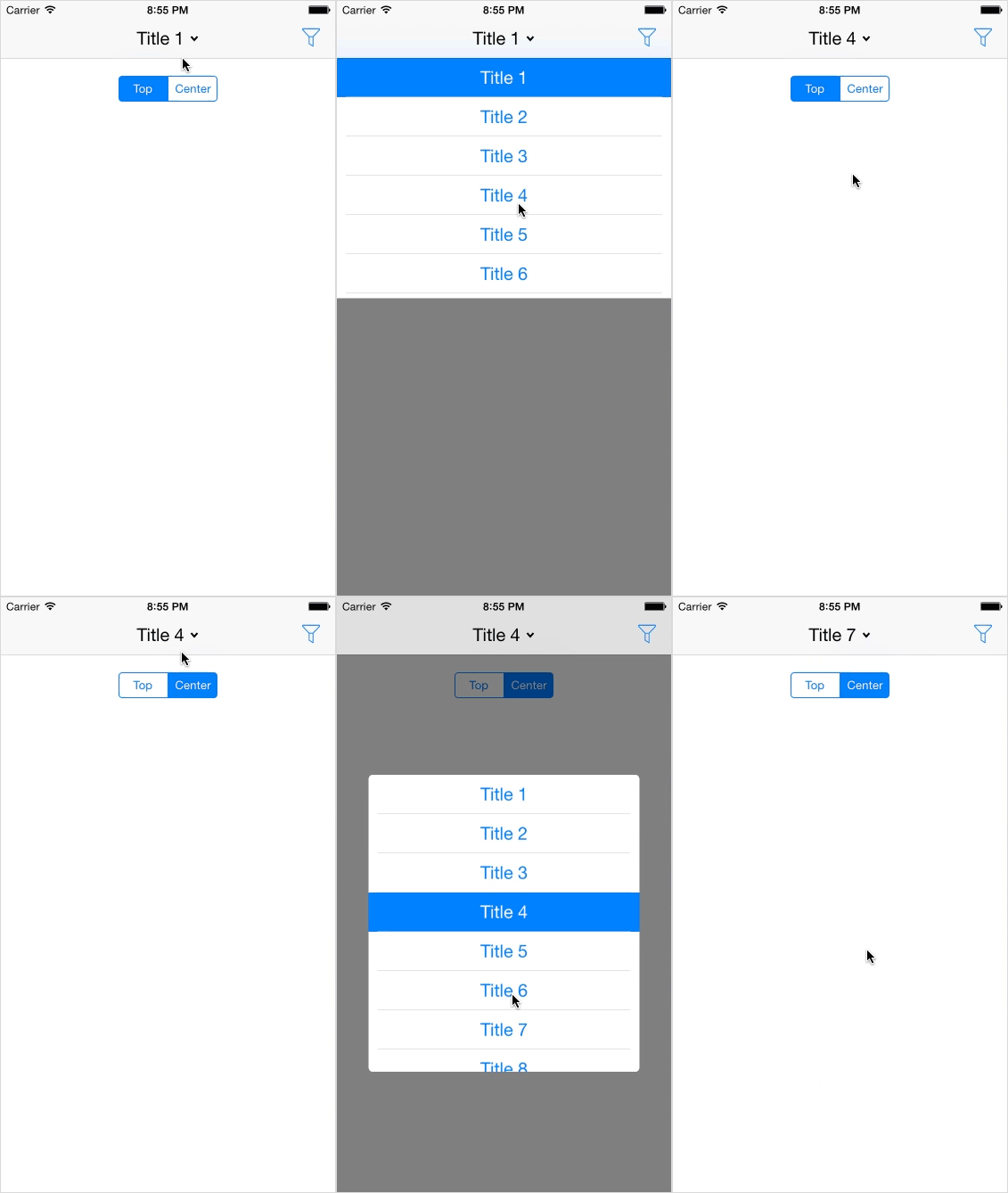
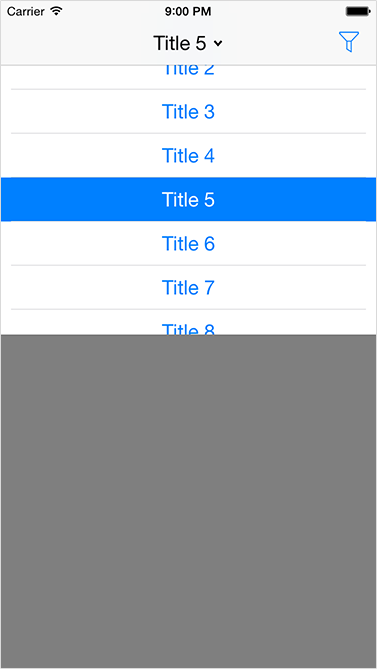
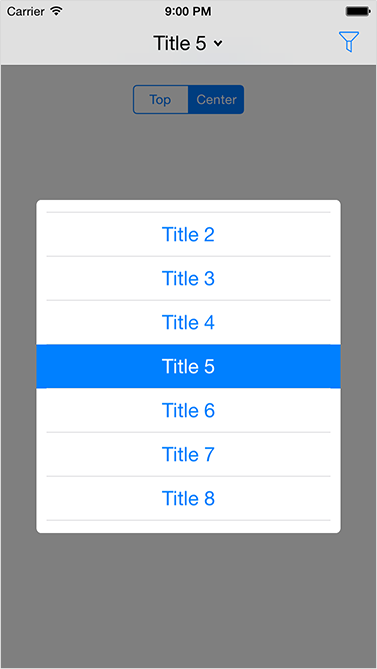
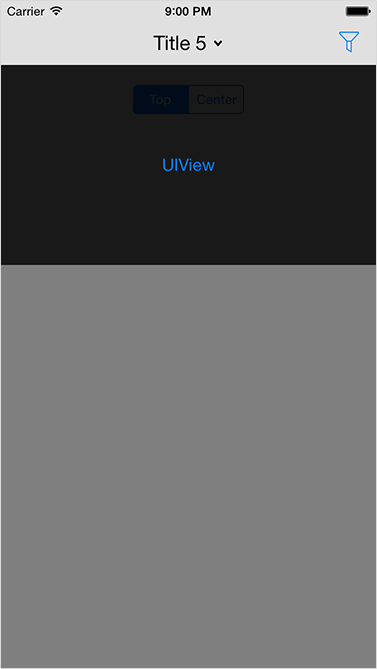
Installation
With source code
Download repository, then add LGFilterView directory to your project.
With CocoaPods
CocoaPods is a dependency manager for Objective-C, which automates and simplifies the process of using 3rd-party libraries in your projects. To install with cocoaPods, follow the "Get Started" section on CocoaPods.
Podfile
platform :ios, '6.0'
pod 'LGFilterView', '~> 1.0.0'
With Carthage
Carthage is a lightweight dependency manager for Swift and Objective-C. It leverages CocoaTouch modules and is less invasive than CocoaPods. To install with carthage, follow the instruction on Carthage.
Cartfile
github "Friend-LGA/LGFilterView" ~> 1.0.0
Usage
In the source files where you need to use the library, import the header file:
#import "LGFilterView.h"
Initialization
You have several methods for initialization:
- (instancetype)initWithView:(UIView *)view;
- (instancetype)initWithTitles:(NSArray *)titles;
More init methods you can find in LGFilterView.h
Handle actions
To handle actions you can use initialization methods with blocks or delegate, or implement it after initialization.
Delegate
@property (assign, nonatomic) id<LGFilterViewDelegate> delegate;

- (void)filterViewWillShow:(LGFilterView *)filterView;
- (void)filterViewWillDismiss:(LGFilterView *)filterView;
- (void)filterViewDidShow:(LGFilterView *)filterView;
- (void)filterViewDidDismiss:(LGFilterView *)filterView;
- (void)filterView:(LGFilterView *)filterView buttonPressedWithTitle:(NSString *)title index:(NSUInteger)index;
- (void)filterViewCancelled:(LGFilterView *)filterView;
Blocks
@property (strong, nonatomic) void (^willShowHandler)(LGFilterView *filterView);
@property (strong, nonatomic) void (^willDismissHandler)(LGFilterView *filterView);
@property (strong, nonatomic) void (^didShowHandler)(LGFilterView *filterView);
@property (strong, nonatomic) void (^didDismissHandler)(LGFilterView *filterView);
@property (strong, nonatomic) void (^actionHandler)(LGFilterView *filterView, NSString *title, NSUInteger index);
@property (strong, nonatomic) void (^cancelHandler)(LGFilterView *filterView);
Notifications
Here is also some notifications, that you can add to NSNotificationsCenter:
kLGFilterViewWillShowNotification;
kLGFilterViewWillDismissNotification;
kLGFilterViewDidShowNotification;
kLGFilterViewDidDismissNotification;
More
For more details try Xcode Demo project and see LGFilterView.h
License
LGFilterView is released under the MIT license. See LICENSE for details.
Metadata
Owner
 Friend-LGA
Metadata
View shows and applies different filters in iOS app