

 FreeOpcUa
Regarding Restoring OPCUA Connection when connection to SCADA gets break .
Hi,
I am running 22 Tasks using ThreadPoolExecutor , each Task fetching data every minute .
I connect to the SCADA only once , and then the single client object is used to read historical data using read_raw_history.
I used the same single client object to read historical data , but as the read continues i am facing some issues like and what are the solutions for the below issues?
1) TimeOut Error
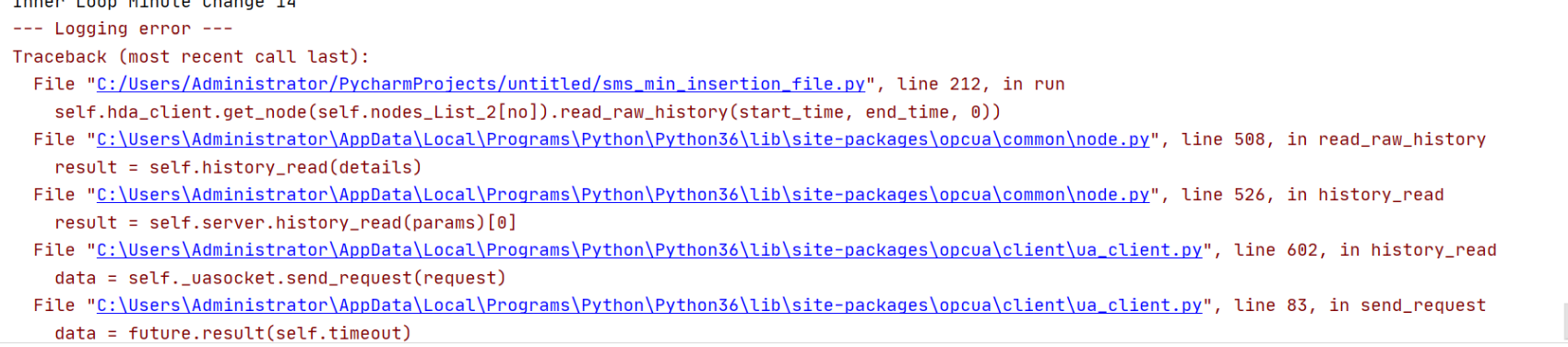
2) Established Connection is was aborted by the software on your host machine .
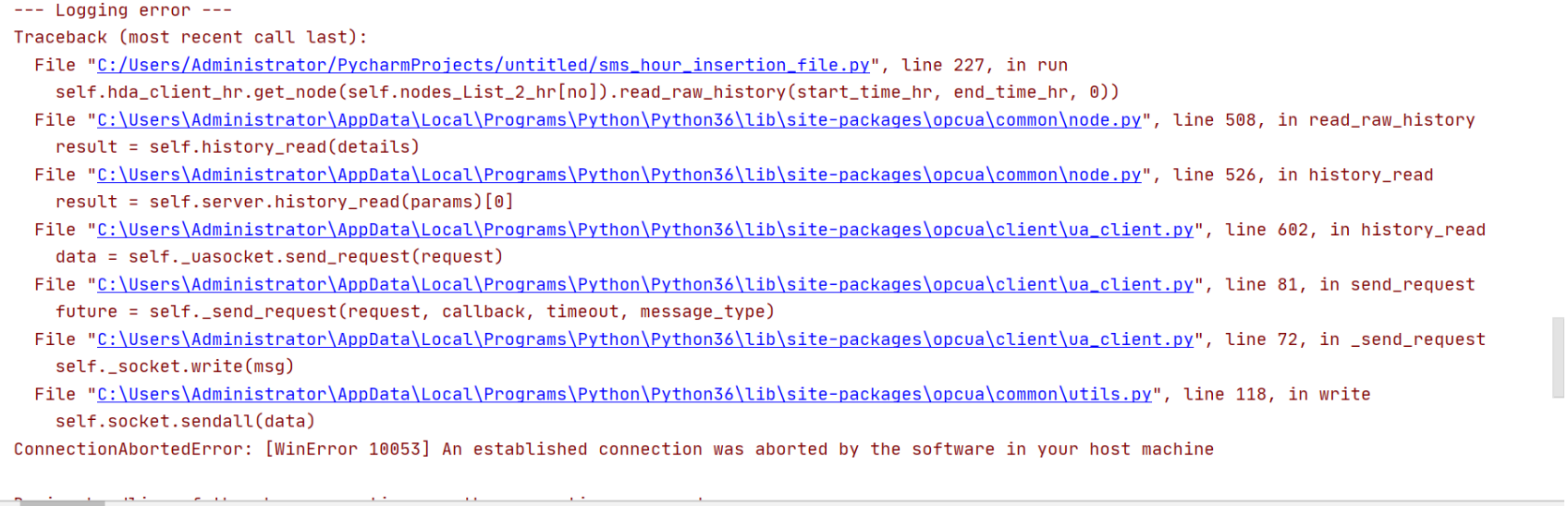
I want o reconnect / restore if the connection gets breaks / rejected . Here in this all my 22 Threads will not connect each , i want to use only 1 connection object to be restored.
OR
How can i check if connection is active and if not active how can i connect again and restore the connection?
OR
How can i keep my client connection alive ( keep-alive )?
Request anyone from the group to assist me on this.
Thanks
Rajnish Vishwakarma

How can i check if connection is active and if not active how can i connect again and restore the connection?
you can simply read the serverstatus-node, it is the safest way to find out if something is wrong with the connection (if it fails reading just reconnect)
How can i keep my client connection alive ( keep-alive )?
i am not sure what you mean!? the connection stays open until you close it or the connection breaks then you need to reconnect
