

 FormidableLabs
Progess in overviewMode and exportMode
Prerequisites
Feel free to delete this section if you have checked off all of the following.
- [x] I've searched open issues to make sure I'm not opening a duplicate issue
- [x] I have read through the docs before asking a question
- [x] I am using the latest version of Spectacle
Describe Your Environment
- Firefox 94.0.1 (x86_64) / Chrome 96.0.4664.55 (x86_64) tried both
- react 17.0.2
- spectacle 8.4.1
Describe the Problem
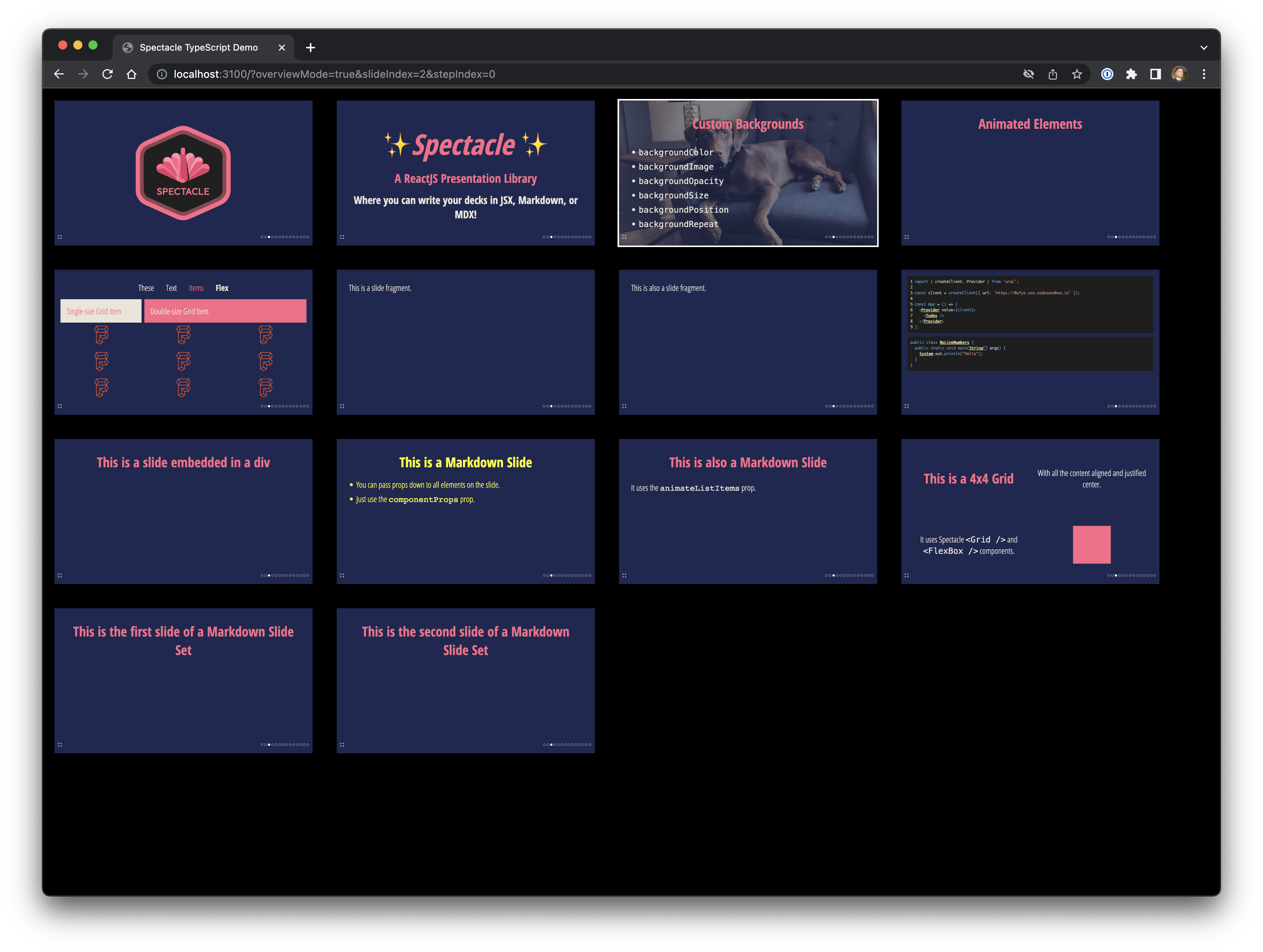
If the <Progress> Component does not get the right information about which slide number it is if used with overviewMode=true. It shows on each Slide that it is on Slide 1.
If used with exportMode=true nothing is shown.
Expected behavior:
The progess should be shown with the right information about which slide of the deck it is.
Actual behavior:
See description i guess.
Additional Information

@DanielBadura This should be resolved with export mode in 9.0.1
The URL is correct and the progress dot is active for the correct slide. Export mode is just a flat print out of all the slides, so navigation is not applicable for that mode.

I'm right now not building slides to give feedback. But on the part with the exportMode: I think also there it could be nice to have the information of the Progress e.g. if the progess is like 1/29 slides.