

 FancyWM
Launch on startup with Administrator privileges doesn't skip UAC
Describe the bug When you enable the launch on startup and the option to run as Administrator, on every boot you are greeted with an UAC window asking for permission to elevate privileges.
To Reproduce
- Enable 'Run Automatically at System Startup' and 'Run with Administrator privileges'.
- Restart the computer.
- When the app starts an UAC window appears to ask for permission.
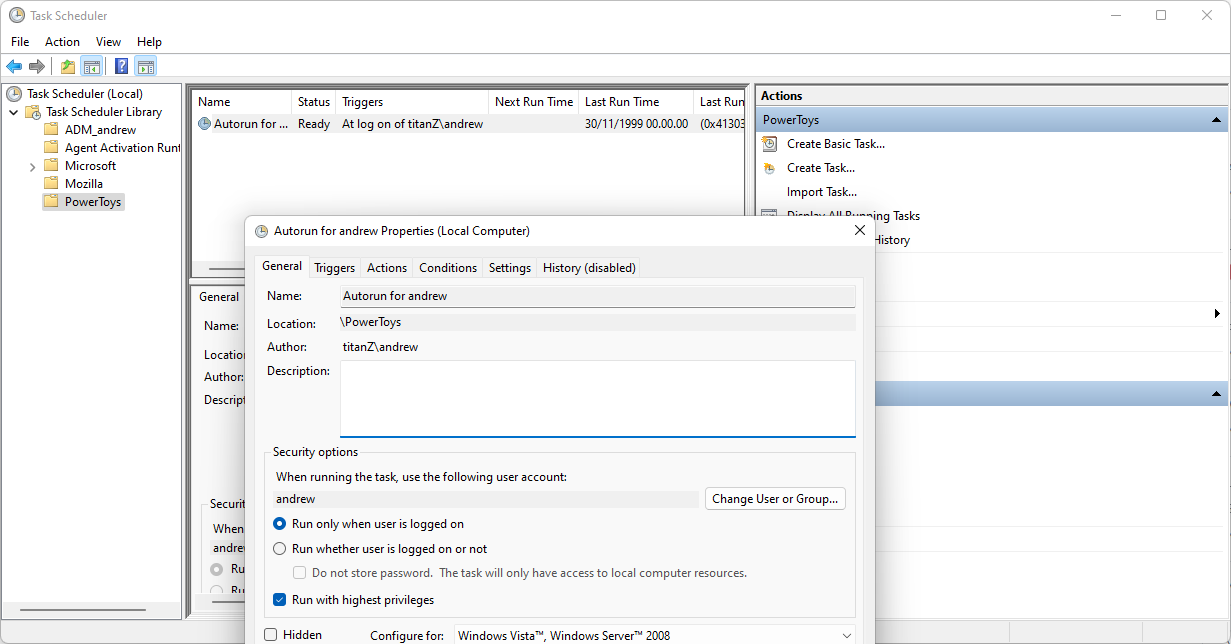
Expected behavior As with other apps that have an option to run on startup as Administrator, the UAC window should be skipped. An example could be PowerToys, that has the same setting but doesn't trigger UAC on startup.
Screenshots N/A
Desktop (please complete the following information):
- OS: Windows 11
- Version: 21H2 64-bit (Build 22000.527)
Additional context N/A


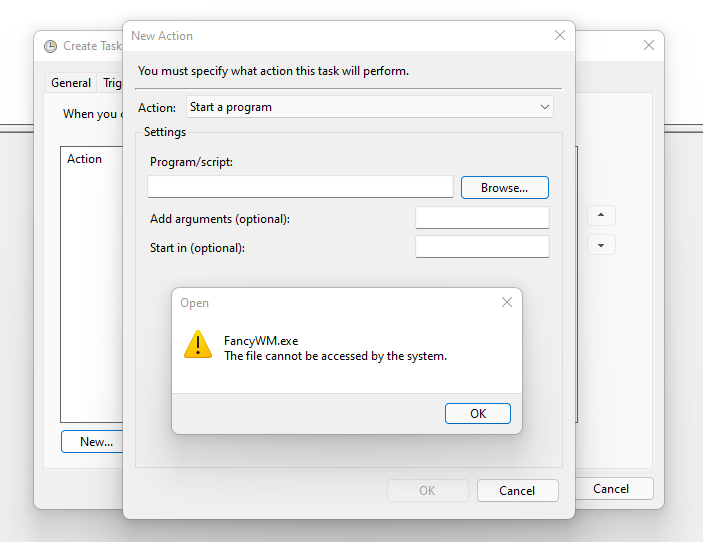
That doesn't seem possible with FancyWM, since trying to use the .exe in Task Scheduler, throws an error for Microsoft Store apps:
I'm not sure why you're getting that error, I have managed to get this to work successfully. I thought I saw a placeholder .exe somewhere, but I managed to find the .exe that worked for me by having the FancyWM window open, going into Task Manager and performing right-click > Open File Location. And then disabling Run on Startup in FancyWM and creating a shortcut for scheduler in the User Startup folder.

This issue is stale because it has been open for 14 days with no activity.
![github-actions[bot] avatar](https://avatars.githubusercontent.com/in/15368?v=4 "Published by a pub.dev verified publisher")
This issue was closed because it has been inactive for 14 days since being marked as stale.