

 FancyWM
FancyWM bar's auto-show/hide functionality is very finnicky
Describe the bug Trying to get the bar in the top-middle of the focused window to try to apply frame settings via the mouse is very finnicky. I find myself spending more than a few seconds just trying to get it to appear and stay visible while trying to access it.
To Reproduce Steps to reproduce the behavior:
- Attempt to use the mouse to get to the FancyWM bar on the top-middle of the focused window.
- Continuously fail.
Expected behavior Be more responsive, maybe increase fade time delay. Maybe have an option to make it always visible.
Desktop (please complete the following information):
- OS: win10
- Version 21H2 64-bit

I think my issue is actually that the point I need to hover my mouse is actually the top most row of pixels on the window to trigger the bar to show. I'm constantly moving my mouse 'within' the middle section of the window's top bar and thus failing to trigger the bar repeatedly.
The gesture requires you to move towards and past the top border of the window, starting from the interior of the window. The cursor is allowed to move past the top border by a small amount before the bar disappears again - 20px I believe. Does the video help? Maybe the amount the cursor is allowed to move beyond the top border is too small?
https://user-images.githubusercontent.com/12015256/178138104-b3a44a01-5069-4b08-b0d6-535b34268a3b.mp4

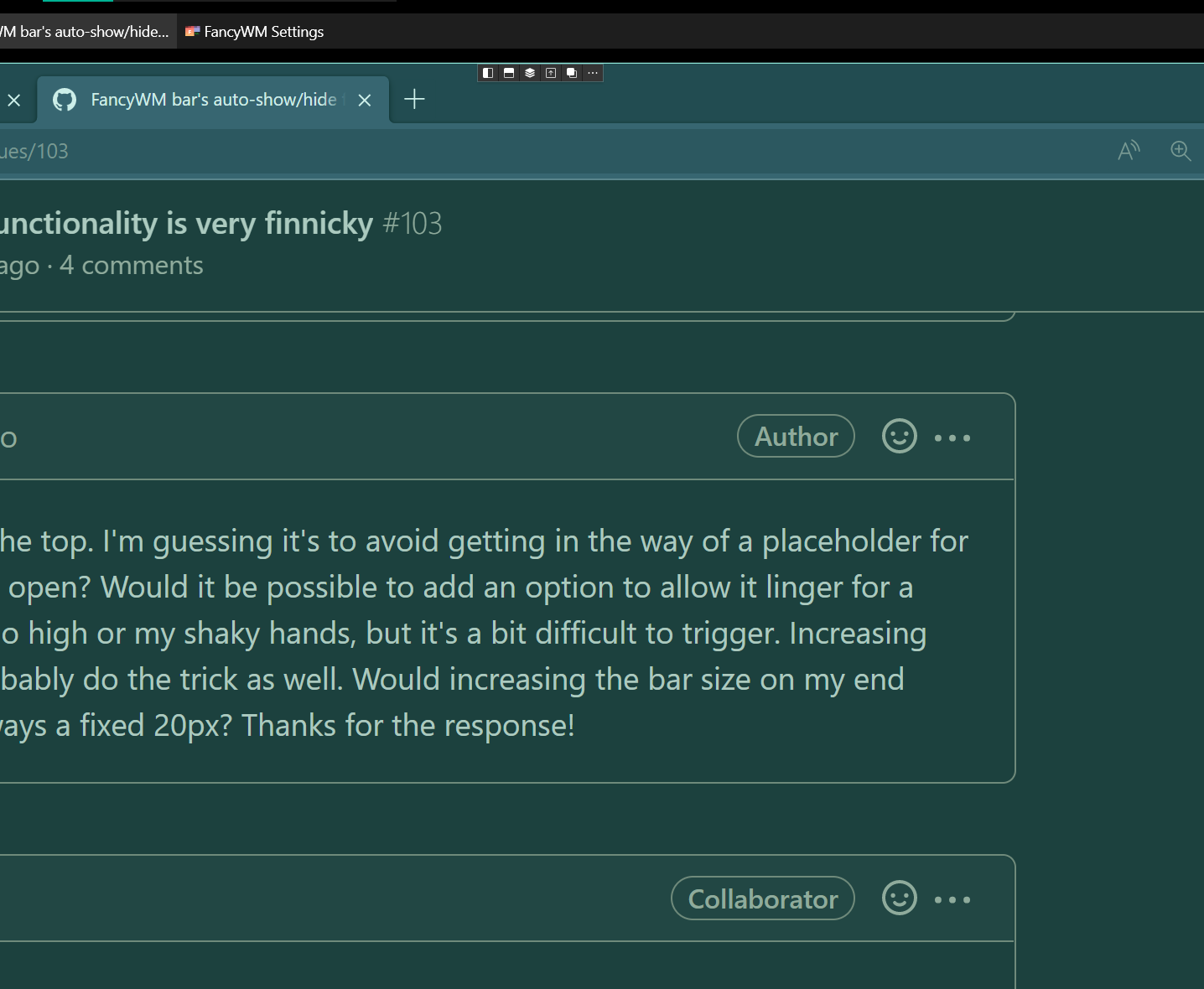
I see, so it's required to go just past the top. I'm guessing it's to avoid getting in the way of a placeholder for a window if you had enough of them open? Would it be possible to add an option to allow it linger for a second? Might be my resolution is too high or my shaky hands, but it's a bit difficult to trigger. Increasing the size as you mentioned would probably do the trick as well. Would increasing the bar size on my end increase the area to aim at or is it always a fixed 20px? Thanks for the response!
It might be the resolution, display scaling, or other factors making this more difficult to get right on your end, as you point out. I will make sure to account for that or make it more configurable in the next update. Thanks for reporting.
The bar/buttons are very small on high res monitor.
For reference: 3840 x 2160 monitor at 175% scaling.

This issue is stale because it has been open for 14 days with no activity.
![github-actions[bot] avatar](https://avatars.githubusercontent.com/in/15368?v=4 "Published by a pub.dev verified publisher")
This issue was closed because it has been inactive for 14 days since being marked as stale.