

 EloiStree
Question: Where to start to code with hands tracking ?
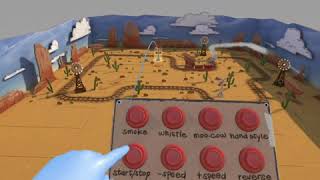
https://youtu.be/PM2kH2Sakt4

https://youtu.be/or5M01Pcy5U

https://youtu.be/gpQePH-Ffbw
https://developer.oculus.com/blog/hand-tracking-sdk-for-oculus-quest-available/ Manual: https://developer.oculus.com/documentation/quest/latest/concepts/unity-handtracking/

<uses-permission android:name="oculus.permission.handtracking" />
<uses-feature android:name="oculus.software.handtracking"
android:required="false" />
Code: OVRHand
	public enum HandFinger { Thumb , Index , Middle , Ring   , Pinky }

	public enum TrackingConfidence {Low,	High}

        bool IsTracked { get; private set; }
	bool IsPointerPoseValid { get; private set; }
	Transform PointerPose { get; private set; }
	float HandScale { get; private set; }
	TrackingConfidence HandConfidence { get; private set; }
       float GetFingerPinchStrength(HandFinger finger)
       bool GetFingerIsPinching(HandFinger finger)

public class OVRBone
{
	public OVRSkeleton.BoneId Id { get; private set; }
	public short ParentBoneIndex { get; private set; }
	public Transform Transform { get; private set; }
}

public class OVRBoneCapsule
{
	public short BoneIndex { get; private set; }
	public Rigidbody CapsuleRigidbody { get; private set; }
	public CapsuleCollider CapsuleCollider { get; private set; }
}
 Video of it: https://youtu.be/LIgWpyN51zQ
I commented on the YouTube, but also thought to ask here.
Any interest in attempting a prototype of the DigiTouch research hand tracking keyboard concept?
Eg. Each knuckle is a key position and you use thumbs to type. Keyboard is split between both hands.
See: https://dl.acm.org/citation.cfm?id=3130978
I ask because your demo looks like it already has 90% of what is needed already.
Just map letters to bone locations and add simple text editor to test, or even web browser

@Rhward3rd Can you explain more. I think I see what you mean. But to be sure.
Do you mean a bit like those ?
 or more like this

I already design some keyboards in the past for VR. But I fall on three problems.
- Learning curve is hard. So it takes days to test if a proto is efficient.
- If the user need to watch the key in any way, you won't go faster that 30 words/minute
- If the user need to learn a keyboard just for a game, they won't.
Redit:
Found your other post, #418 :
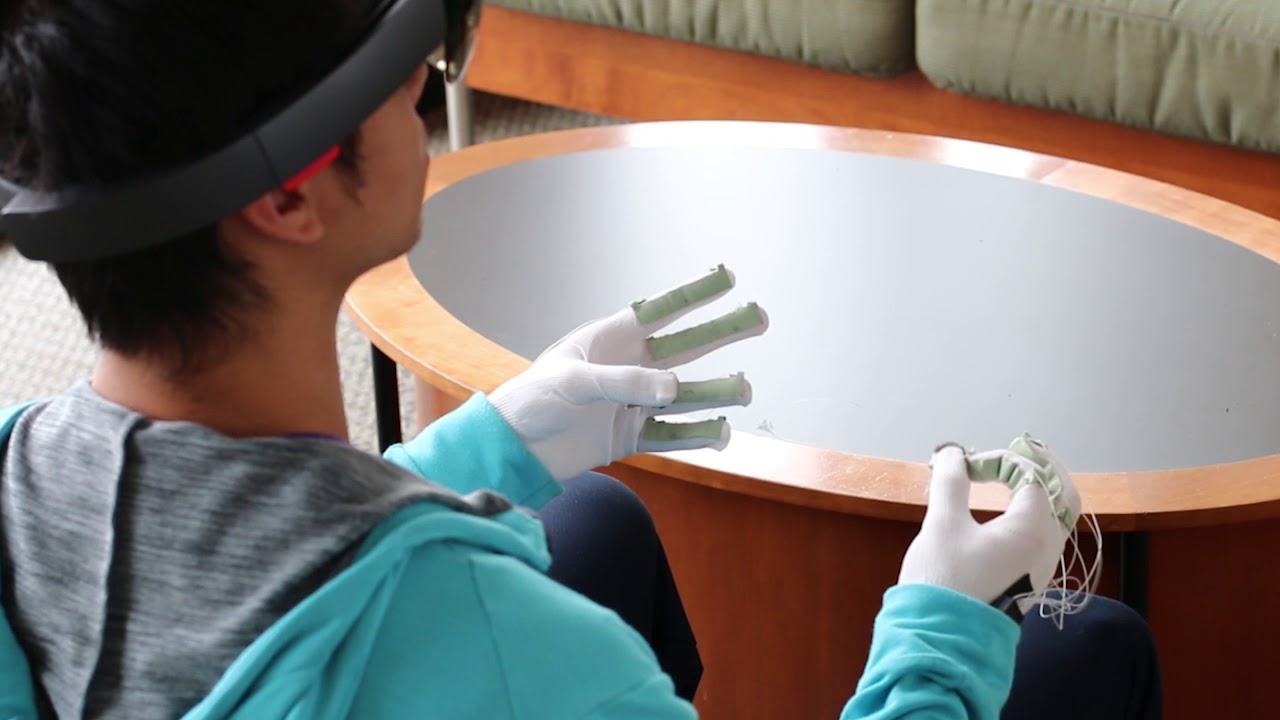
https://youtu.be/4d_RMTVn9eQ
Apparently here, he signal to uncheck the 2019 Signature to have your own manifest: https://theslidefactory.com/oculus-quest-hand-issue-object-reference-and-build/
Found that manifest in late research 2020_06_14:
- https://developer.oculus.com/documentation/native/android/mobile-native-manifest/
- https://developer.oculus.com/distribute/publish-mobile-manifest/
- https://developer.oculus.com/documentation/unity/unity-handtracking/
Modifying the Manfiest file provided in @EloiStree link with the current required Flags from the Oculus Developer page I managed to enable Handtracking in 2022 https://developer.oculus.com/documentation/native/android/mobile-hand-tracking/ Thank you to the slide Factory (https://theslidefactory.com/oculus-quest-hand-issue-object-reference-and-build/)
`
<manifest xmlns:android="http://schemas.android.com/apk/res/android" package="com.unity3d.player" xmlns:tools="http://schemas.android.com/tools" android:installLocation="preferExternal"> <supports-screens android:smallScreens="true" android:normalScreens="true" android:largeScreens="true" android:xlargeScreens="true" android:anyDensity="true"/>
<application
    android:theme="@style/UnityThemeSelector"
    android:icon="@mipmap/app_icon"
    android:label="@string/app_name">
    <activity android:name="com.unity3d.player.UnityPlayerActivity"
              android:label="@string/app_name">
        <intent-filter>
            <action android:name="android.intent.action.MAIN" />
            <category android:name="android.intent.category.LAUNCHER" />
        </intent-filter>
        <meta-data android:name="unityplayer.UnityActivity" android:value="true" />
    </activity>
</application>
<uses-permission android:name="com.oculus.permission.HAND_TRACKING" />
<uses-feature android:name="oculus.software.handtracking" android:required="false" />
<uses-feature android:name="android.hardware.vr.headtracking" android:required="true" android:version="1" />
