

 EFForg
Broken download of files from HTTP-Sites
Type: code issue
Problem Description:
When trying to download File from a http website that was added to the exceptions, via right clicking on the link to the file and selecting "Save link as" an Error occurs:
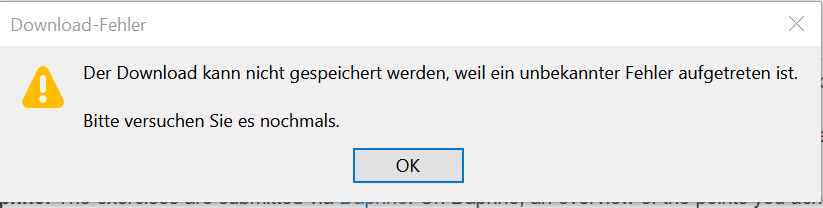 (it says that the file coudn't be downloaded because of an unknown error)
Opening the file in the Browser with left click and then downloading it works fine.
Steps to reproduce: Enable Encrypt All Sites Eligible in HTTPS Everywhere Open http://ac.informatik.uni-freiburg.de/teaching/ws20_21/algo2021.php in Firefox Add this Site to the Exceptions, when the HTTPS Everywhere warning occurs ("open insecure page") Scroll down to the Exercise Sheets and try to download one of the pdfs by right clicking -> "Save link as" Wait for the error message
Or
Enable Encrypt All Sites Eligible in HTTPS Everywhere Open http://ac.informatik.uni-freiburg.de/teaching/ws20_21/algo2021/recordings/introduction.mp4 Add this Site to the Exceptions, when the HTTPS Everywhere warning occurs With the mouse on top of the video click with the right mouse button -> "Save video as" Wait for the error message
Edit: There is no problem/error in chromium btw.

This error dialogue is not generated from HTTPS Everywhere, especially if you deactivated the extension before this error box popped up.
Can you confirm if the icon is grey before you try to save? That would confirm if the extension is deactivated properly before you save.

Hey, i forgot to specify that the error does not occur anymore if I deactivate the addon completely
When staying on the website, then the icon is grey (however not HTTPS Everywhere is only deactivated for this website) and the problem is there. When deactivating the plugin then there is no error and saving the file works well.
edit: I just found out that the error occurs only if the option "encrypt all suitable pages" is enabled.
EASE mode or Encrypt All Sites Eligible is expected to interrupt unencrypted or HTTP only connections at times. If HTTPS Everywhere blocked this, normally this page would pop up
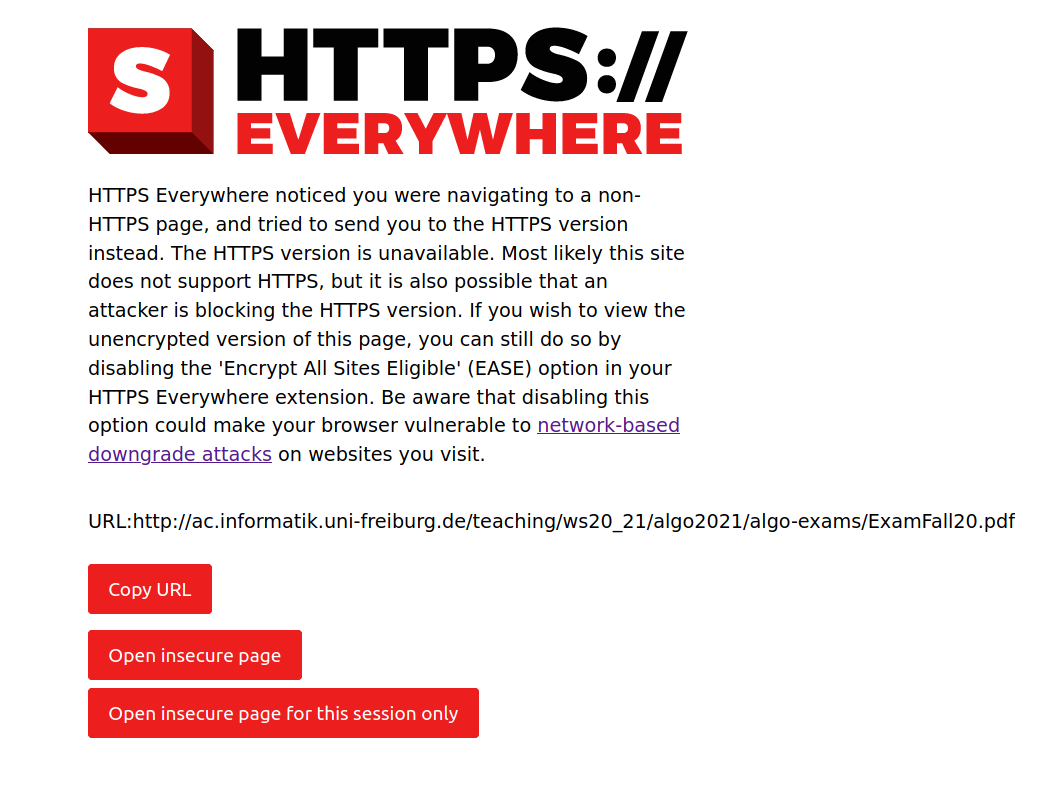
Did you see this page?
As I have added the website to the exceptions, I do not see the message when opening http://ac.informatik.uni-freiburg.de/teaching/ws20_21/algo2021.php or http://ac.informatik.uni-freiburg.de/teaching/ws20_21/algo2021/algo-exams/ExamFall20.pdf (same website / domain, needs only to be added once to the exceptions).
However when trying to download the file via context menu from the first page, then the error occurs. As downloading a linked file via context menu does not open it in a new tab, I can't check what is happening in the background. However obviously HTTPS Everywhere seems to block it. Even when it is not blocked when opening the file directly in a new tab.
For clarification, are you not able to reproduce the problem i described?