

 E2OpenPlugins
Channel list/bouquet .m3u download link in channel list
In classic UI you can just click on the TV symbol close to the bouquet name and you download the full bouquet .m3u8 file (efficient, simple and really fast).
In modern UI you need to go into the bouquet editor to be able to download the selected bouquet full channels .m3u8. Problem:
- when you have a big list of bouquets and channels this is incredibly slow
- I don't see the logic to go into the bouquet editor to download the selected bouquet whole channels .m3u8 file
Can you please restore in the Modern UI a simple way to immediately download a given bouquet full channel list? That's really prevent me from switching OpenWebif to modern UI.

Hi @pr2git, I'd like to find out more - could you provide some context on what app (or other purpose) you use the bq file with, and how often you would do so? This would help to decide where to place such a feature.

Each time I want to watch TV on my PC or tablet or smartphone or whatever I connect to OpenWebif and I download the .m3u file from the bouquet I'd like to watch. Then I open it up into VLC. This allows me to zap from VLC. With classic GUI it is fast and easy, with modern UI I need to go into the channel editor and it is terribly slow to open up because I have many entries and favorites. Having the full bouquet download in the editor is a non sense. You can download individual .m3u for a channel immediately from the main screen so there is no reason to go into the channel editor to perform the same for a whole bouquet. ;-) Just port back into Modern Interface what is done in the classical one. According to me, the new location to download a full bouquet is a regression between classical and modern UI.
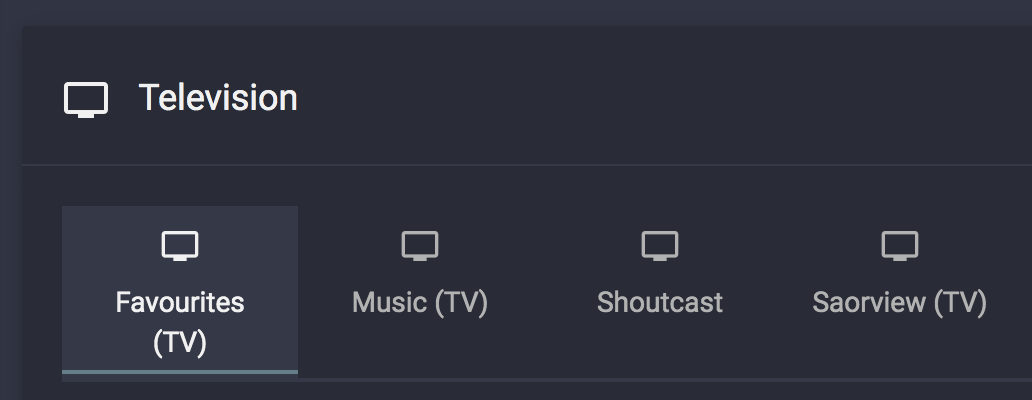
🤔 I wonder... would double-clicking/double-tapping on the bouquet's tab in the TV and Radio channel lists to download the playlist of its channels be a suitable experience?
One can save the downloaded .m3u8 file - it doesn't need to be re-downloaded for every streaming session (only when the bouquet contents change).

I agree with @pr2git. This (hiding download link in ModernUI) is the only reason I keep using classic ui.

Double clicking not really, I prefer an icon to click on (like we have today). When we start hiding features under double clicking or key combining that just make those features useless because nobody knows how to use them (or only very few) and at the end with age you forgot how you did it and start searching for it or retrieve it by mistake.
Please add this feature, it was so useful in the old WebIf. One click to generate a playlist from bouquet which you can use anywhere (VLC etc.) is missing so much.

I intend to add a dropdown menu on the right-hand side with a link to the. m3u8
Sounds good. Another option could be a custom context menu (document.oncontextmenu handler)