

 Drive4ik
Highlight of active tab not shown when opened from another application
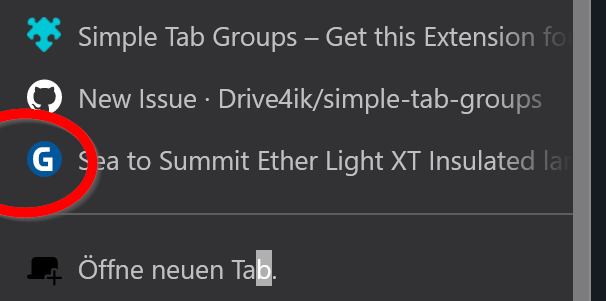
Describe the bug When opening a new tab from another application, lets say thunderbird, then tab opens in active group as new tab (as expected), BUT the marker (highlight) for the now active tab is NOT SHOWN.
When having a big group, and the new tab is opened somewhere in the "middle" it is very hard to find the right tab ... which becomes a problem when changing in between tabs.
To Reproduce follow a link from outside of thunderbird ...
Expected behavior
Highlight of active tab is shown (in my case BLUE marker on left side)
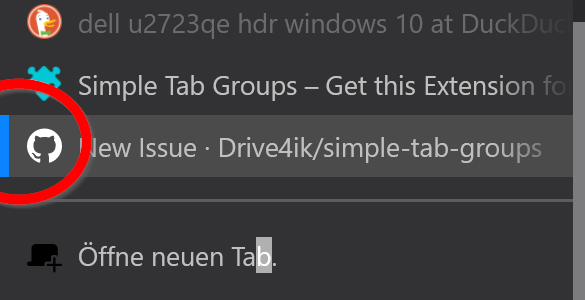
Screenshots
The tab "Sea to Summit" was opened from thunderbird ... active marking not shown
Desktop (please complete the following information):
- OS and version: WIN 10 Pro
- Firefox version: 101.01
- Simple Tab Groups version: v4.7.2.1
Additional context This is bothering me since a long time - now found the time to report.
After switching tabs two times with STRG+TAB highlight on the "new tab" is shown again, but this is just a workaround
