

 DIYOSEPP
No "compile / upload" button on windows


Hello, There is no "compile / upload" button, which means that the nodejs module failed to load. Please confirm whether you executed ./node_modules/.bin/electron-rebuild -f To compile the nodejs module for electron I assume that you use the windows system, then you can open the Developer Tools through the shortcut key [ ctrl+ shift + i ] to further see what is wrong. (or press the [alt] key, a menu will appear at the top, select View-> Toggle Developer Tools) In addition, if you just want to use the software, download a pre-compiled version is a better choice.
Best Regards, OSEPP team

Thank you @zhsvector
 Rebuild OK for me.
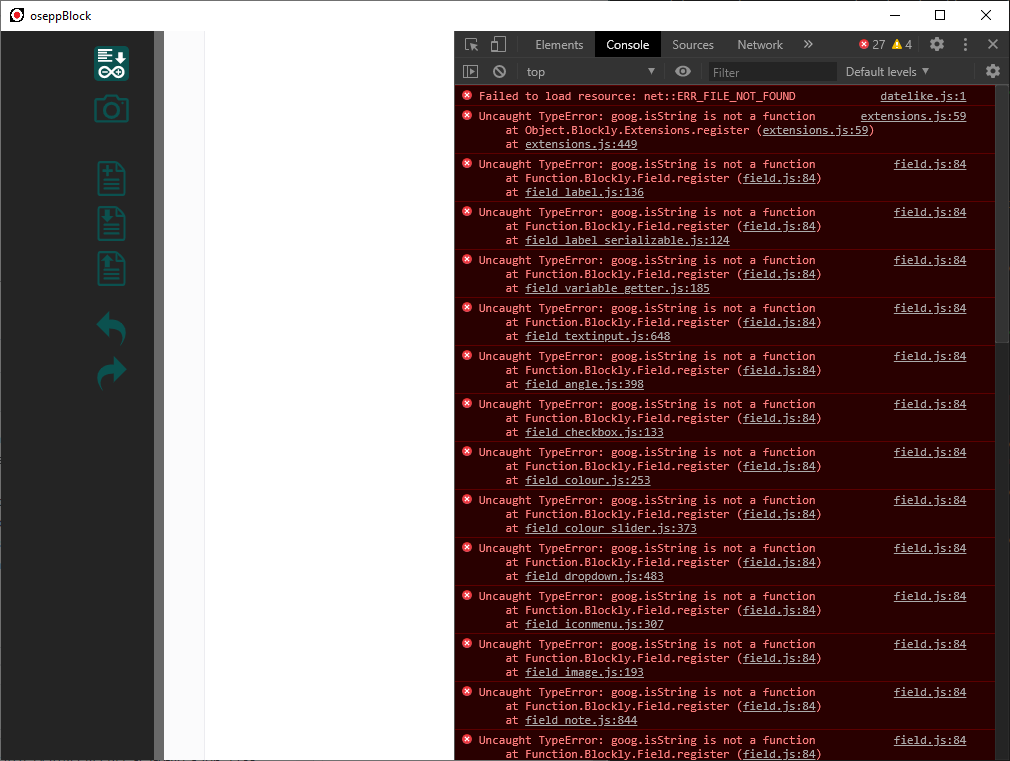 This is my error, can you hekp me, thank you again.
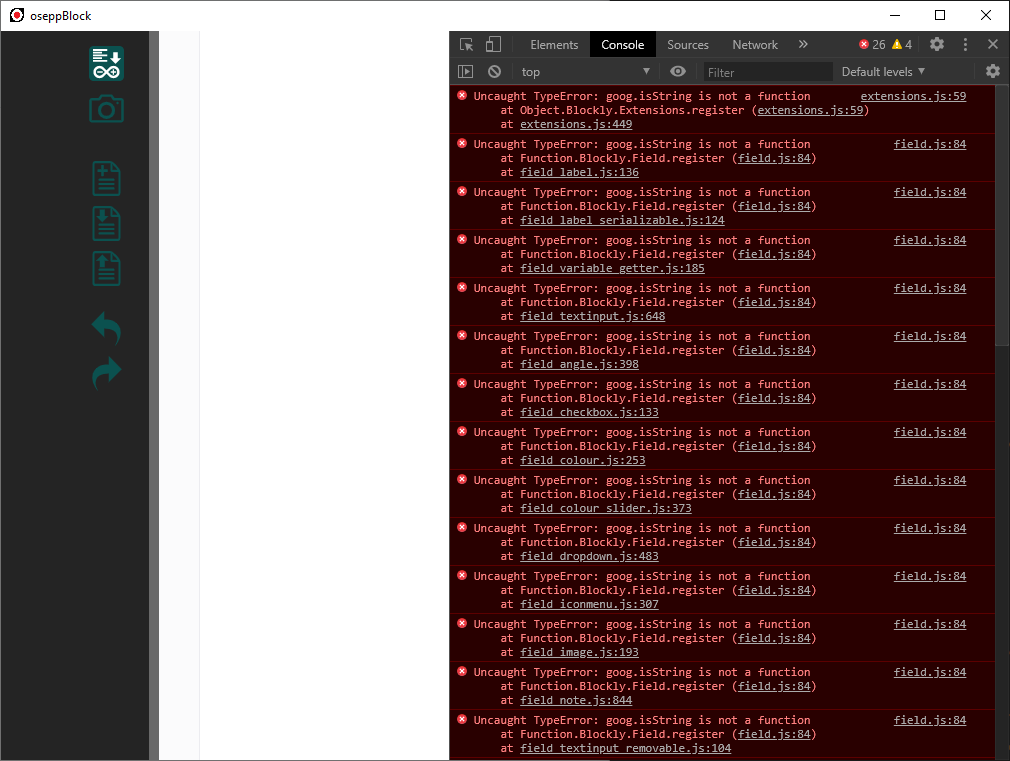
Yes, this is caused by the Closure Library. They moved this function out of the closure-library. https://github.com/google/closure-library/commit/9325ce1bbebcfe8c7aa54f8342959c73a1762a77 So we need to remove it from the scratch-block, or use the older closure-library.
@zhsvector Thank you for your support.
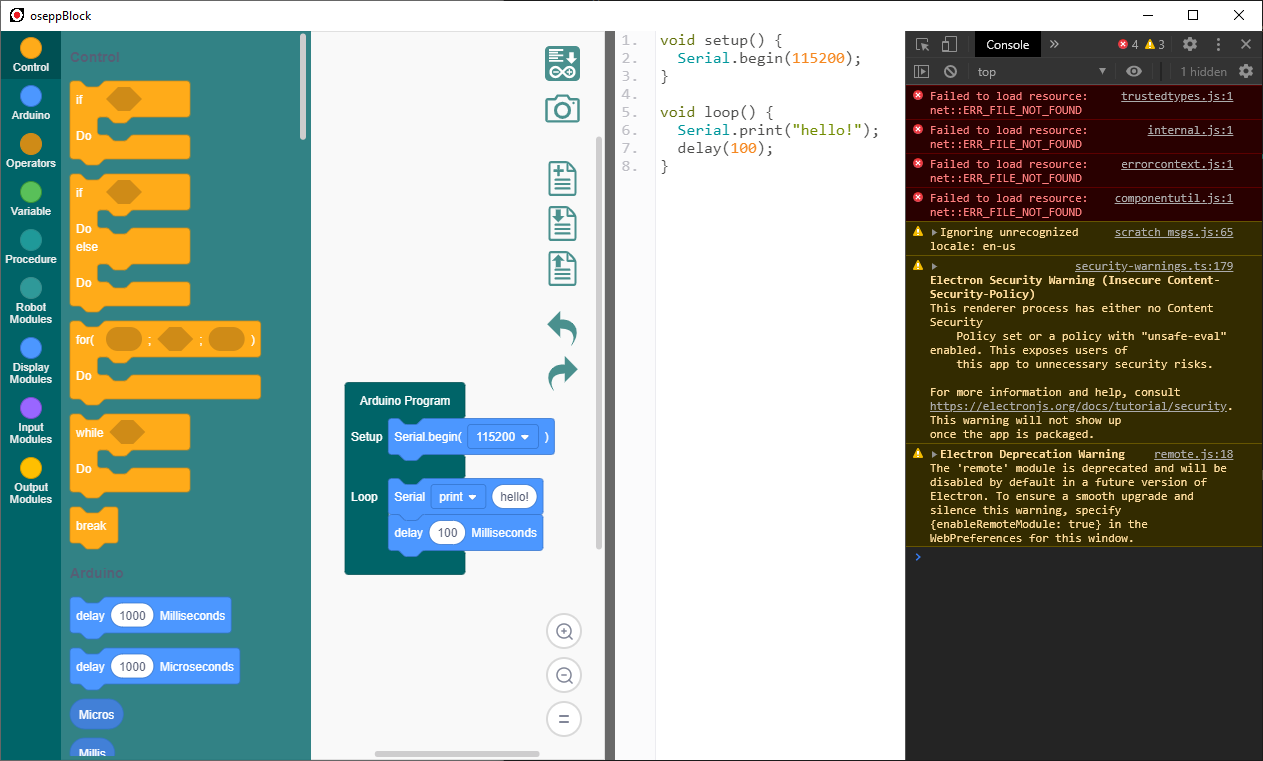 There is no "compile / upload" button, what version of Closure Library are you using?
I repeated the rebuild steps in a brand new linux system, using closure-library-20191027. This problem is not reproduced. I suggest you set a breakpoint and trace on line 293 of serial.js to further find out what went wrong. another suggestion is to delete the node_modules directory and execute npm install && ./node_modules/.bin/electron-rebuild -f again