

 Countly
Version mismatch after upgrade
After upgrading from 20.11 to 21.11 and following the instructions and executing the script, I see the following message in the dashboard:
The script states:
Done.
Restarting Countly...
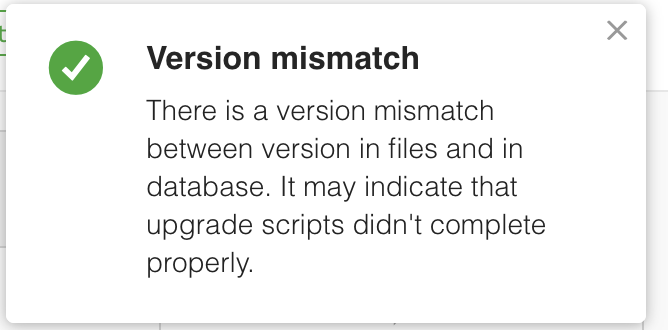
In the dashboard there is a message:
"There is a version mismatch between version in files and in database. It may indicate that upgrade scripts didn't complete properly."
Your Environment
Ubuntu 20.04
Everything seems to be working so far. I also was able to crate a dashboard. How can I get rid of the message?

Same issue here, but heading towards 22.03.5. Not only the upgrade documentation is incomplete and ommits entire v21 release, but also breaks current countly installation and pollutes mongo server-related documents upon "upgrade completion". main reason why companies won't invest in enterprise solutions from shmucks.

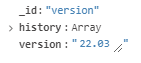
for future reference, @bb-git - simply update document via MongoDB Compass - countly > plugins > version - replace current v with your previous, proper one and hit update button. you also have to remove incorrect version from history array.
We had a bug with it previously which should be fixed now, but overall, we make version of files and version of database and this warning shows if they don't match, usually meaning you need to run some upgrade scripts
