Codectory
Add possibility to change primary monitor
Hello Can you implement that run app on another monitor (example: main monitor is \.\DISPLAY1, needed monitor \.\DISPLAY2), same as audio switcher ?

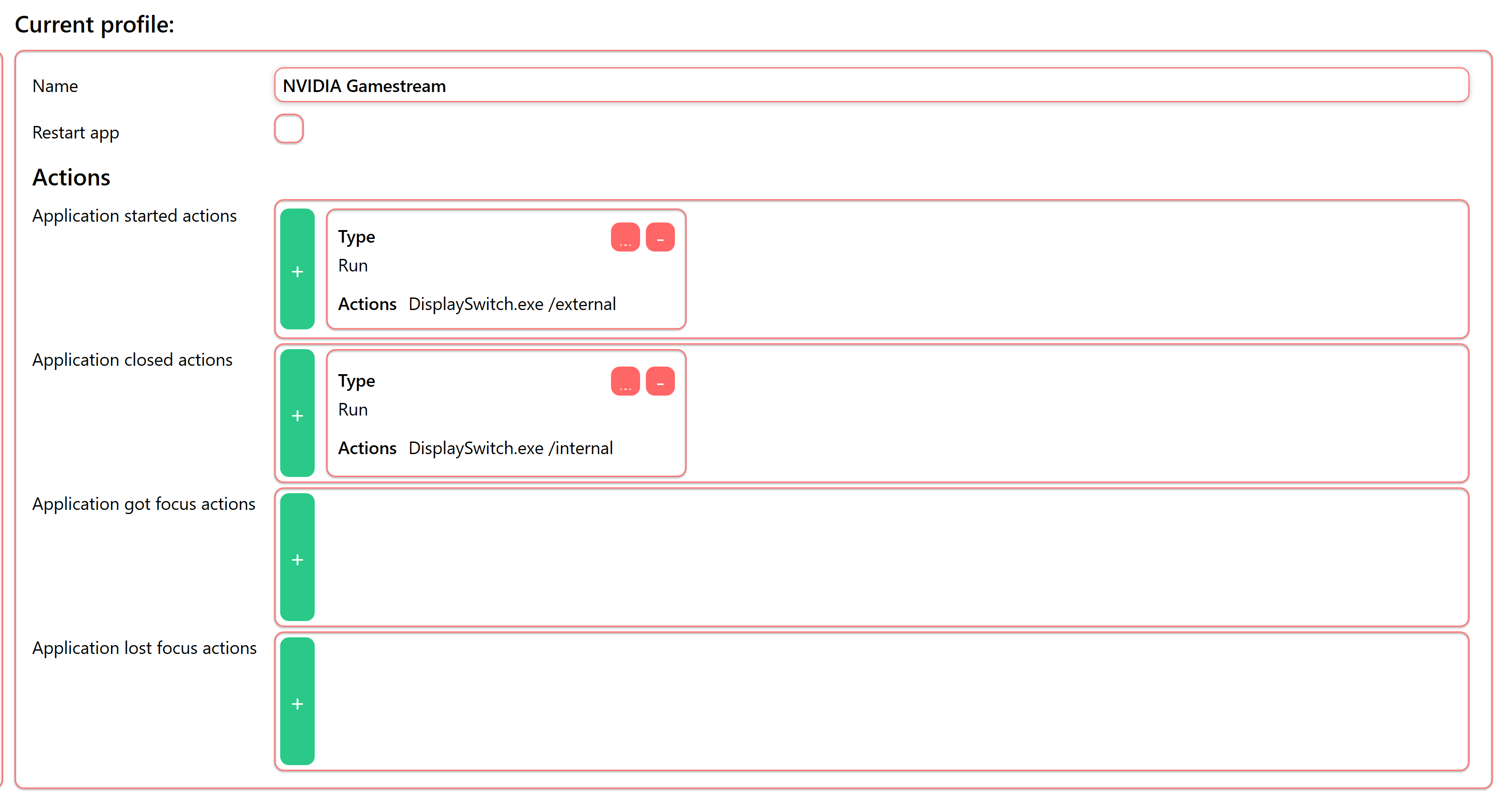
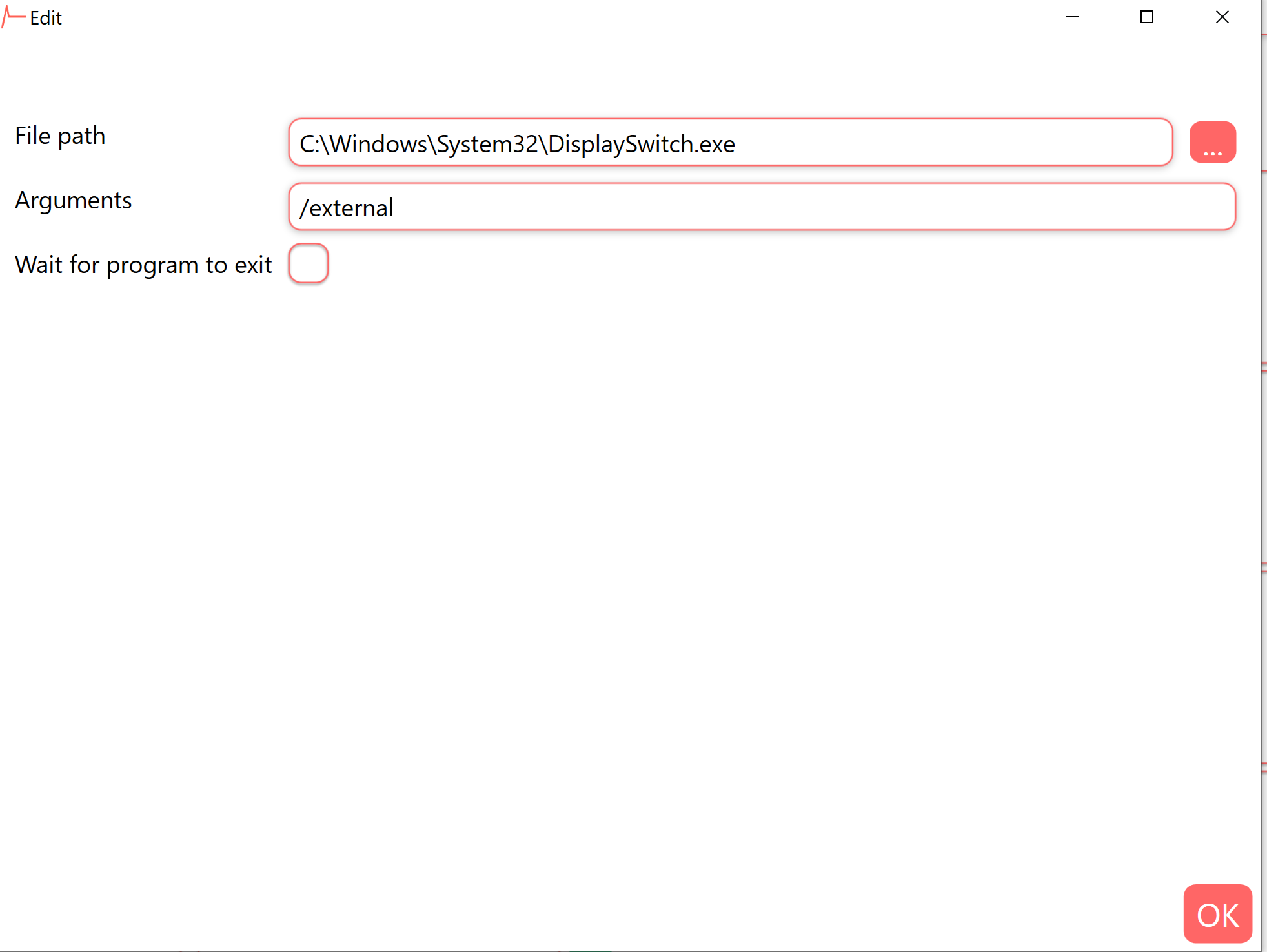
I have a solution that may work for you depending on how many monitors you have and how you use them. I run displayswitch.exe (C:\Windows\System32) using AutoAction's 'Run Program' option in a custom profile. See the following link for more information:
https://renenyffenegger.ch/notes/Windows/dirs/Windows/System32/DisplaySwitch_exe
I use this to switch to my headless dummy plug when using NVIDIA Gamestream. I add nvstreamer.exe as my application. When nvstreamer.exe starts I use AutoAction to run displayswitch.exe with the argument /external (switches to dummy plug). When nvstreamer.exe closes I run displayswitch.exe with the argument /internal (switches to my primary monitor). You could do the same by replacing nvstreamer with whatever application you want.