

 CodeEditApp
✨ Use appropriate product icon for corresponding build type
We should be using the correct icon depending on the build type.
| Build type | Product Icon | Description |
|---|---|---|
| Local Development | 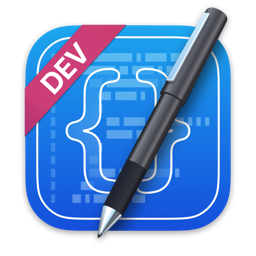 |
If you build locally we should use this icon. |
| Alpha | 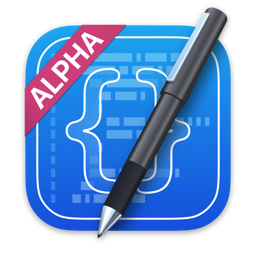 |
If you download a pre-release build from GitHub and until we go into beta, we should be using this icon. |
| Beta | 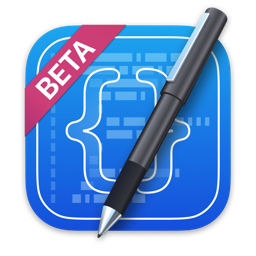 |
We will use this icon once in beta phase |
| Production | 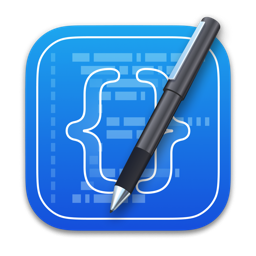 |
Only use this icon once we have a production release. |
Note: Do not use the above image files as they are reduced in size for display on GitHub. The image files are already included in the project assets.

Would just changing debug mode to be the local development icon and then release mode be the alpha suffice for now?

Preferable, only one icon set at a time should also be included in the app. Otherwise, they increase the build size quite a bit

@Wouter01 Absolutely! This will definitely help our bundle size.
I'm wondering if this should be done using CICD?
I can work something out using configurations in Xcode later today/tomorrow
