

 CodeEditApp
✨ Snap Sidebar To Width
Describe the solution you'd like
Snap the sidebar at a specific width. Xcode snaps to 270 we should follow suit.
When below this snapped width, the sidebar dock icons condense.
In Finder, when the sidebar snaps to a width, the user gets subtle haptic feedback to reinforce what happened.
Video Demo
https://user-images.githubusercontent.com/806104/201810793-a4a02d92-4612-4c4f-a808-dcc4d6d15d1d.mov


I need a couple of clarifications:
- Current implementation sets
minimumThicknessat 260. If we snapped at 270, the way between 270 and 260 feels slightly laggy. Should we decrease the lower boundary a bit? - Currently sidebar dock icons are perfectly fit because
minimumThicknessis 260. Is space between icons should increase when the width is more than 270? If so, by what value does it increase?
- Xcode’s minimum width seems to be 242. Let’s go with that.
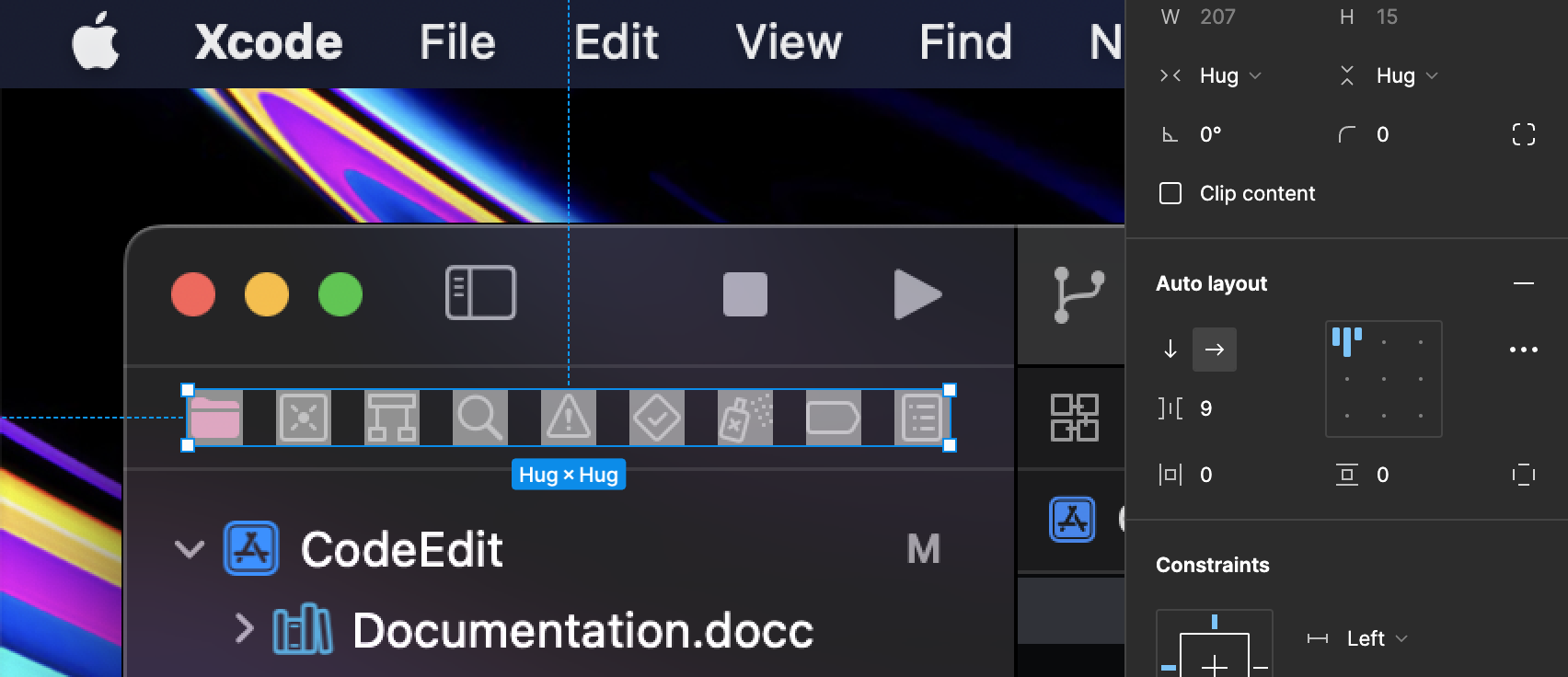
- Xcode reduces icon spacing to 9px when width is less than the snap (< 270).
 When width is 270 and above the spacing is normal at 15px.
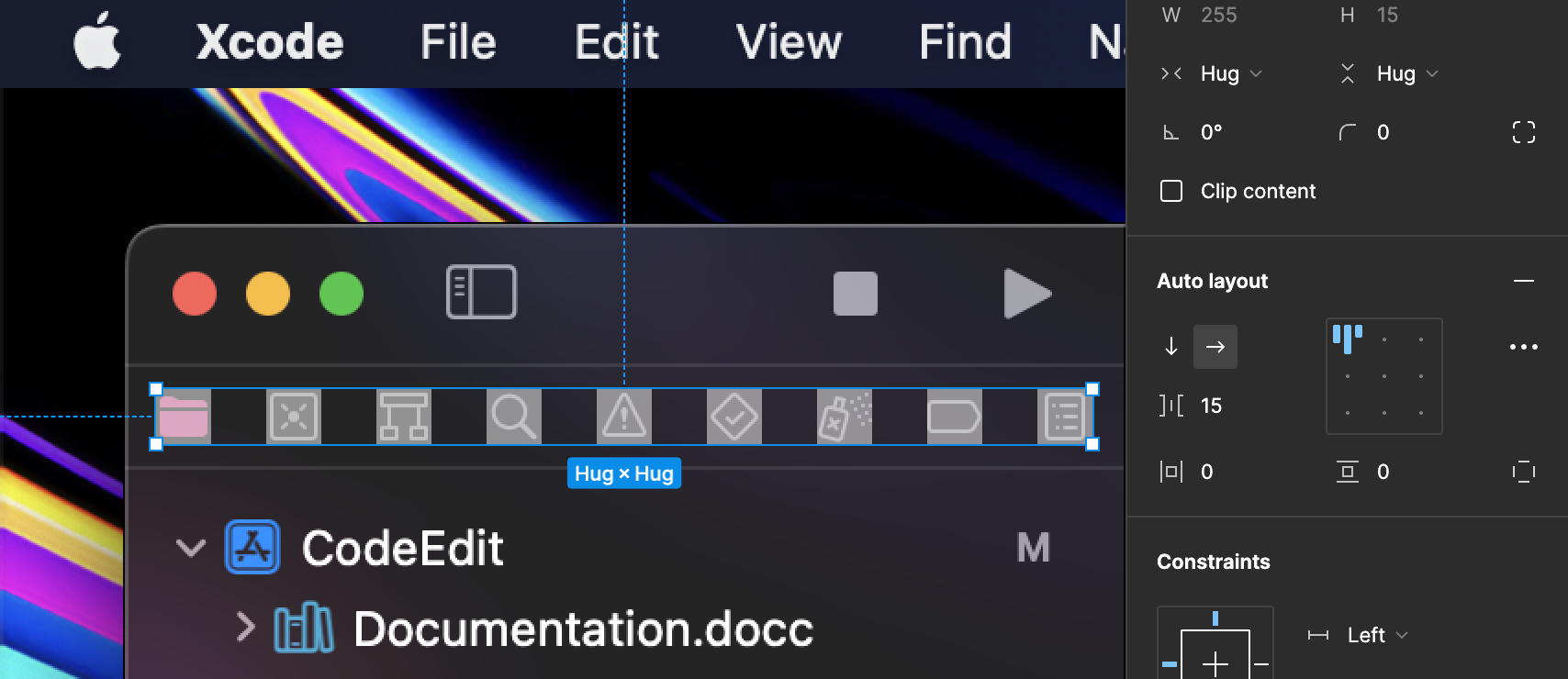
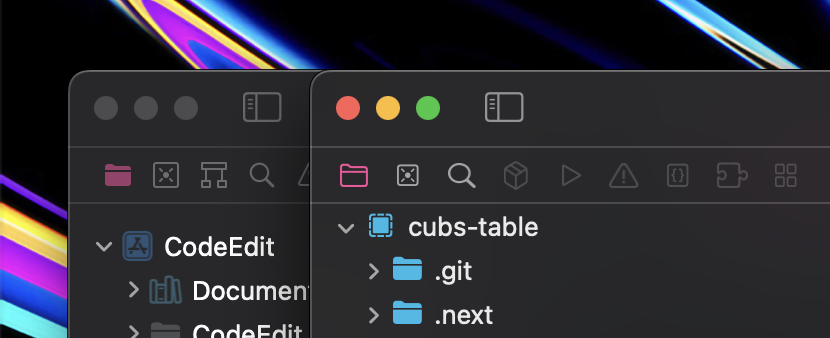
It also seems like our icons are stretch (not proportioned correctly) we may need to set the aspect ratio to fit.

@yapryntsev please have a look at the following comment regarding failing tests introduced in PR #882:
- https://github.com/CodeEditApp/CodeEdit/pull/882#issuecomment-1378172709