

 CodeEditApp
✨ Drag to Reorder Tabs
We should be able to reorder tabs like the default tabs in macOS. They should animate as you are dragging just as they do here...
https://user-images.githubusercontent.com/806104/160204100-9a00ee29-dfbc-4a0c-b05c-af58f532d1db.mov


@lilingxi01 you might take the same approach @jav-solo did in #477 to do this.
The order needs to be remembered even after closing and reopening the app. It will of corse not be in Preferences as it is project dependent.
Keep in mind that we also plan #338.
It's probably best to save it to the projects .codeedit folder. You can extend the AppPreferences or even better make a ProjectPreferences module to fetch/save settings that are project related.
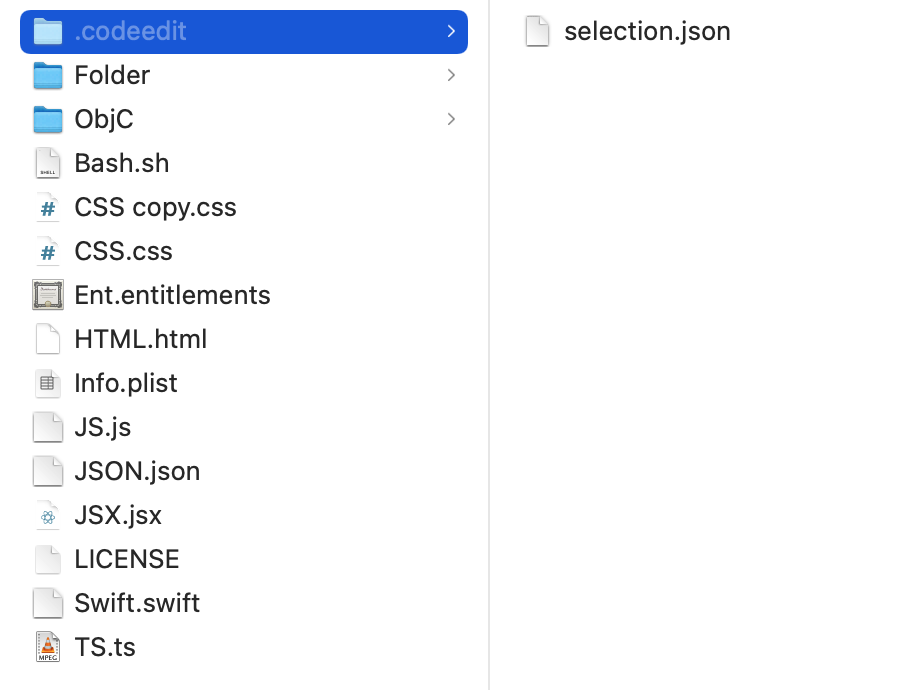
@lukepistrol I don’t think that it should be in the project .codeedit directory. We should take VS code’s lead on this one and not create a project .codeedit directory unless absolutely necessary (aka project preferences are modified). Some people don’t know to add that file to their gitignore.
Xcode doesn’t do this, VS code doesn’t do this, there’s no reason we should either imo
The order needs to be remembered even after closing and reopening the app. It will of corse not be in Preferences as it is project dependent.
I wonder which file has done the "remembering" behavior?
@austincondiff ok but how do we store it then? We need some way to uniquely identify a project. The path will not work since it is subject to change. Some git hash also won't work since some projects might not be a git repository. I think it is the only option to make some kind of project specific .codeedit folder that lives in the root of the project. We could automatically add it to .gitignore once created.
I just confirmed how it works in VS Code. I opened a project directory, opened a few tabs. Then in Finder I renamed the parent directory's name. I went back to VS Code and my files disappeared from my sidebar. I tried expanding the empty root directory and it said directory not found. I closed VS Code, reopened and I opened the project in the new location. When it opened no tabs were opened.
tldr; It does in fact use the path as the identifier.
But I can't stress enough, do not clutter up the users directory unless absolutely necessary.
I think it is the only option to make some kind of project specific .codeedit folder that lives in the root of the project. We could automatically add it to .gitignore once created.
Can you confirm how VSCode did it? I remember VSCode does not automatically add .vscode into .gitignore, but I also do not see any "opened-tab" or "tab-order" related modifications from other's commits.
Update:
So, should we store the "opened-tab" or "tab-order" in Application Support? Or should we just not store them at all?
@lilingxi01 after discussing this with @lukepistrol, we have come to this conclusion: #513
Go ahead and start implement the ability to drag to reorder and by the time you are done with that @lukepistrol will be have his piece in place so that we can persist the order.