

 CodeEditApp
✨ Show an unsaved indicator when file has been edited but not saved
Description
If autosave is turned off, show an unsaved indicator if the file has been edited and not yet saved, both in the currently active tab (if visible) and in the red close window control.
If there are any dots in any tab, there will be a dot it the close window control.
The unsaved indicator in the tab should be a dot located where the close button would be. When hovering over the tab, the unsaved indicator is replaced by a close button.
File has been opened but not edited:
- Show normal red close window control
- If tabs are visible, show normal tab
Some edits have been made to the file:
- Show red close button with a circular black dot inside it
- If tabs are visible, unsaved indicator is shown in the tab
File has been saved:
- Show normal red close button, circular black dot disappears
- If tabs are visible, unsaved indicator disappears from the tab
Additional Context
Similar behavior is implemented in many apps, e.g. Sublime Text and VS Code.
Screenshots
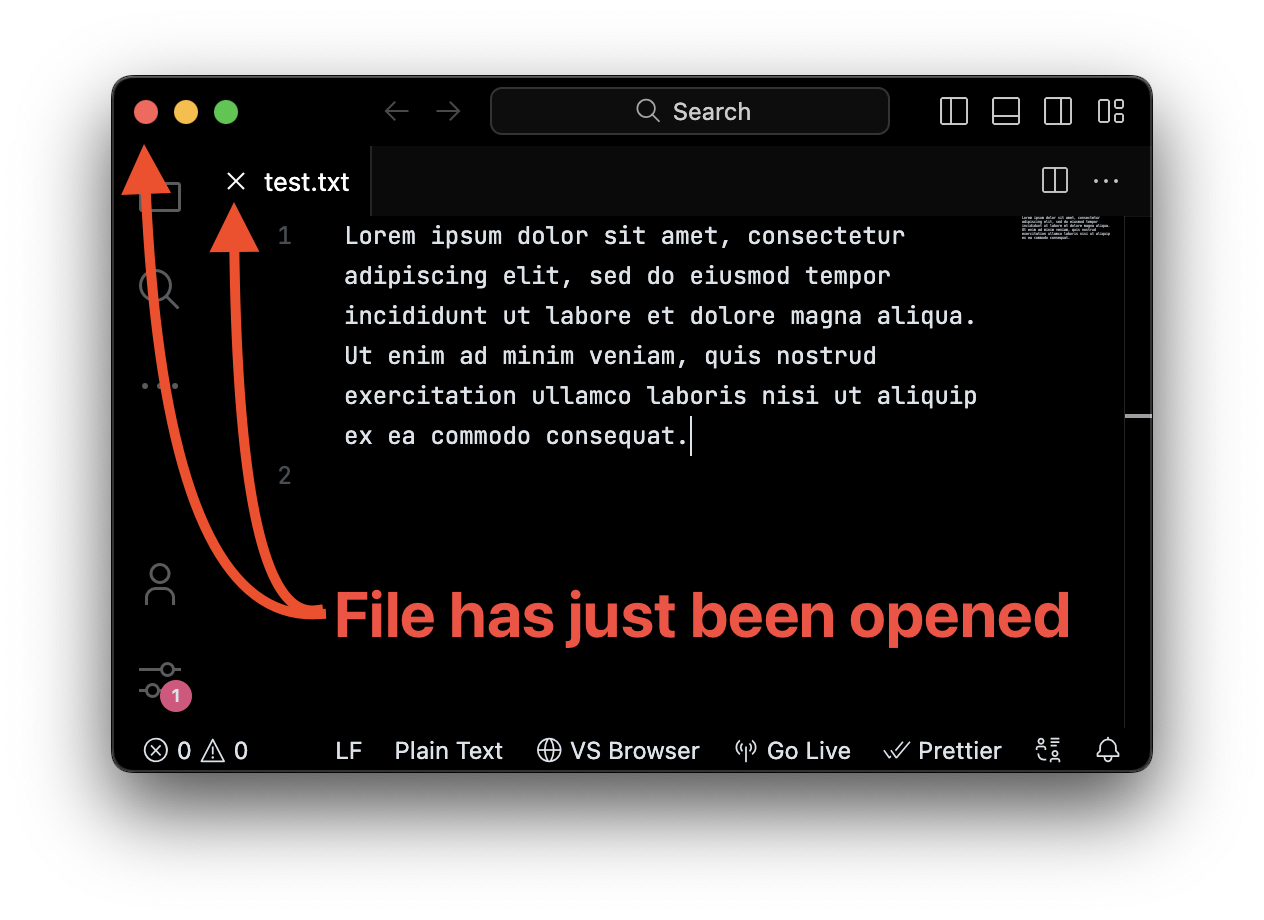
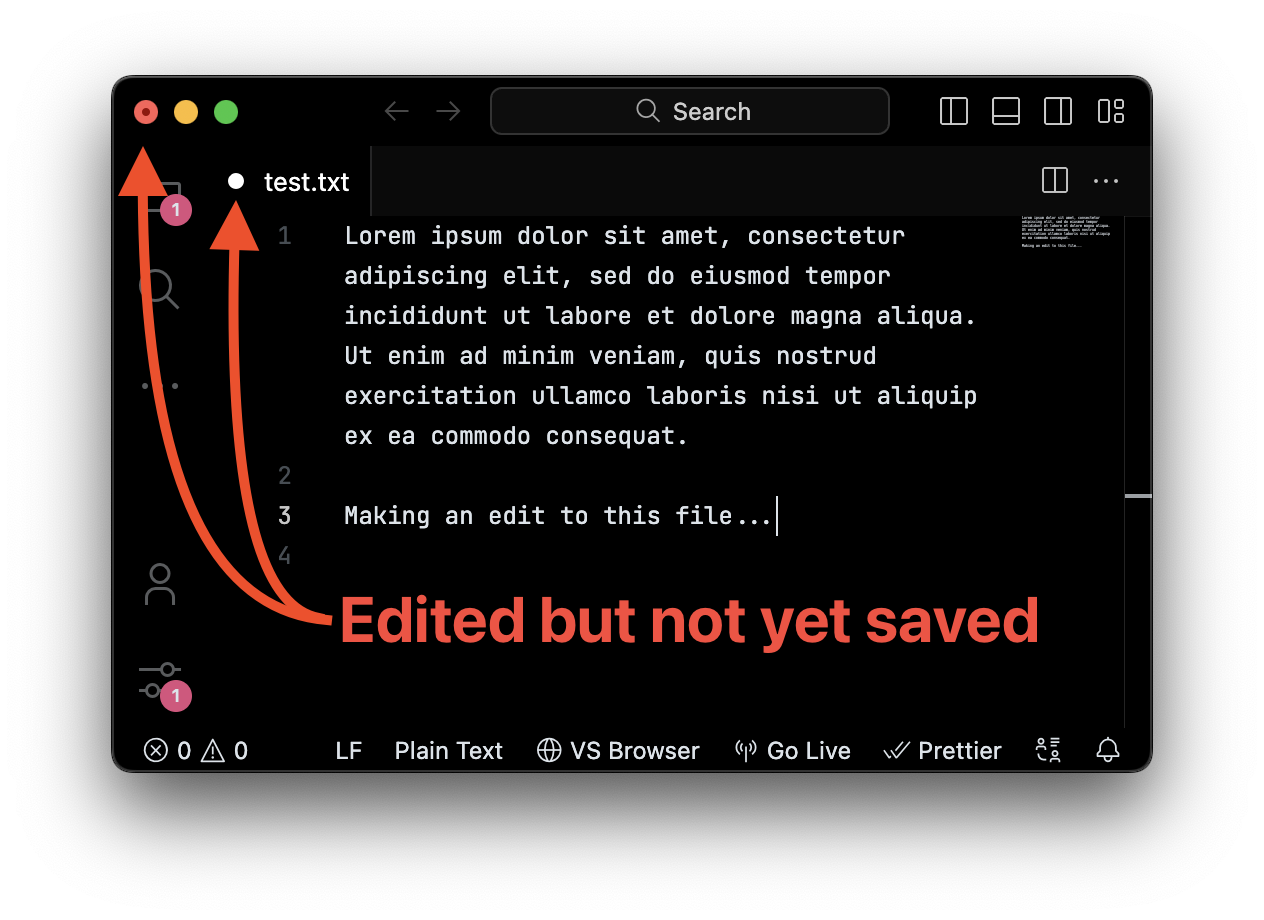
Mock up of how this might look...
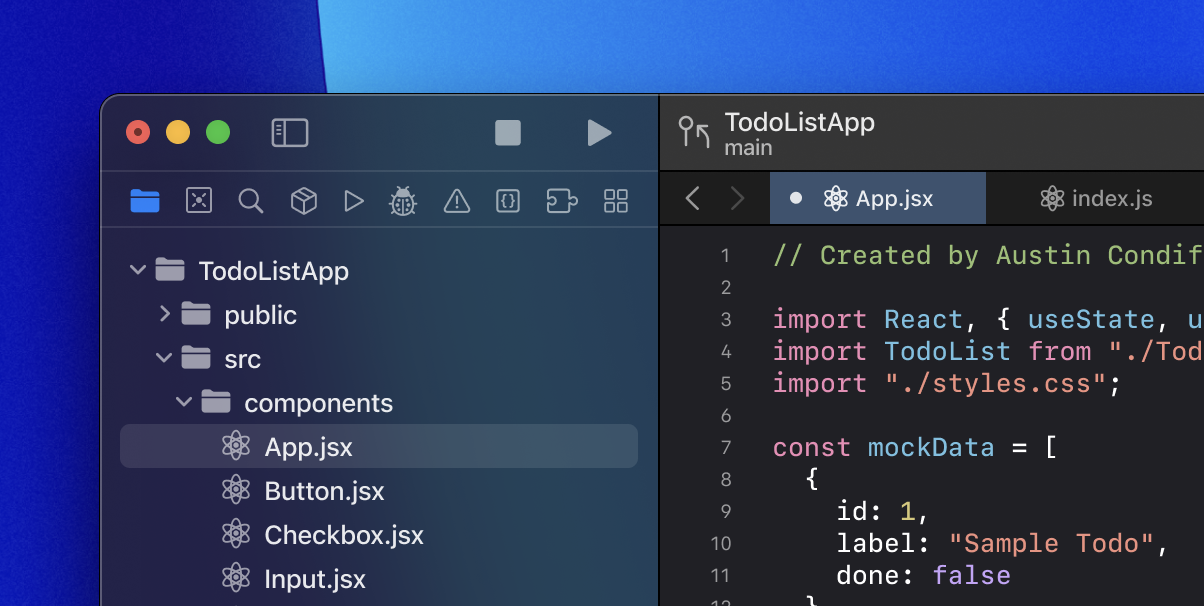

Possibly Helpful Reference:
- https://stackoverflow.com/questions/1406846/how-do-you-change-the-state-of-the-window-close-button-in-cocoa

Would this be applicable if only the currently selected tab is not saved or if any open tabs at all are not saved? Alternatively, we could avoid this altogether, and only do this if in single file mode.

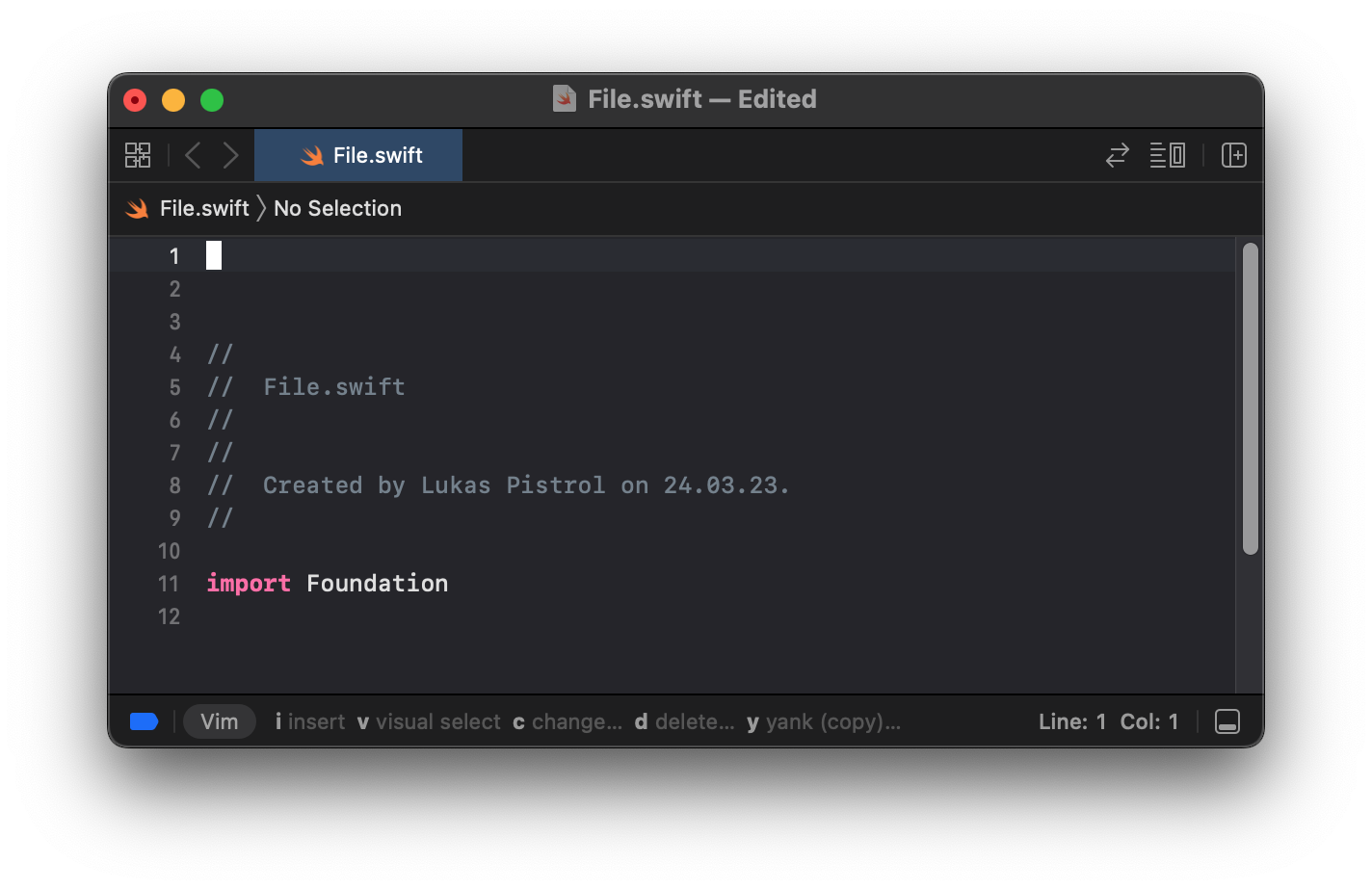
Difficult to say because Xcode saves a file automatically when in a project environment. But we should definitely add this to the single file mode.
Xcode's Single File Mode:
@richardtop I expanded the scope of this issue to also includes tabs (see issue description).
@lukepistrol our single file mode will be slightly different (see documentation here)...
Update: unsaved indicators in editor tabs have been merged with #1441. The window control unsaved indicator should be in soon per #1437.