CiscoTestAutomation
Add parser for 'show ipv6 interface brief | include {ip}'
Description
Added a parser for 'show ipv6 interface brief | include {ip}' to emulate IPv4 behavior.
Motivation and Context
No current parser exists for this functionality. When connecting to a device with Unicon, the management interface check attempts "show ip interface brief | include {ip}" which will not return anything for an IPv6 management interface. This parser emulates the IPv4 functionality to return a dictionary containing the interface(s) matching a given IP address. In the case of a Link-Local address statically assigned to each interface (e.g. fe80::1), the returned dictionary will include all interfaces with the assigned IPv6 Link-Local address.
Impact (If any)
No impact anticipated or observed
Screenshots:


Checklist:
- [x] I have updated the changelog.
- [x] I have updated the documentation (If applicable).
- [x] I have added tests to cover my changes (If applicable).
- [x] All new and existing tests passed.
- [x] All new code passed compilation.

Updated commit per conversation with reviewer:
Modified proposed parser and scheme for "show ipv6 interface brief"
Changed parser for "show ipv6 interface brief | include {ip}" to execute a Dq() against the output of "show ipv6 interface brief" parser.
Added test coverage for both classes (test images below)
Tested parsers against a Cisco Catalyst Edge 8000 Virtual with v6-enabled interfaces (static link-local as well as unicast)
-
Result of
python folder_parsing_job.py -o iosxe -c ShowIpv6InterfaceBrief("show ipv6 interface brief" parser)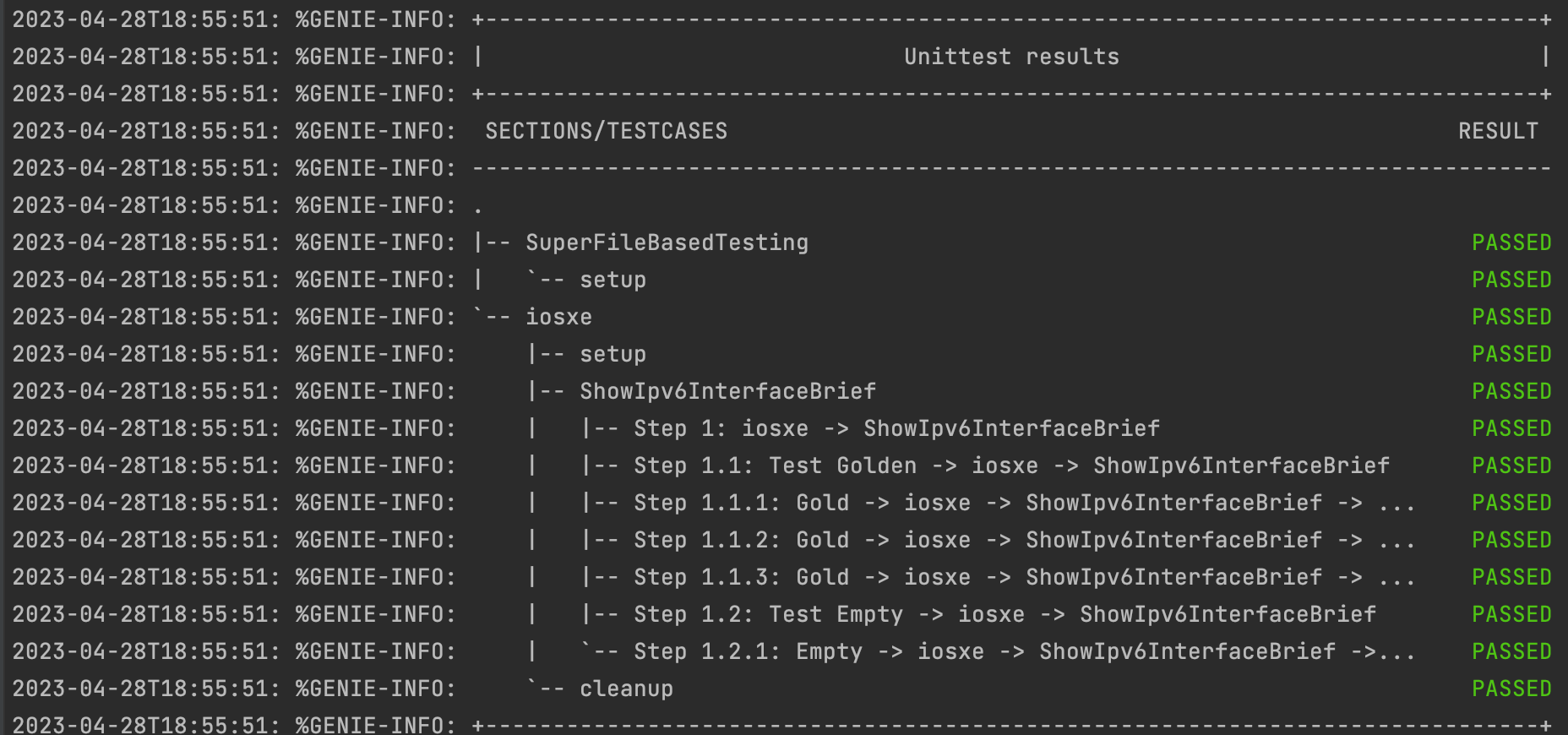
-
Result of executing
pyats parse "show ipv6 interface brief" --testbed-file testbed.ymlvia CLI: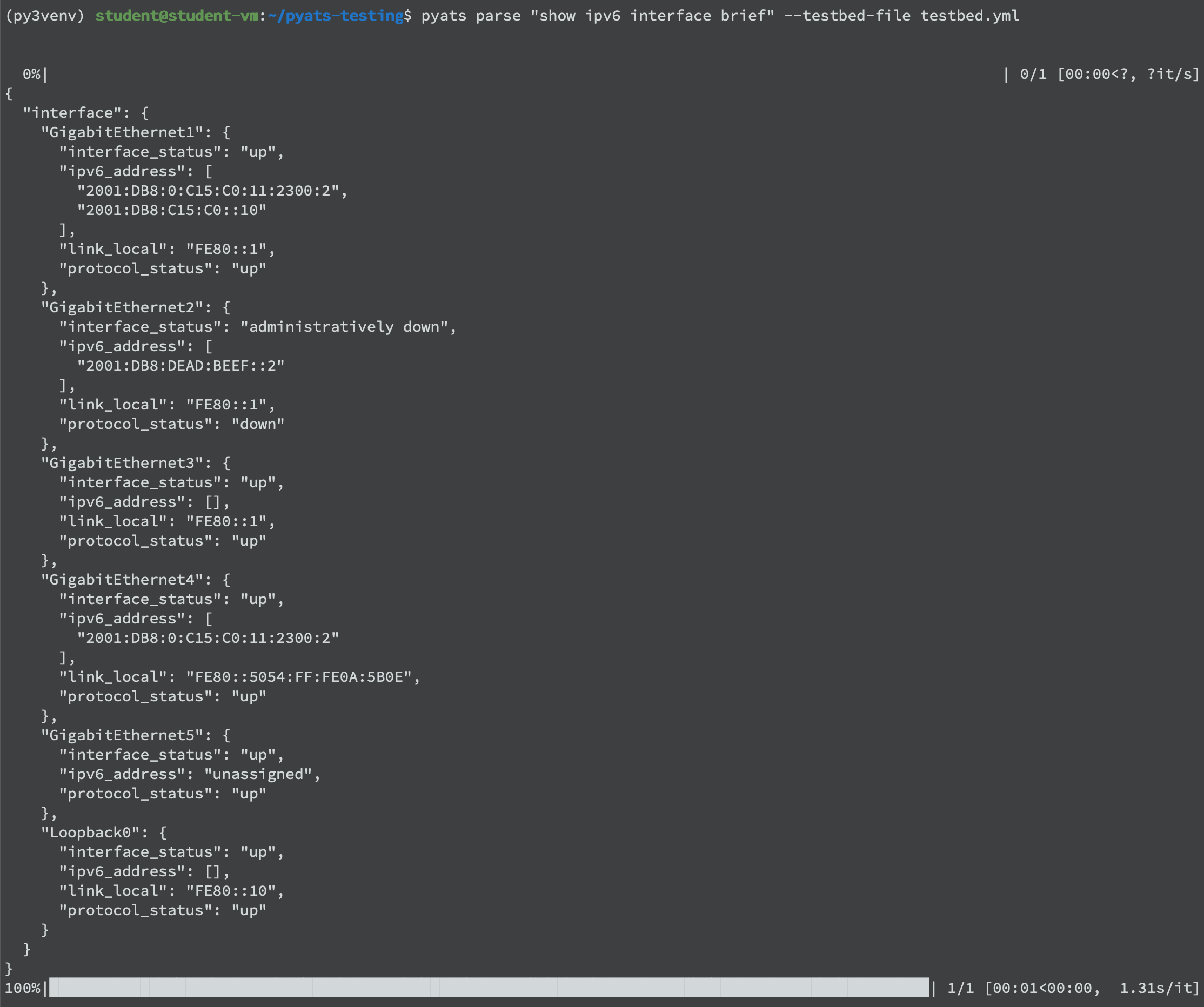
-
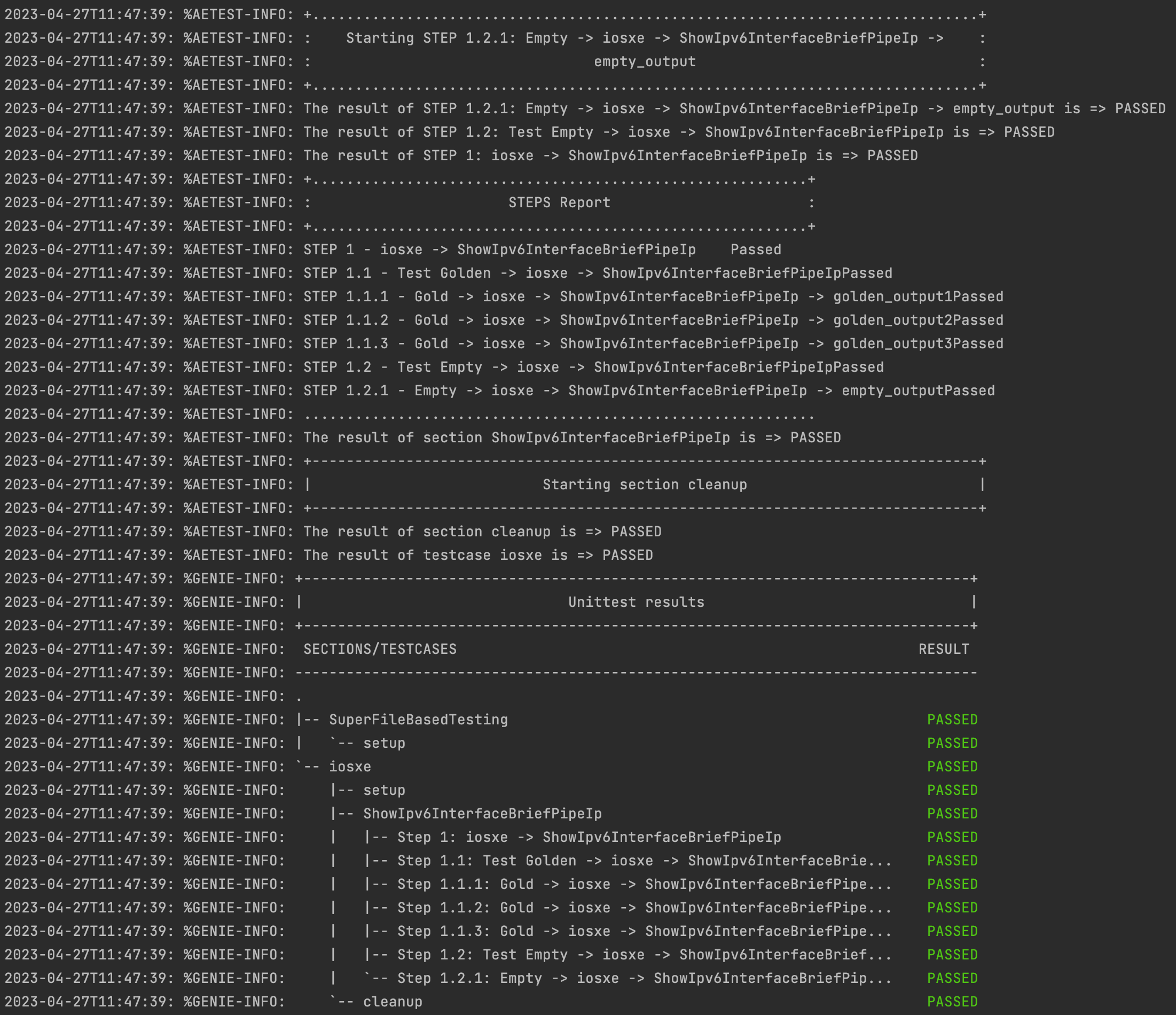
Result of
python folder_parsing_job.py -o iosxe -c ShowIpv6InterfaceBriefPipeIp("show ipv6 interface brief | include {ip}" parser)
-
Result of executing
pyats parse "show ipv6 interface brief | include fe80::1" --testbed-file testbed.ymlvia CLI: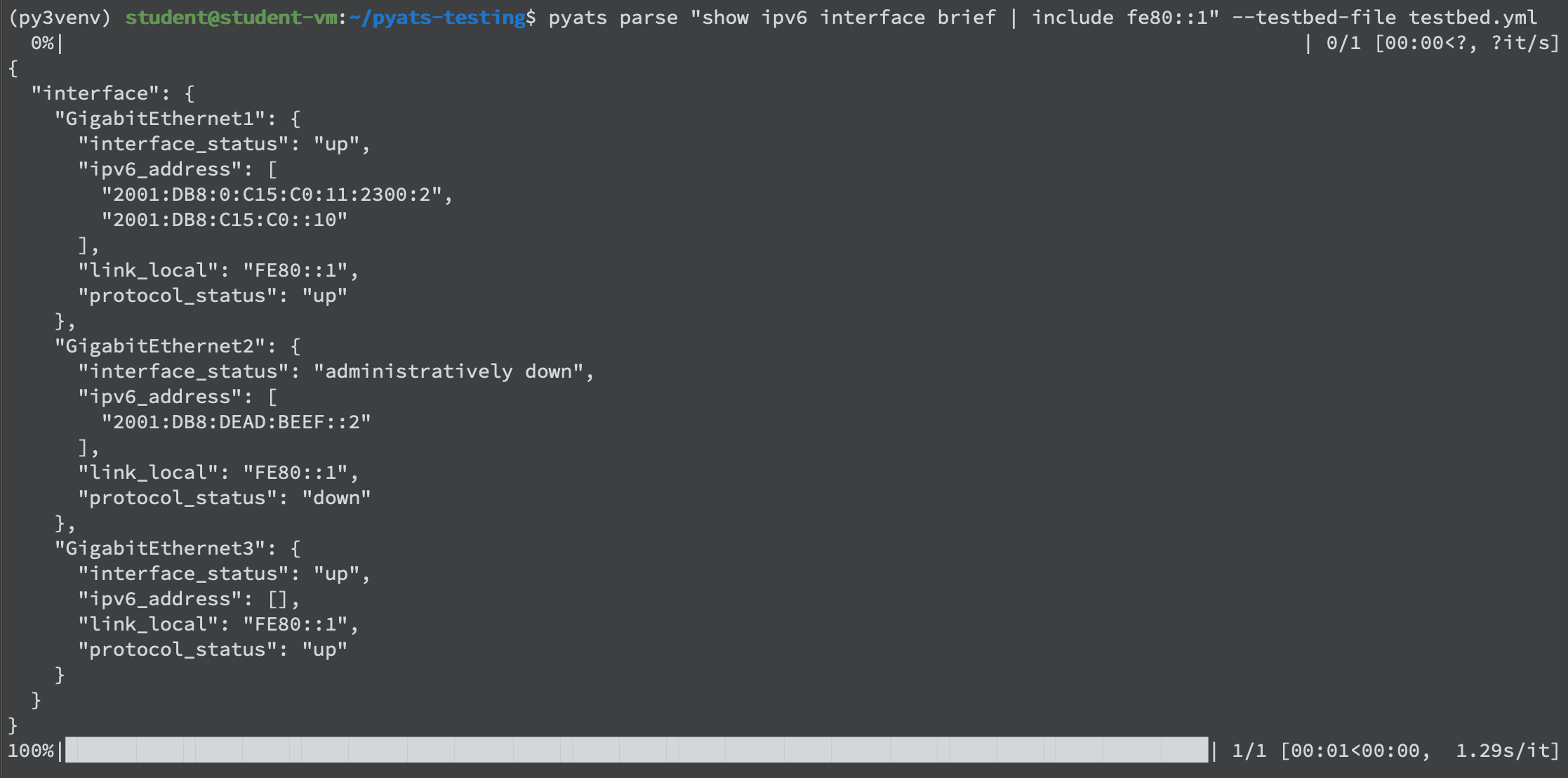
-
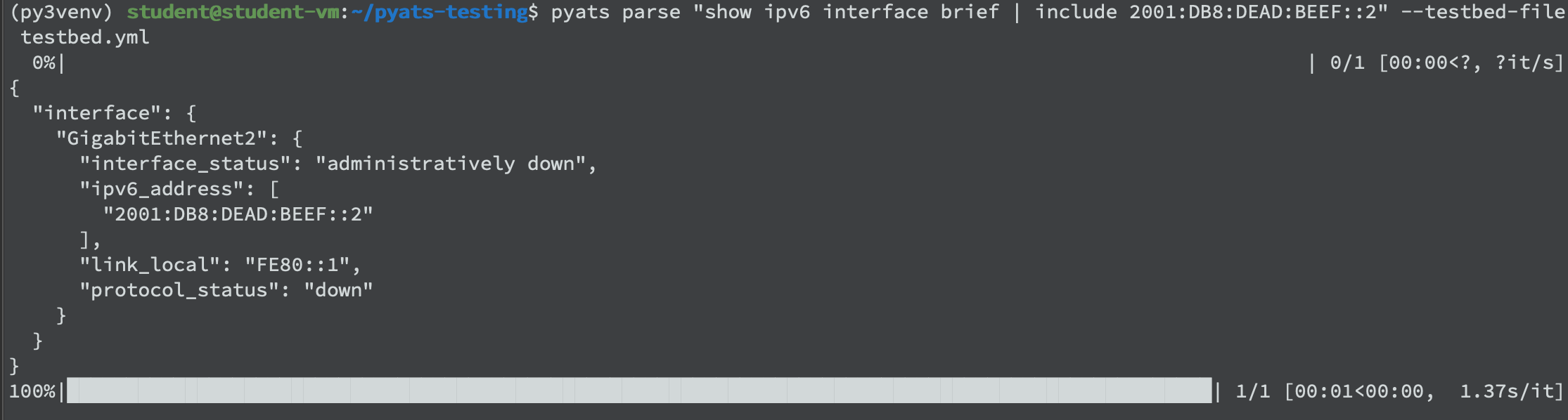
Result of executing
pyats parse "show ipv6 interface brief | include 2001:db8:dead:beef::2" --testbed-file testbed.ymlvia CLI: