

 CCI-Tools
Fault - Invisible Polygon. Unable to View or Edit a simple 4-vertices Polygon.
dev2.0.0-dev20
- Delete Countries layer from Layers dialog.
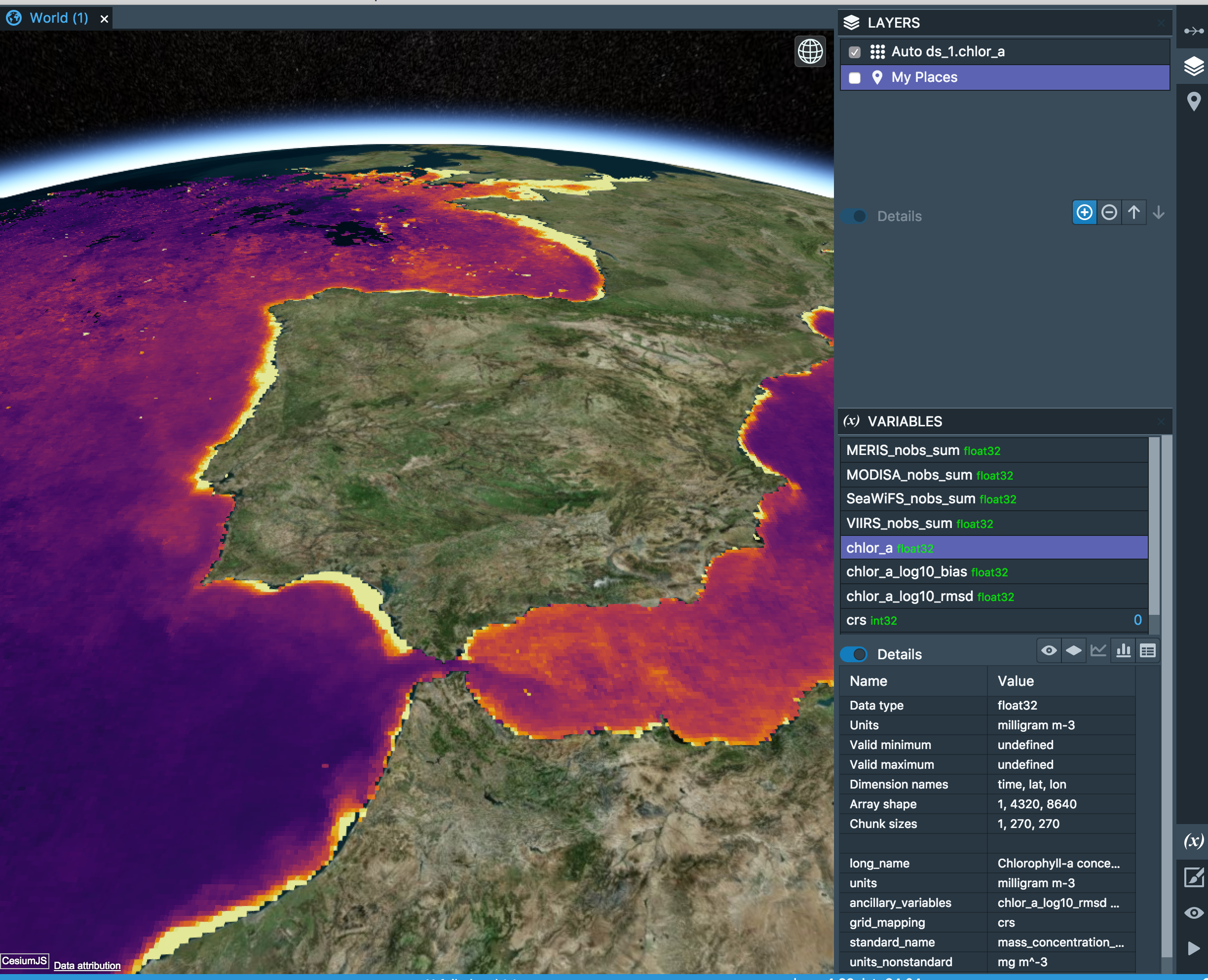
- load ESACCI-OC-L3S-CHLOR_A-MERGED-1M_MONTHLY_4km_GEO_PML_OCx-201612-fv3.1.nc. Ensure ds_1.chlor_a is being rendered via LAYERS and VARIABLES dialog.
-
Use "New Box" to create a box around Iberian peninsula, called Polygon1, which has 4 vertices. The polygon is simple and is created well ; not related to multi-vertex polygon bug issue recorded elsewhere.
-
Click on Polygon1 in PLACES dialog.
-
Click on My Place Polygon1 in STYLES dialog.
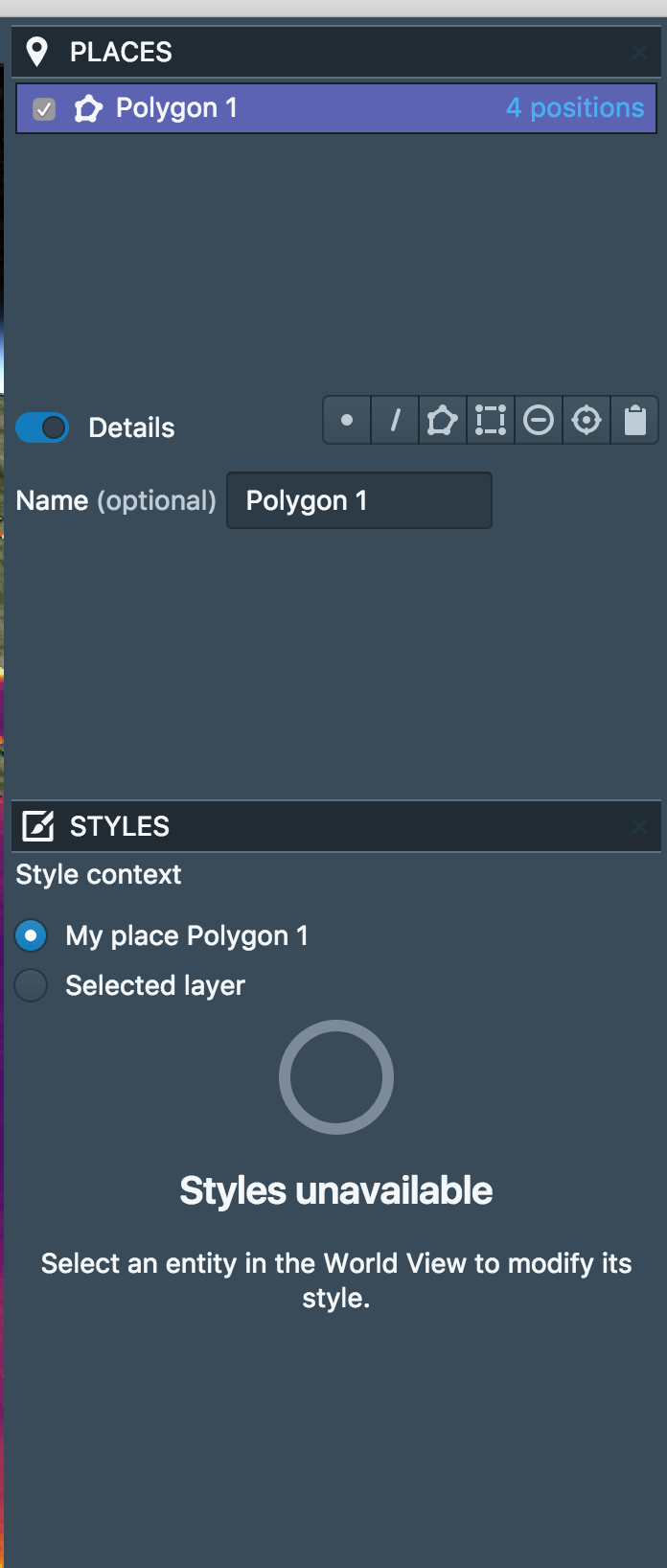
- Although the "Details" flag in PLACES dialog is on, no details are provides for the polygon. Also, the polygon is not viewable in the World view. Polygon1 does exist because (i) the PLACES dialog confirms it has 4 points, and (ii) doing a "Copy as CSV" on Polygon1 puts the following info into the clipboard:
longitude,latitude -10.571194472810397,43.83283162662105 -2.9679959684507238,43.832831626621044 -2.967995968450723,35.77782918361444 -10.571194472810394,35.77782918361443 -10.571194472810397,43.83283162662105
- Furthermore, removing the Ocean Colour render does not then show the Polygon (i.e. Polygon1 wasn't hidden).
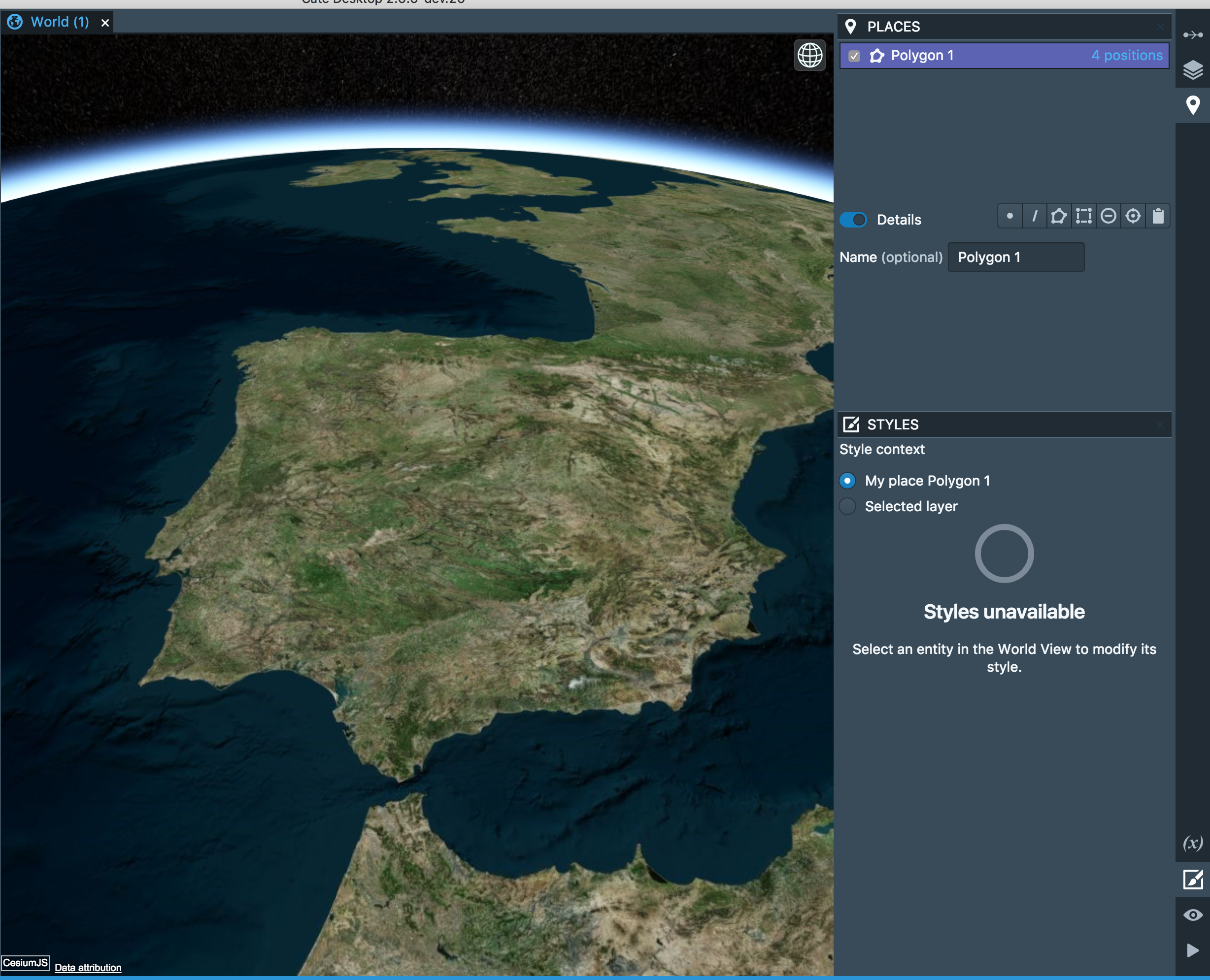

- Restarted the Cate Desktop and now Polygon1 appears. This confirms Polygon1's existence. This is an inconvenient workaround rather than a solution to the bug.
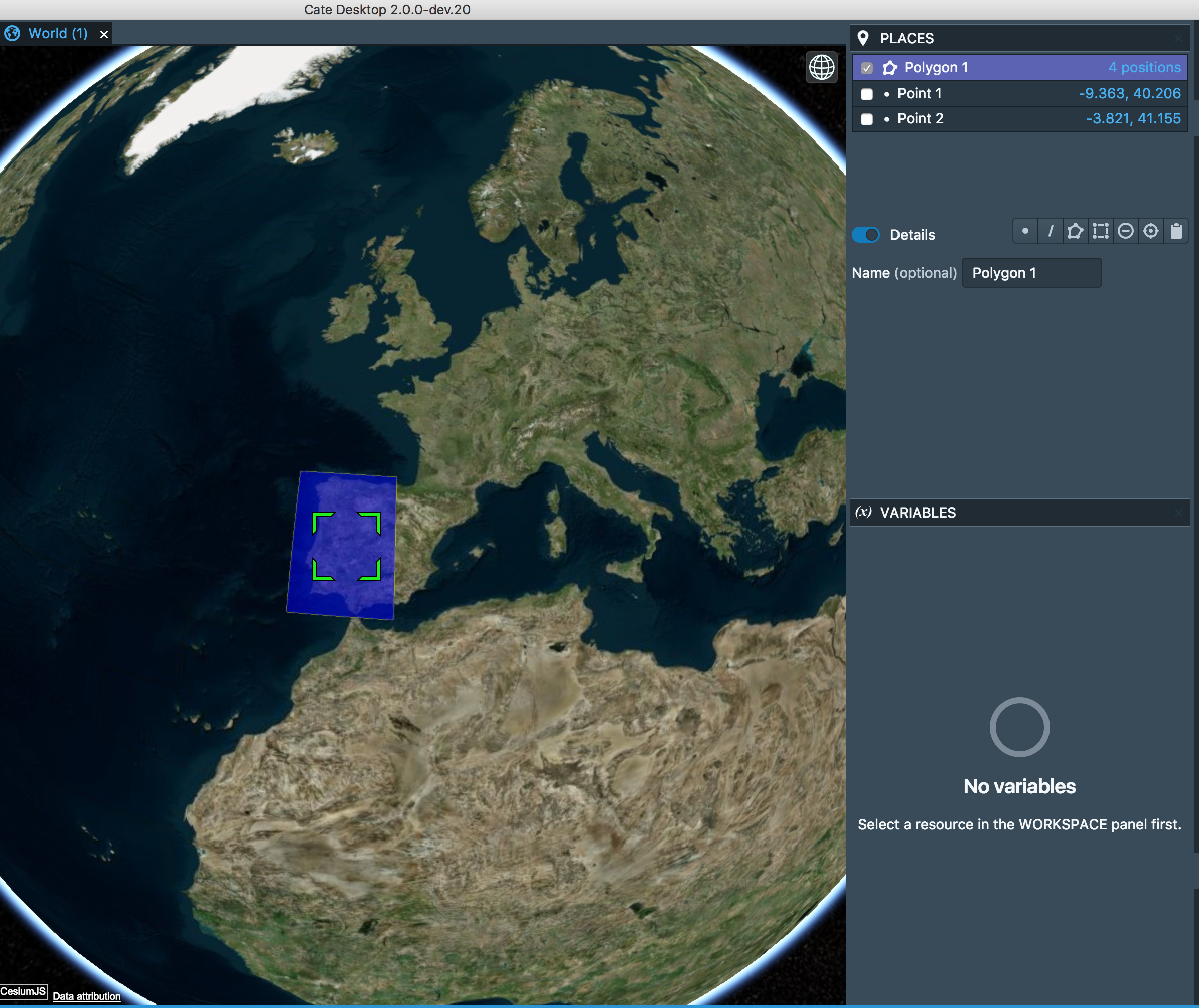
More details -
In the above sequence I also deleted the "My Places" in the LAYERS dialog; I wasn't then able to add "My Places" back to the LAYERS dialog to view the polygon. Cause of the bug?
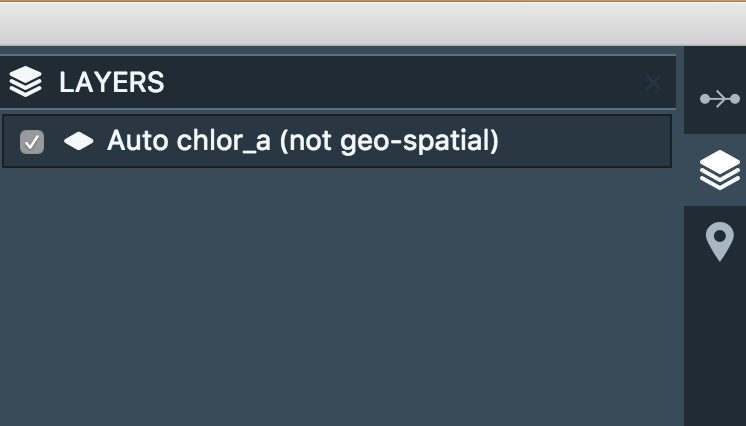
Delete Countries layer from Layers dialog.
This is already a bug. You should not be able to delete the Countries layer which is a system layer!
In the above sequence I also deleted the "My Places" in the LAYERS dialog
Same issue here. "My Places" is a system layer.
