
BoostNote-App

BoostNote-App copied to clipboard
 BoostIO
Profile photos are not compressed or downscaled in the web app
Current behavior
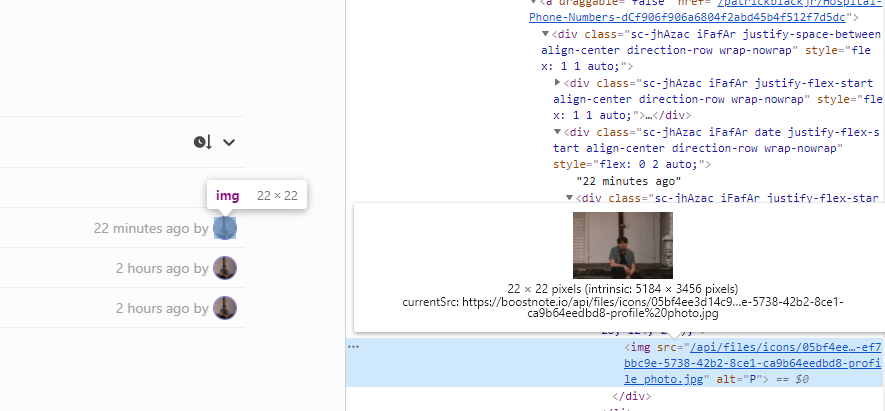 I uploaded a fairly large profile photo (2.84 MB) and the tiny preview seen in the screenshot does not seem to be downscaling. The first time I loaded the page after uploading the profile photo I could see it take a while to load. Snooping around in the dev tools seems to confirmed it's using the native resolution photo and just scaling it 20px^2.
Expected behavior
Just so the API and file storage is not clogged with tons of huge photos, some sort of limits on the size might be a good idea.
Steps to reproduce
- Upload a profile photo
- View any page where the profile photo is used and see that is it using the full-size image
Environment
Desktop/Web
- Boost Note.next version: Web App
- OS version and name: Windows 10
I look forward to being able to contribute, but since this potentially is a larger infrastructural change I figured it warranted a mention and discussion amongst the code owners.

