BoostIO
Provide development envs of cloud space
Hello I'm not a developer I'm sysadmin and I'm trying to install your application on a Debian 10 as an AppWEB service, I did these steps but it still didn't go up, would there be any how to step by step? Considering a Debian from a clean installation:
curl -sL https://deb.nodesource.com/setup_current.x | sudo bash - apt install nodejs npm git git clone https://github.com/BoostIO/BoostNote.next cd BoostNote.next/ npm install npm@latest -g npm i mv .env.default .env npm run dev:cloud
Environment
Web
- Boost Note.next version: [email protected]
- OS version and name: Debian 10

Hi, joaoguariglia,
Can you specify what exactly are you trying to do with the service? Boost note next web application as well as cloud workspaces is comprised of backend services in addition to frontend, so it needs those to function completely.
In that case, you cannot really self host the backend services or run the complete cloud workspace app from this repository.
That part is also not open source as far as I know so it would be against the license to do it.
@Rokt33r am I making any sense, can you inspect this also?

Currently, npm run dev:cloud is not available for external contributors. We will resolve this issue very soon. Please wait a little bit more.

Hello @Rokt33r , any news? i'v done as it is in description
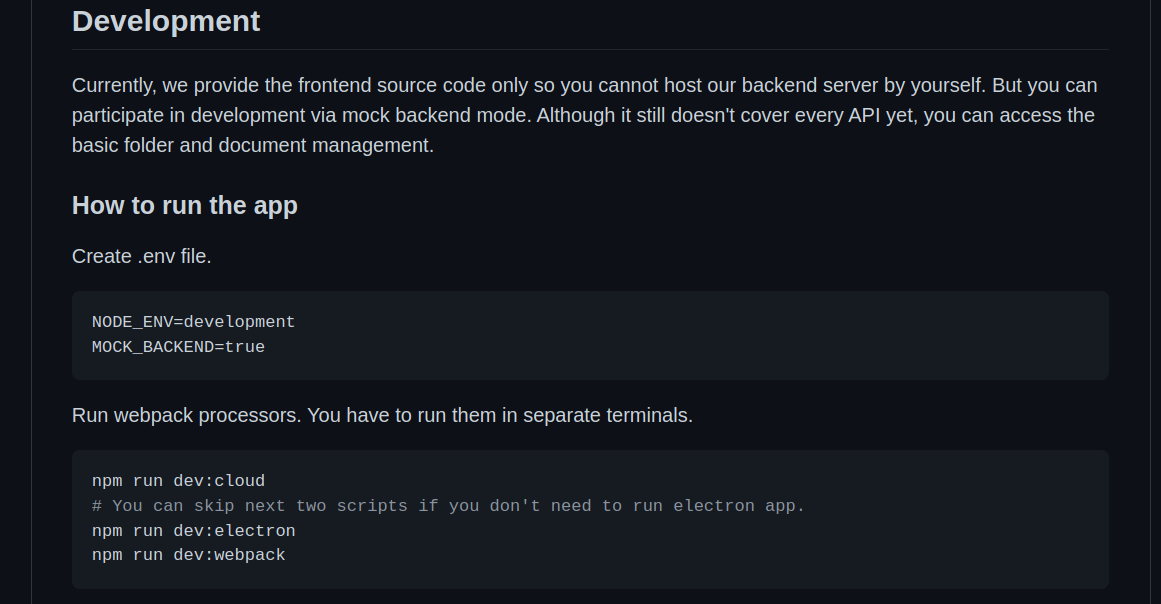 I have folowing error
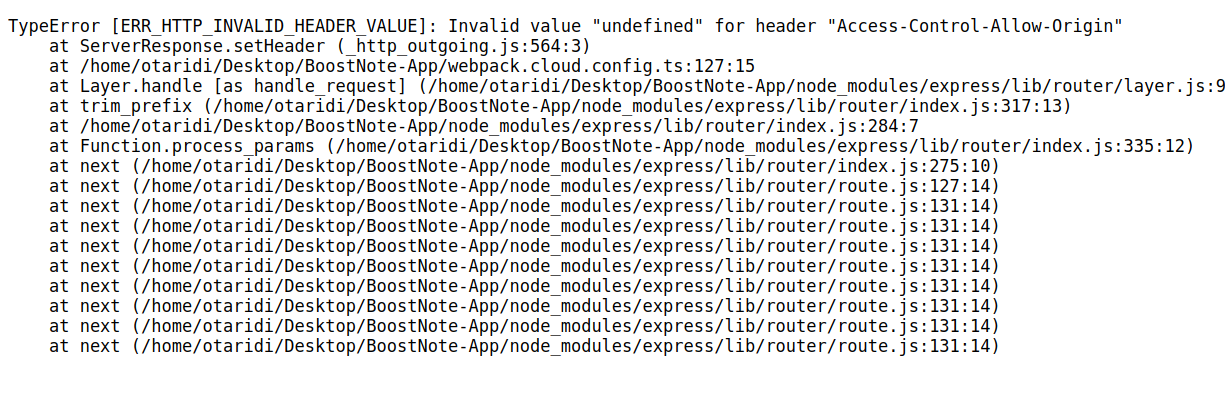 It cant find this env
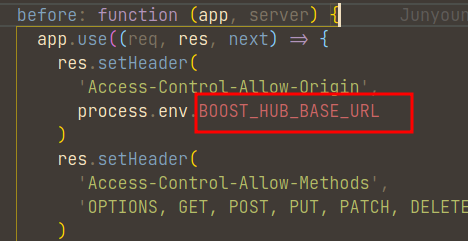

Hello,
Did you copy all the vars from here as well? https://github.com/BoostIO/BoostNote-App/blob/master/.env.default
You should rename this default file to .env and try like that.
Thanks but i have loading screen
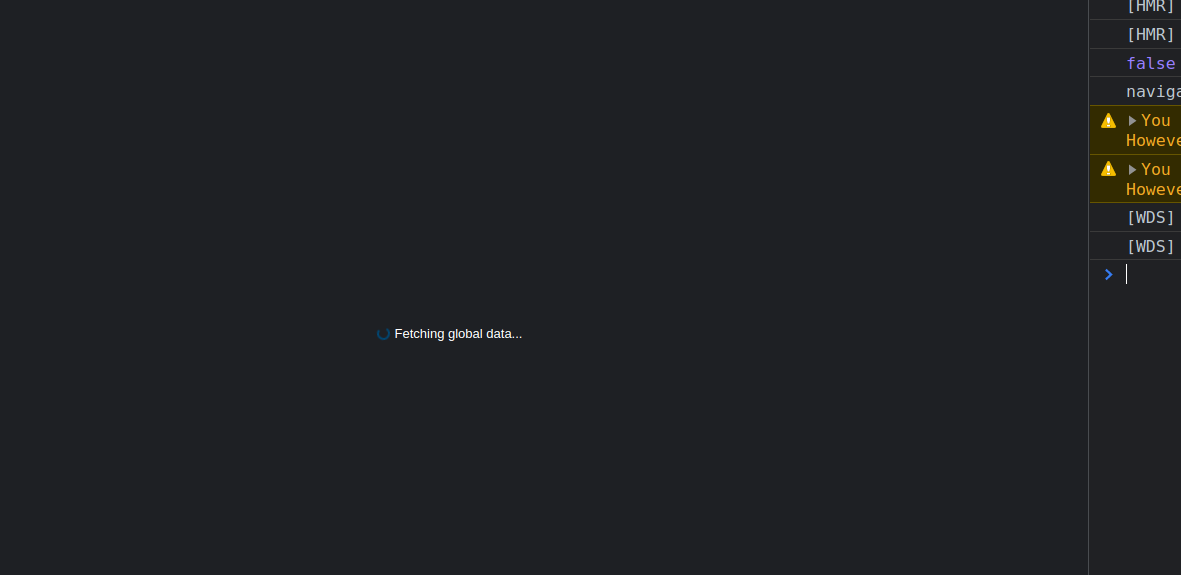 seems variable initialized always false in src/cloud/components/Router.tsx
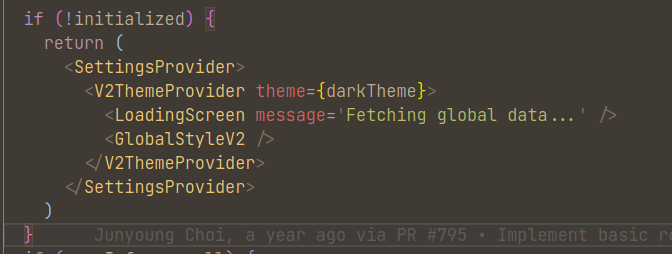 any solution ?
Is that for cloud/webapp?
The electron desktop app seems to complain about not implemented mock:
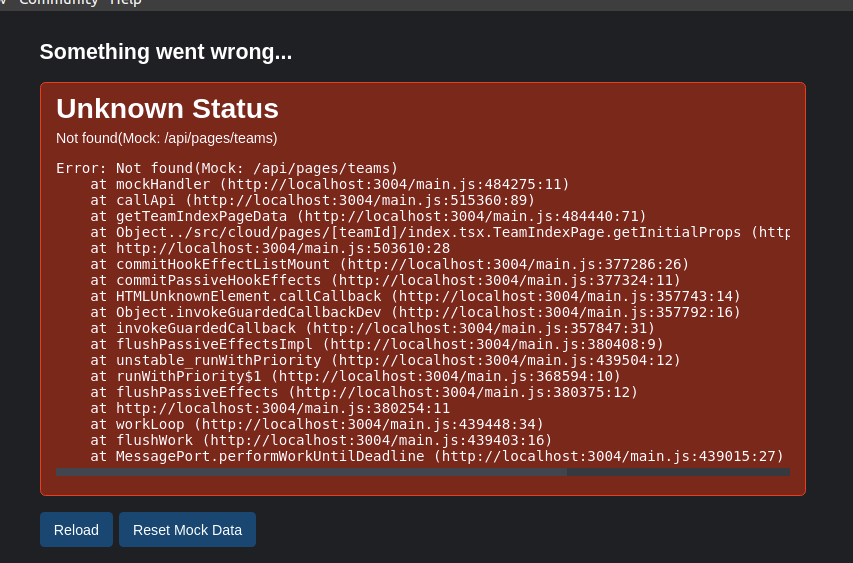
For web app, I get the same not initialized as you.
After changing the base URL to: http://localhost:3004/dev
And this mockHandler route:
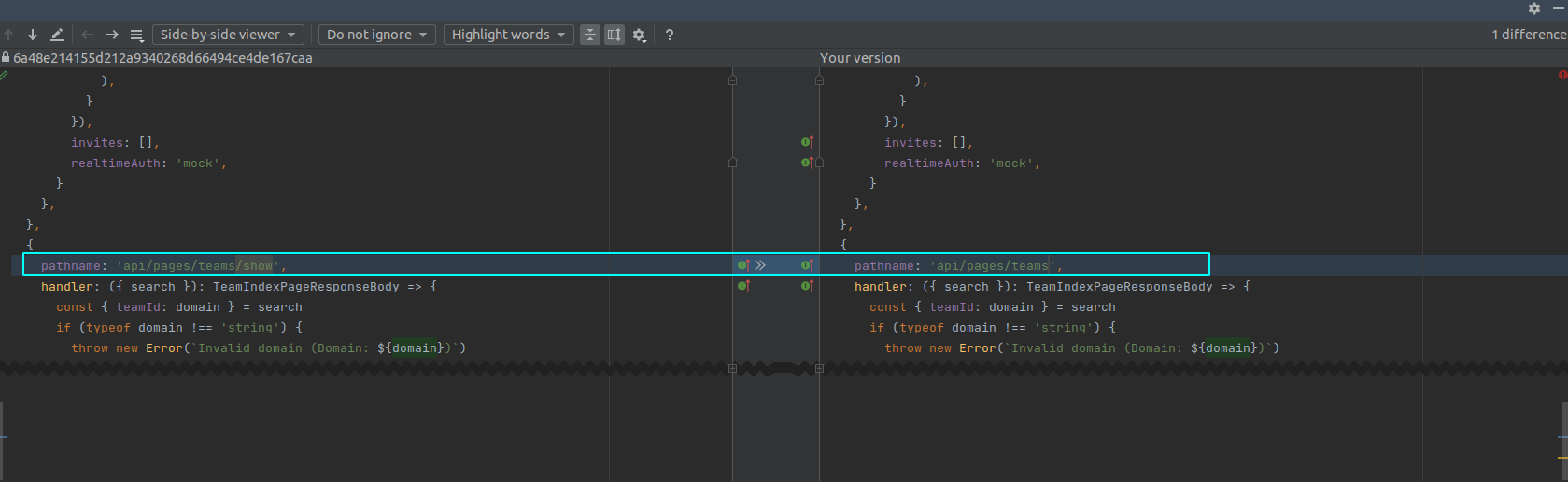
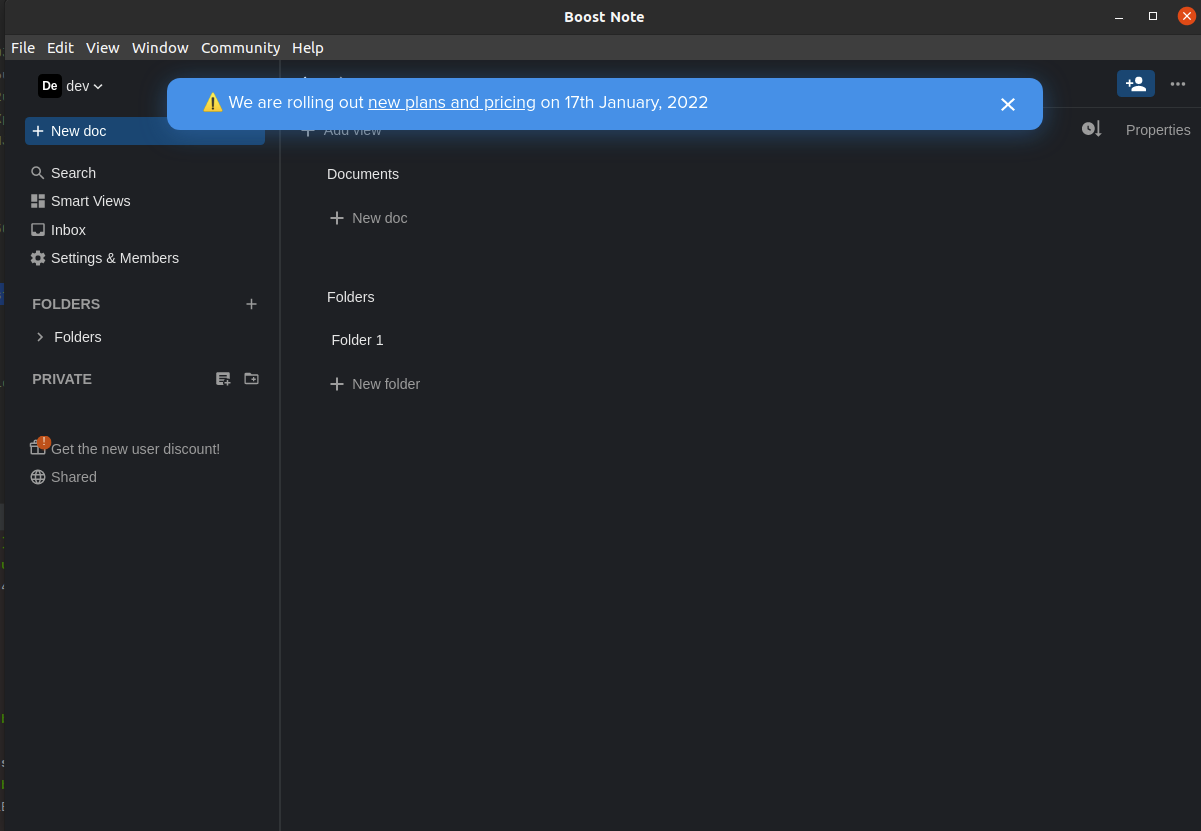
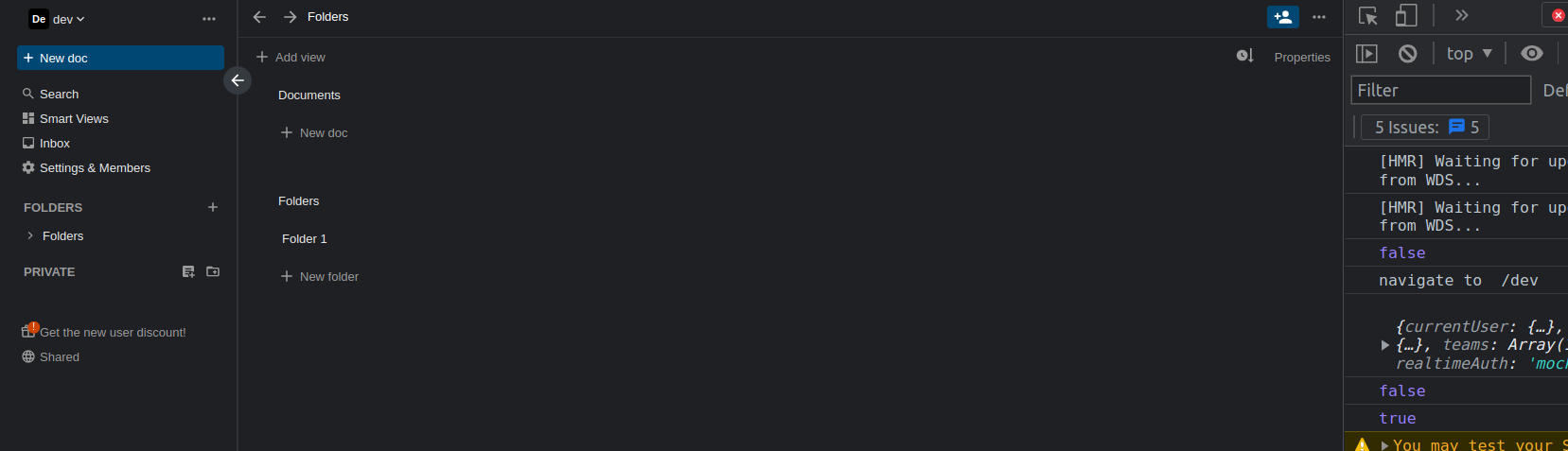
I am able to get to the space:
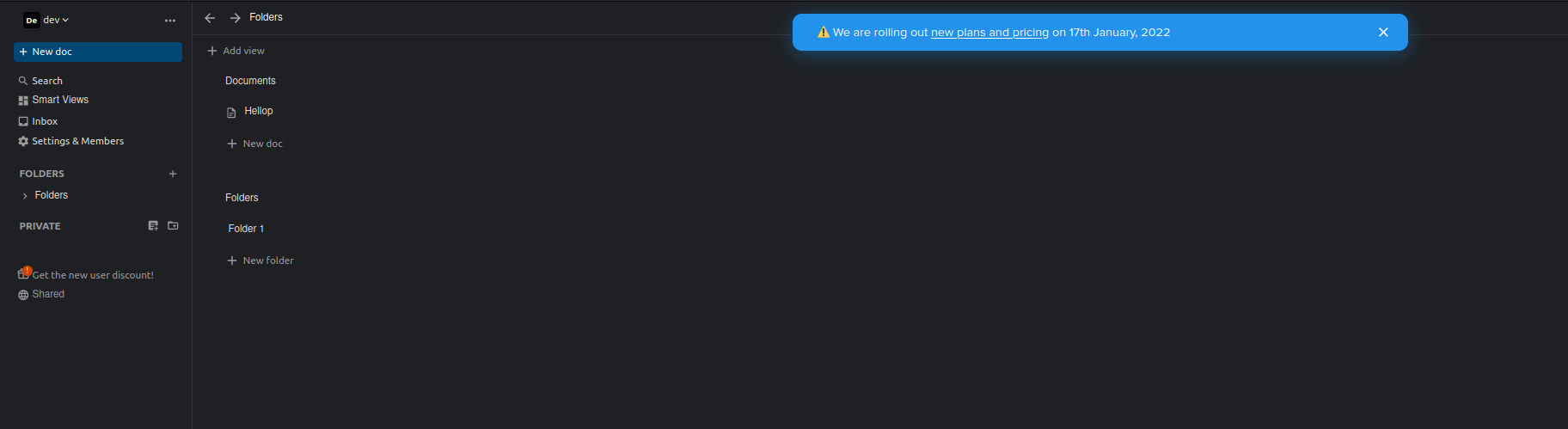
Can you try it?
For desktop app please additionally add one more env entry (replace the existing if it exists): BOOST_HUB_BASE_URL=http://localhost:3004
To get it working: