

 Azure
Azure
Cant view outputs from task view, again.
Latest Insider
Cannot view an output image from the task node output view
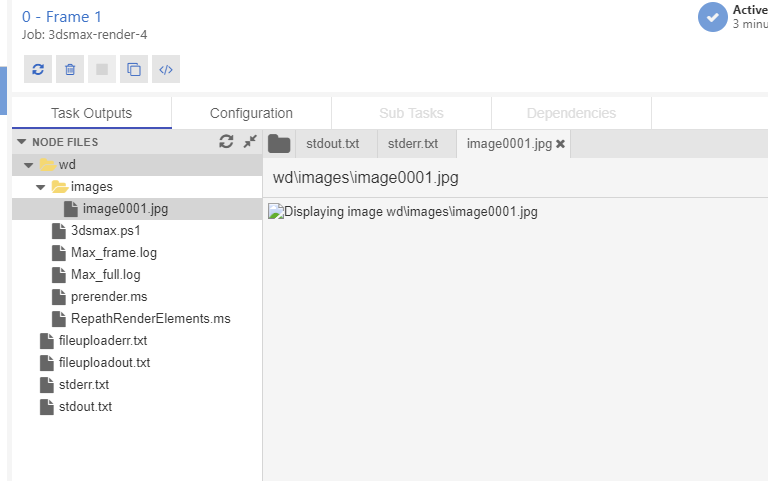
You can from the Data menu. I thought this was fixed a while back, might have regressed again.

Are you on stable or insider? Works fine for me actually on both. Could it be the image you generated is corrupted? Can you send the console output
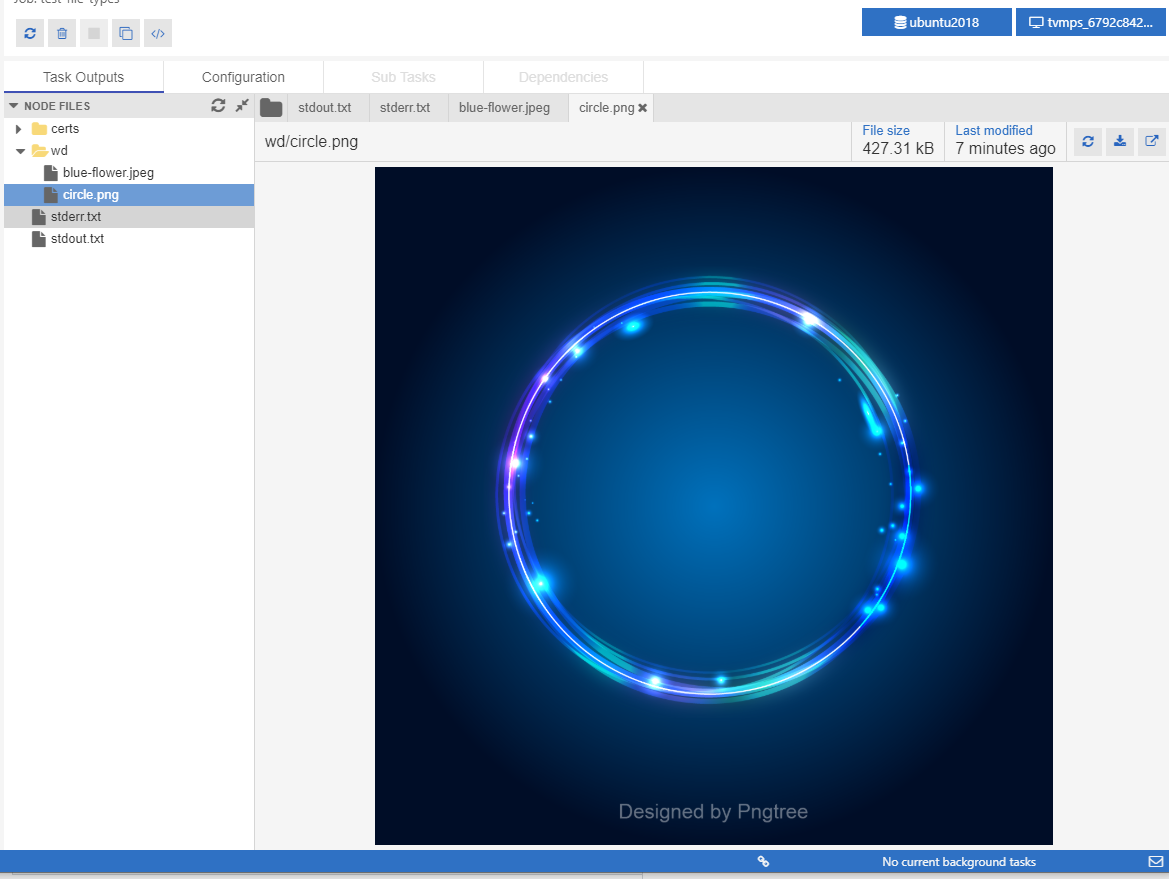

it's insider latest, and i can view the image in the Data explorer. though when i restarted BEX last night i got another update, so will check again.
Still failing.
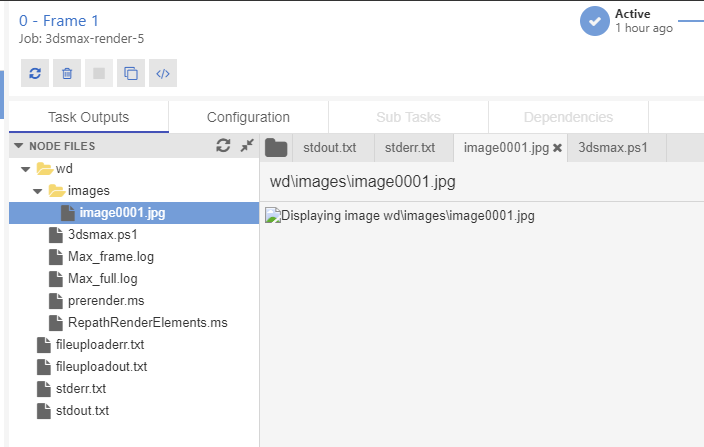
still works from the data menu.
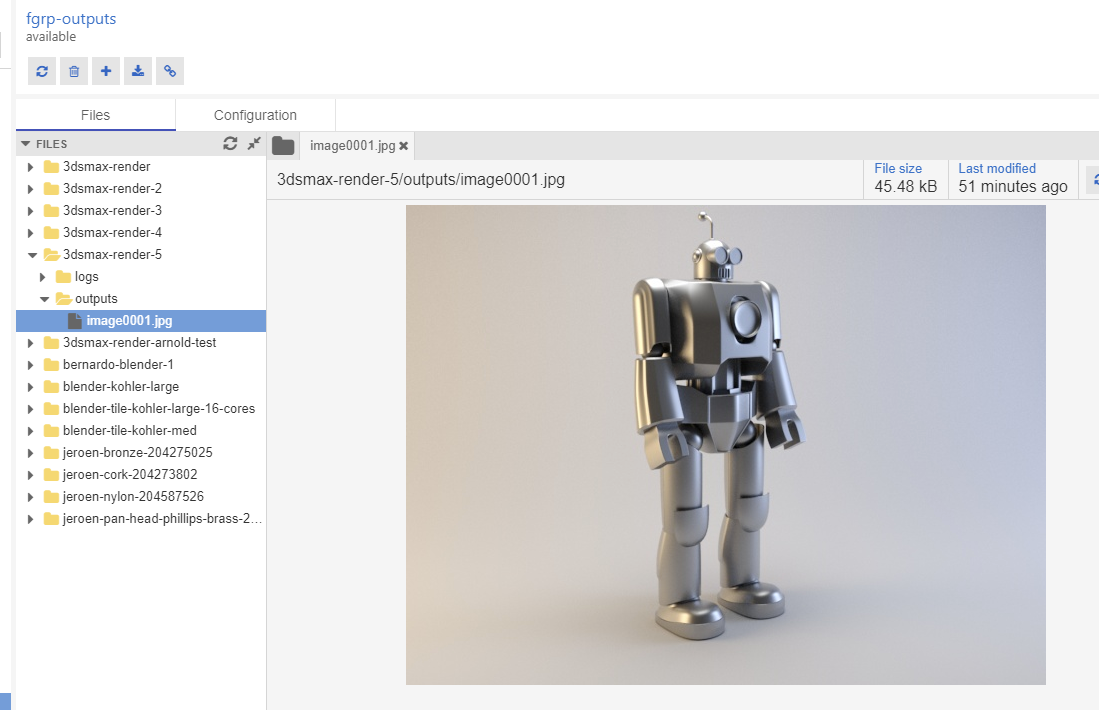
No errors in the console.
Edit, went back and looked again and it worked this time ....
Don't know whats going on.
Update again,
Deleted the temp files from here: C:\Users\ascobie\AppData\Local\Temp\batch-explorer
Navigated back to the task and the image filed to load, but after a couple of seconds the image showed up in the temp directory. Navigating away from the job then back again, then to the task outputs and it worked
Seems we are returning to quickly after requesting the image and its not displaying because it hasn't been downloaded yet
Yeah, maybe the img is added before we are done downloading as you say and chromium doesn't reload if the local file change. Though by looking at the code it shouldn't. So not sure what is wrong.