Azure
Azure
Cybersixgill Actionable alerts
Required items, please complete
Change(s):
- Cybersixgill Actionable alerts Solution
Reason for Change(s):
- New solution
Version Updated:
- N/A
Testing Completed:
- Yes
Checked that the validations are passing and have addressed any issues that are present:
- Yes

Thank you for your submission, we really appreciate it. Like many open source projects, we ask that you sign our Contributor License Agreement before we can accept your contribution.
:x: loginsoft-integrations sign now
You have signed the CLA already but the status is still pending? Let us recheck it.

@loginsoft-integrations : Please fix the validation errors
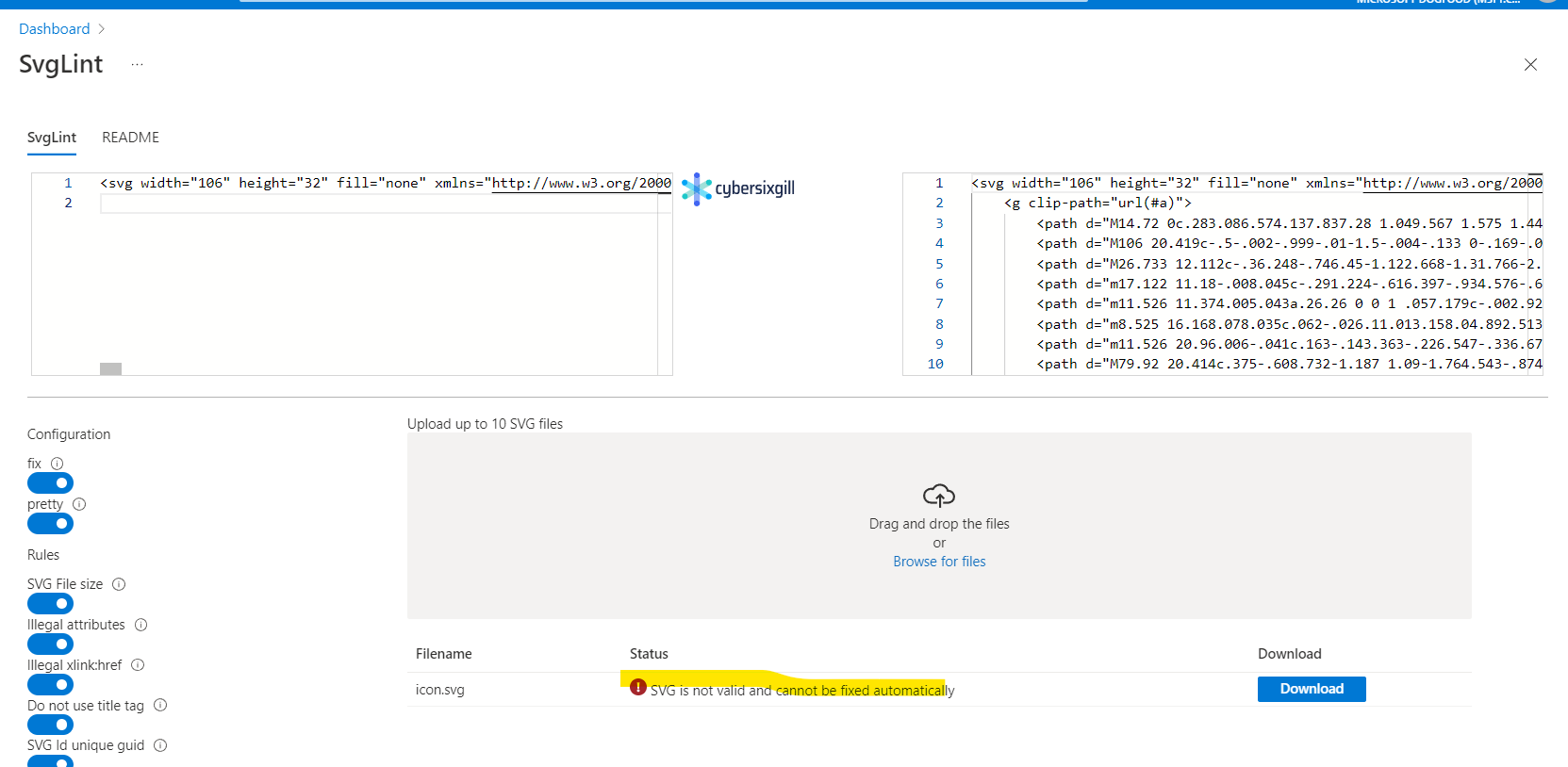
1.Logo
 2.Sample data
 3.In solution input file please remove the empty files analytics and parsers
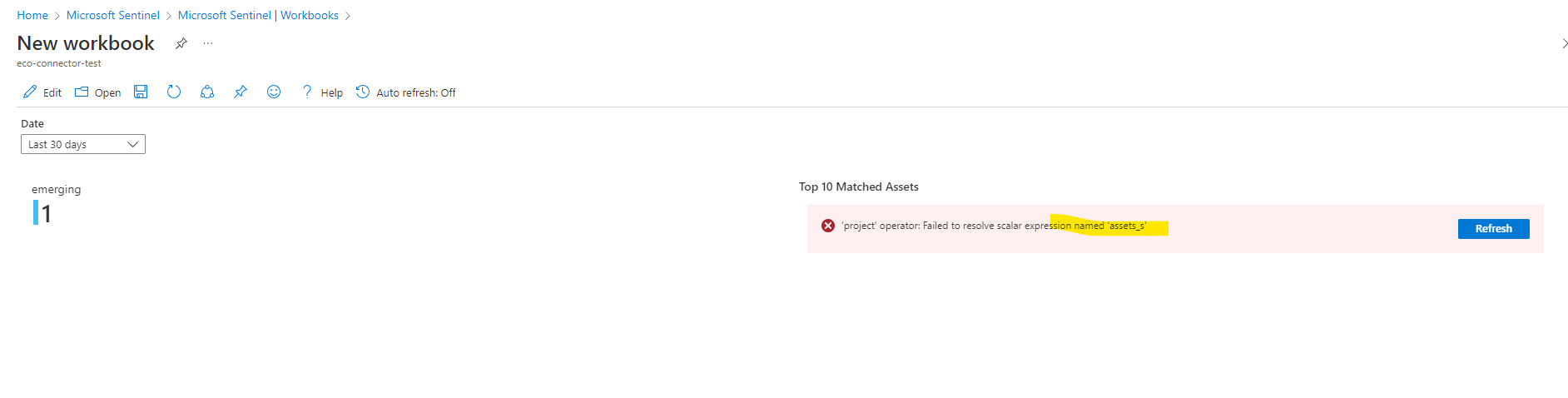
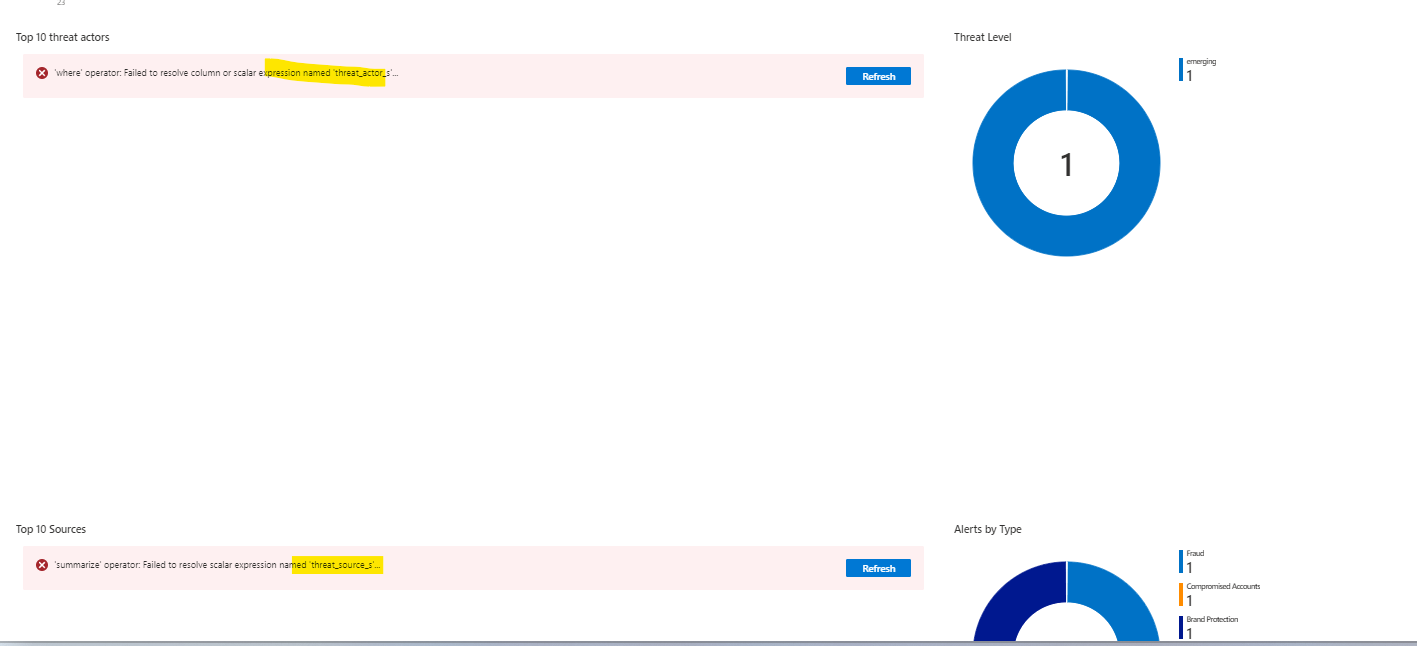
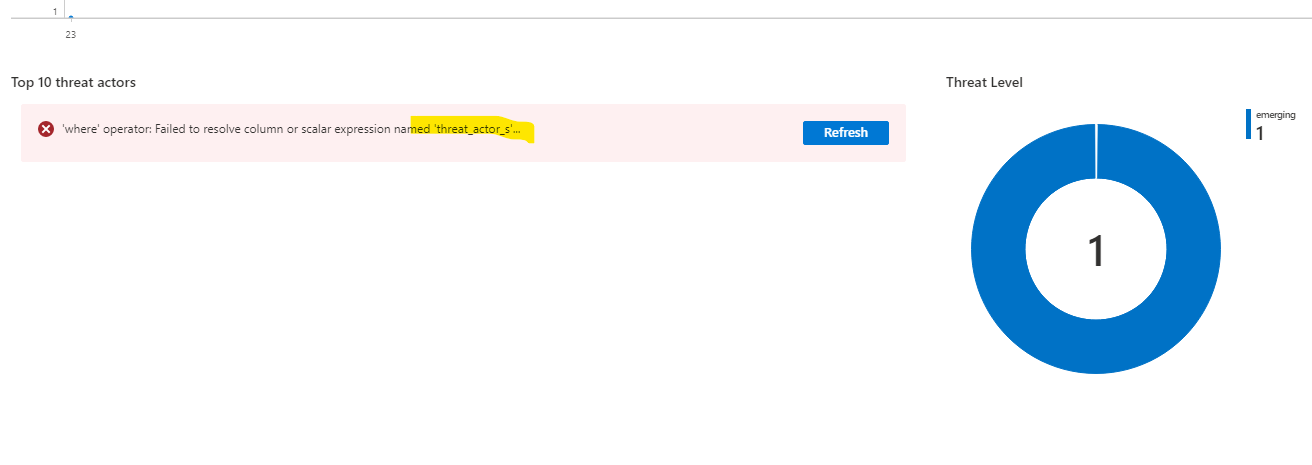
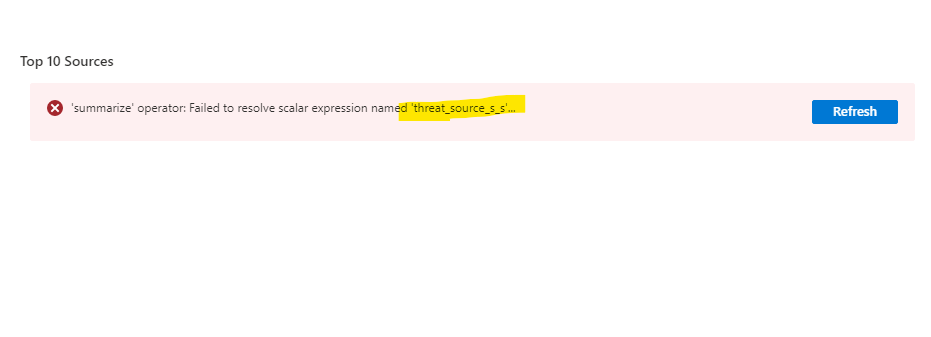
4.while deploying workbook (ActionableAlertsDashboard.json) we could see below errors please fix it
3.In solution input file please remove the empty files analytics and parsers
4.while deploying workbook (ActionableAlertsDashboard.json) we could see below errors please fix it
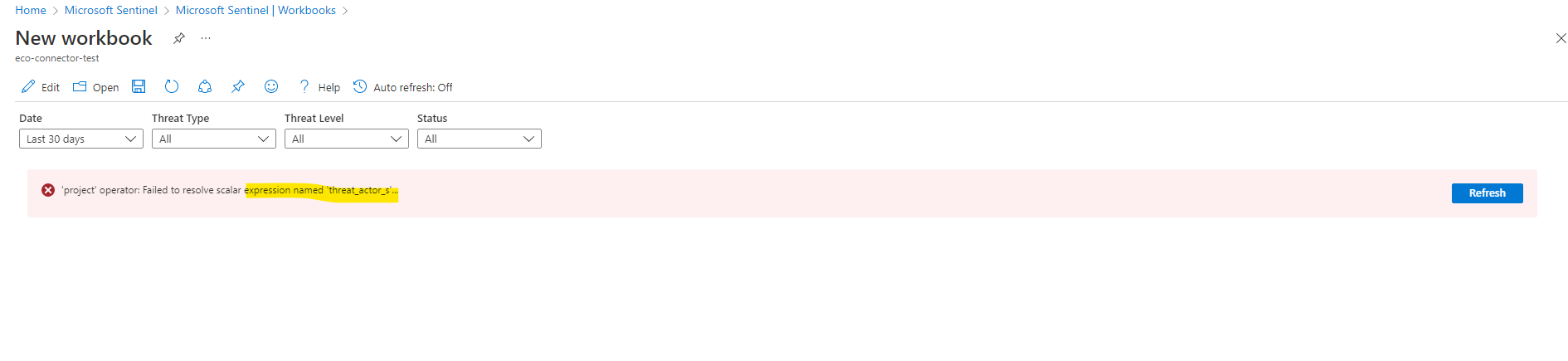
 5.while deploying workbook (ActionableAlertsList.json) we could see below errors please fix it
 6. Please remove the solution input file from tools folder
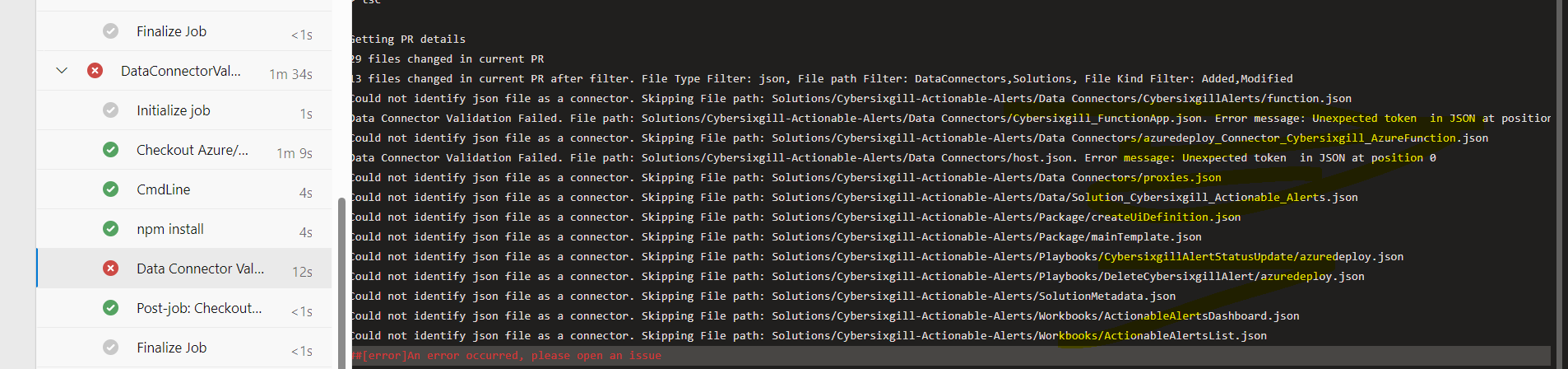
7. Data connector we could see below errors please fix it
6. Please remove the solution input file from tools folder
7. Data connector we could see below errors please fix it
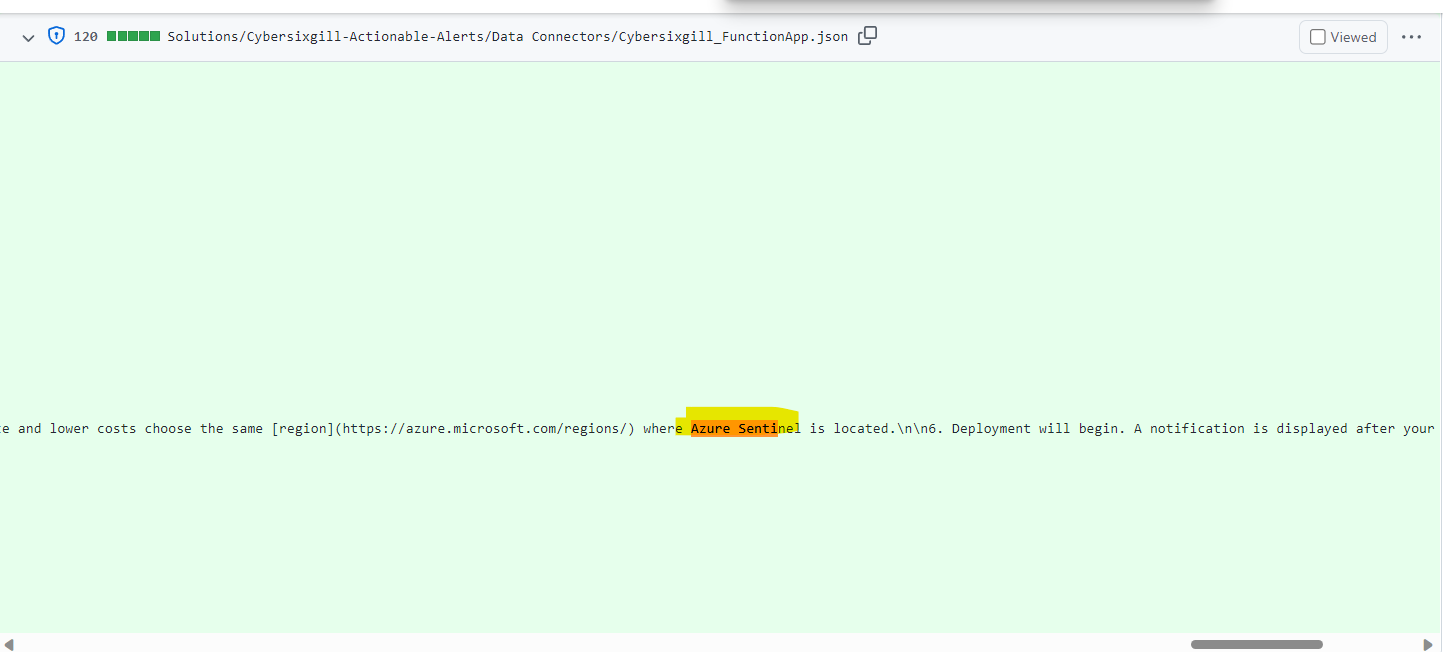
 8. Please replace the text from azure sentinel to Microsoft sentinel wherever it is applicable

@aprakash13 : Please review the hunting queries. Thanks! @manishkumar1991 : Please review the Playbooks. Thanks!

@loginsoft-integrations please confirm if you have used, our "playbook arm template generator tool" for generating the arm template of provided playbook, if not requesting you to please use the below link to generate the arm template and update the PR
https://github.com/Azure/Azure-Sentinel/tree/master/Tools/Playbook-ARM-Template-Generator
Kindly provide readme.md file for playbooks , which explains the playbook working and how to deploy it . @syed-loginsoft

@manishkumar1991 , We have used the "playbook arm template generator" to generate playbooks.
We will create readme file and commit once done. Thanks.
@loginsoft-integrations : Please fix the validation errors. Thanks! @aprakash13 : Please review the hunting queries. Thanks!
@loginsoft-integrations : Please fix the validation errors. Thanks! @aprakash13 : Please review the hunting queries. Thanks!
@microsoft-github-policy-service agree [company="Loginsoft"]
@loginsoft-integrations : Please fix the validation errors
Logo
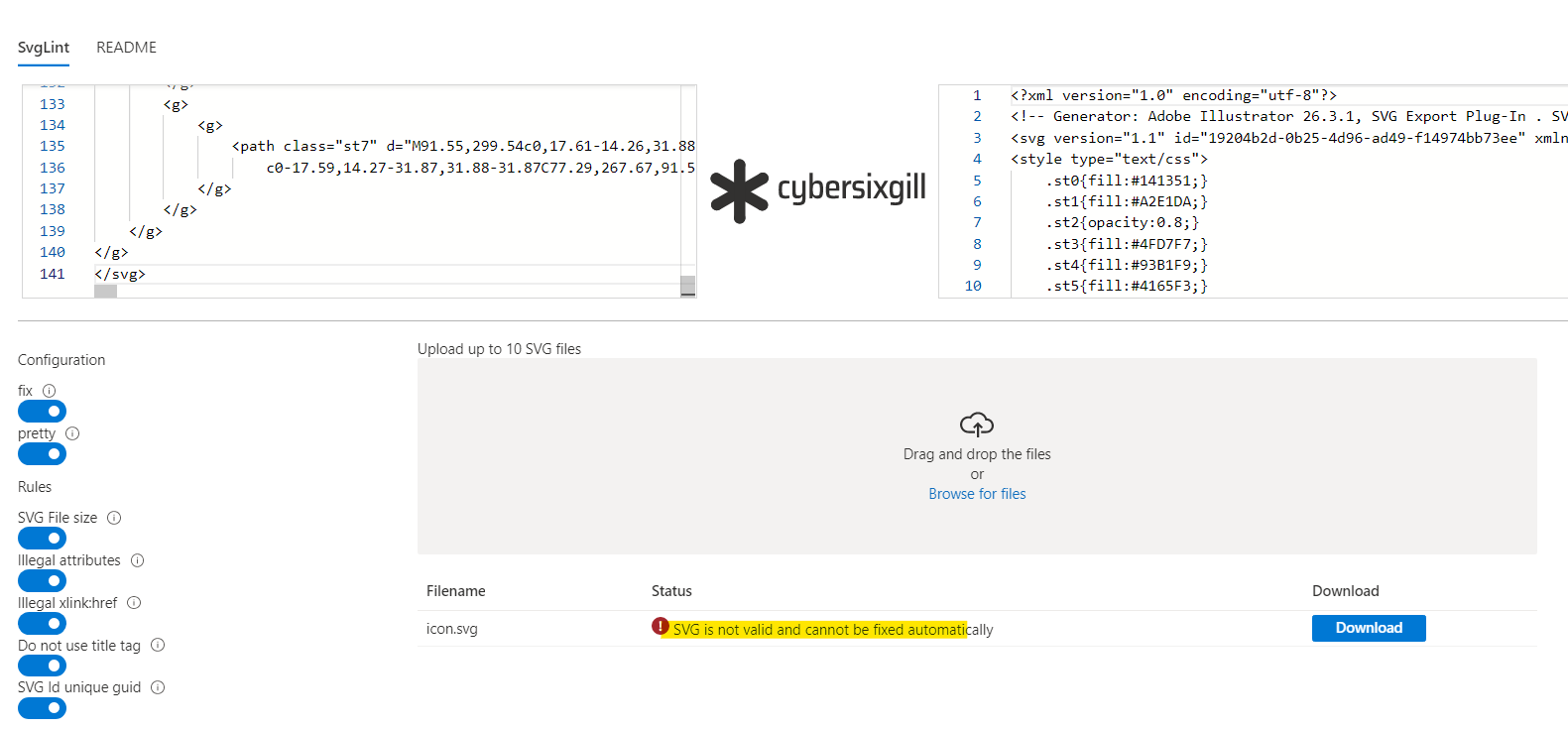 Please follow the below instructions and provide the Logo
- Logo needs to be in SVG format and under 5 Kb
2)Ensure raw file of logo does not have any of the following:
i)cls and style formats
ii)embedded png formats
iii) title tag is not used
Workbook for ActionableAlertsDashboard.json please fix the below errors
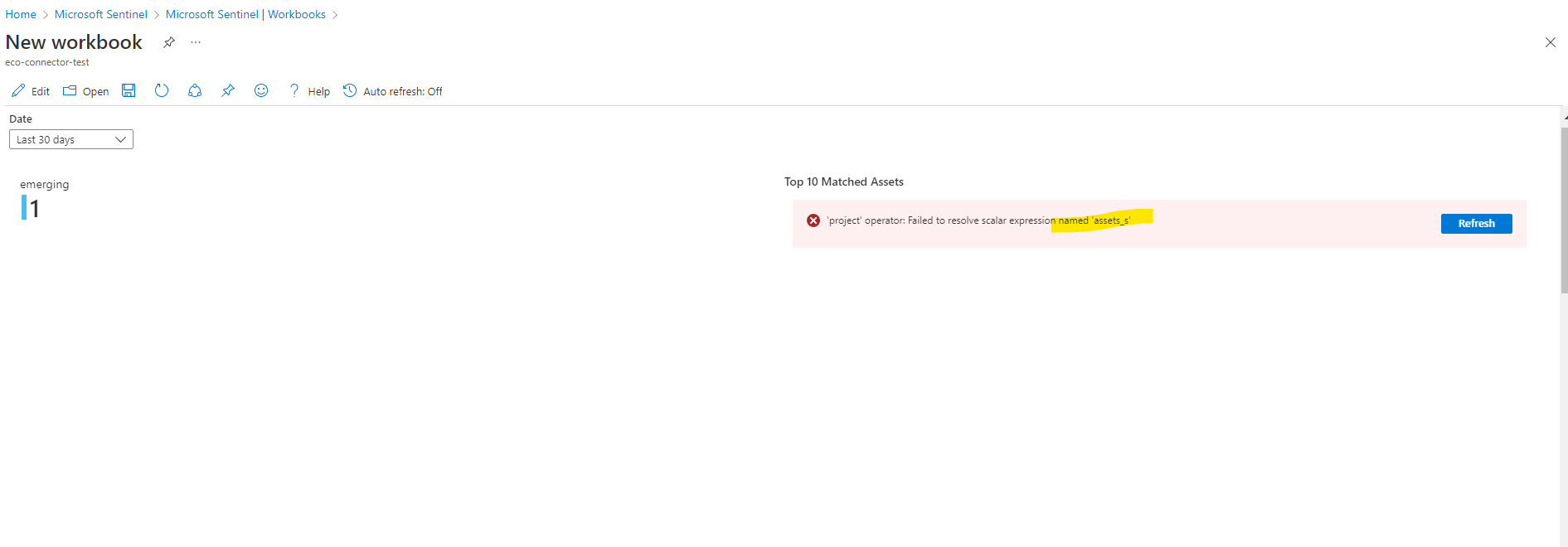
 Workbook for ActionableAlertsList.json please fix the below errors
 Please add the workbook meta data for above 2 workbooks in below path
https://github.com/Azure/Azure-Sentinel/blob/master/Tools/Create-Azure-Sentinel-Solution/V2/WorkbookMetadata/WorkbooksMetadata.json
For input file please change the version 2.0.0
Please add the workbook meta data for above 2 workbooks in below path
https://github.com/Azure/Azure-Sentinel/blob/master/Tools/Create-Azure-Sentinel-Solution/V2/WorkbookMetadata/WorkbooksMetadata.json
For input file please change the version 2.0.0
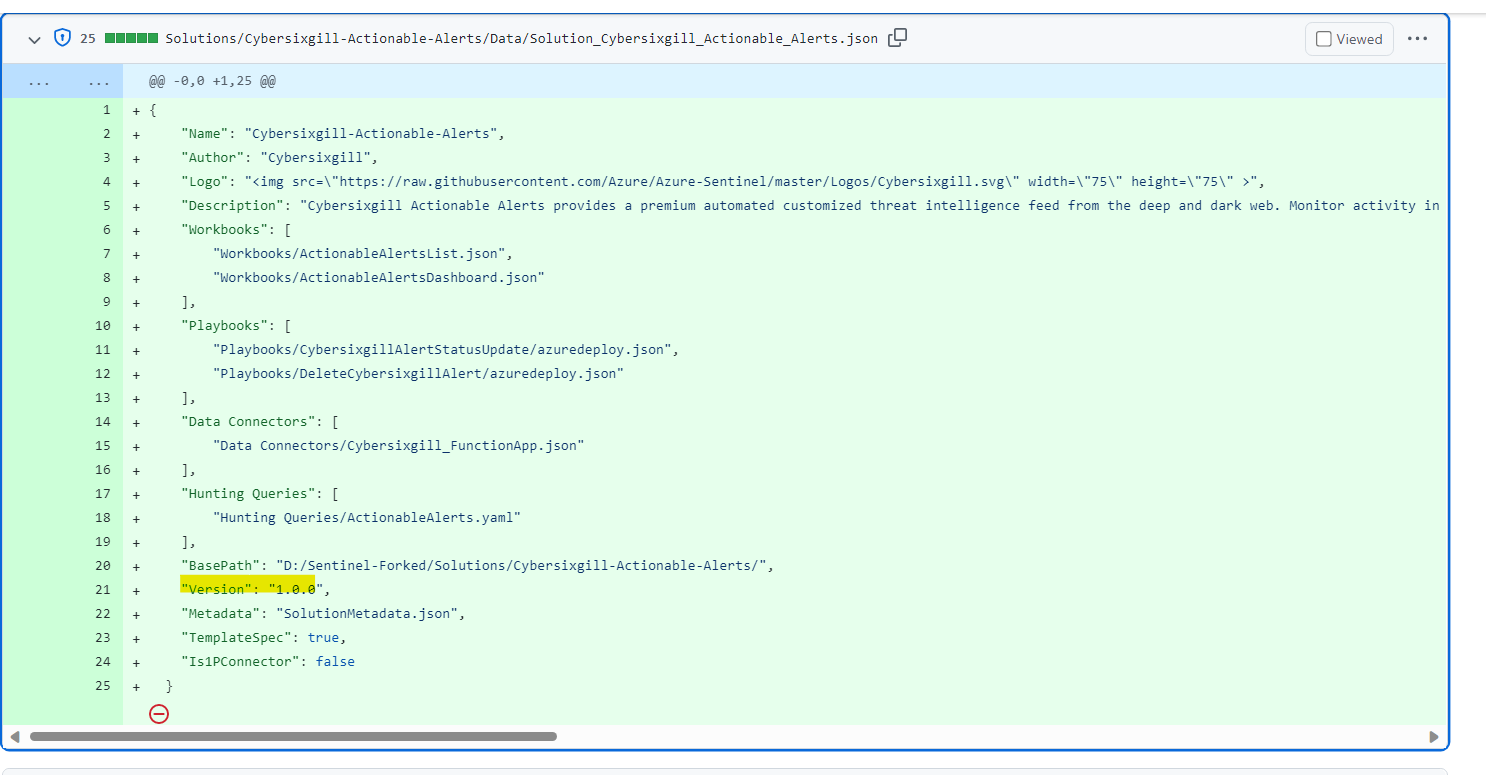
Workbook metadata JSON file was already updated.
https://github.com/Azure/Azure-Sentinel/blob/master/Tools/Create-Azure-Sentinel-Solution/V2/WorkbookMetadata/WorkbooksMetadata.json#L4387
We are looking into others.
@loginsoft-integrations : Please address the remaining comments and while testing Data connector we are getting below issue Please fix it
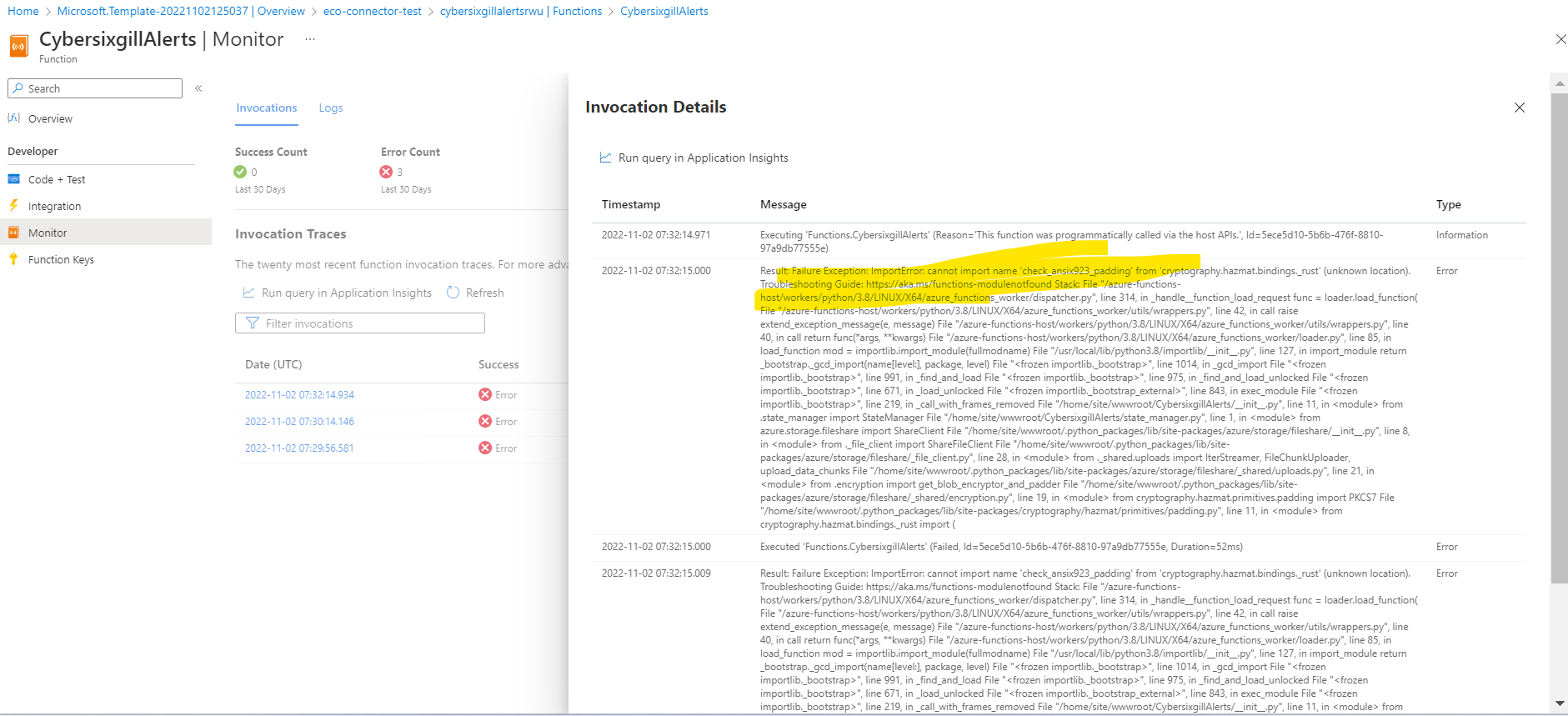
@v-spadarthi Can you please point us to relevant documentation to fix Workbook issue.
@loginsoft-integrations : Please resolve the below comments
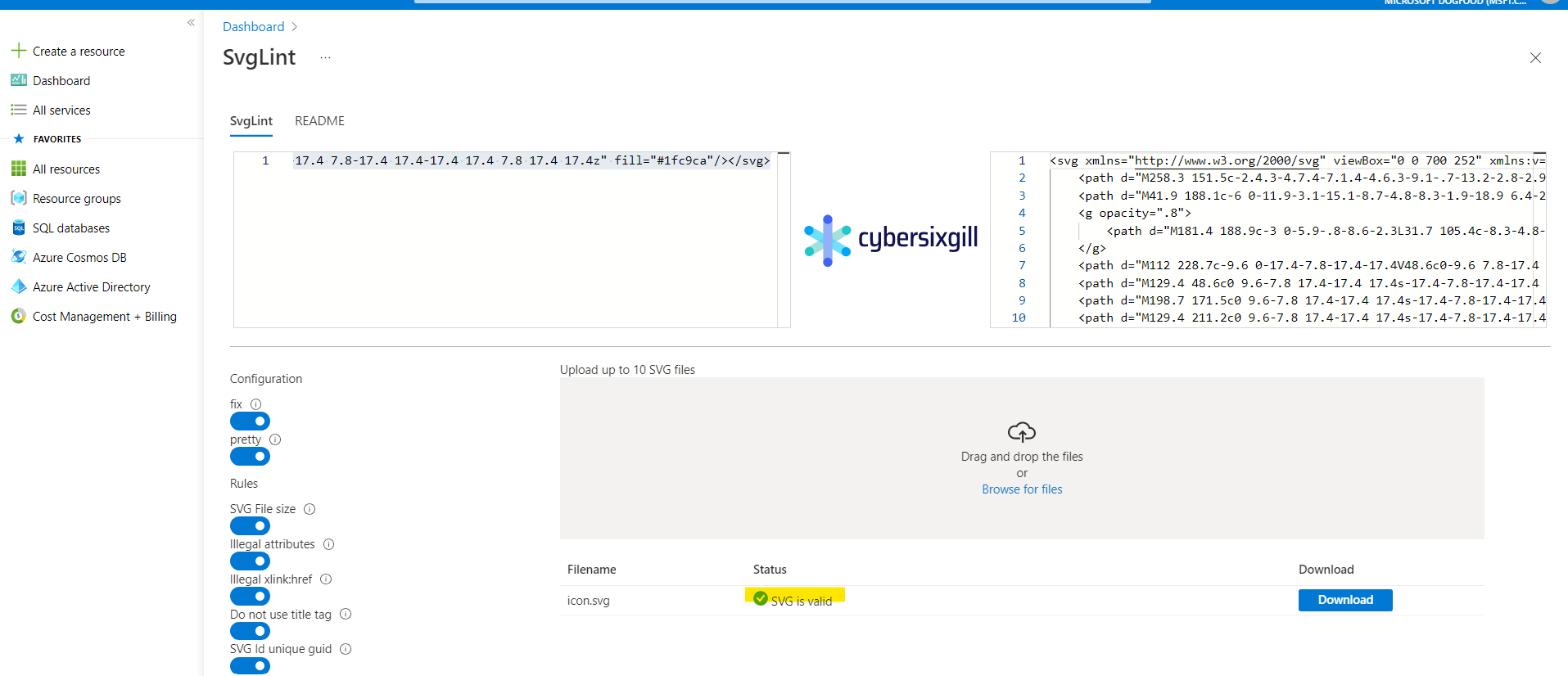
Logo is looking good
 In Workbook, please fix the below issues and we couldn't see these columns in Table CyberSixgill_Alerts_CL as well
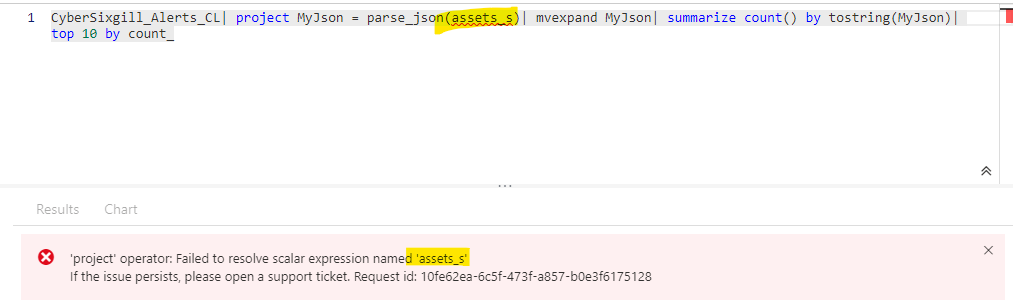
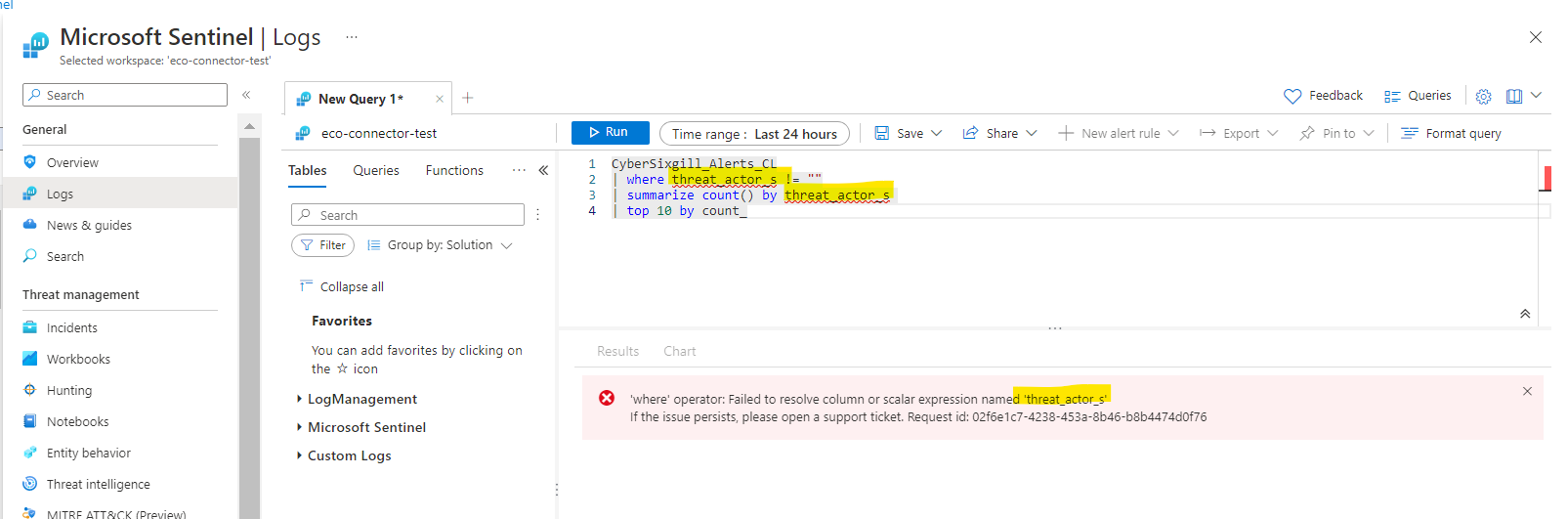
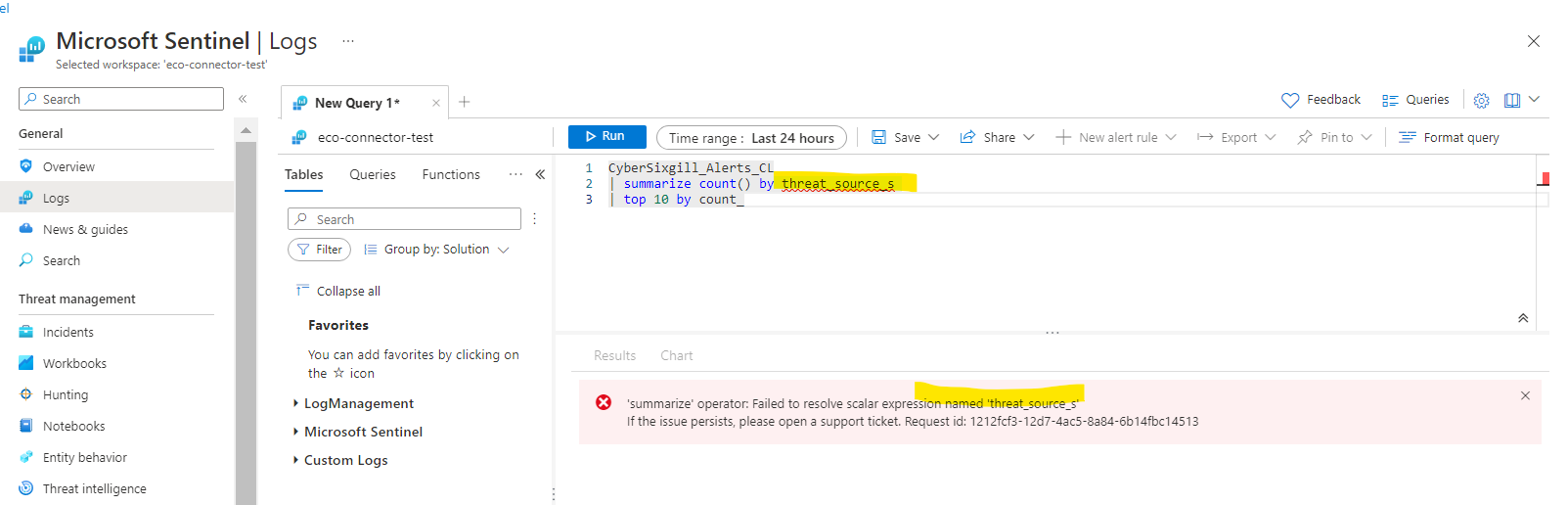
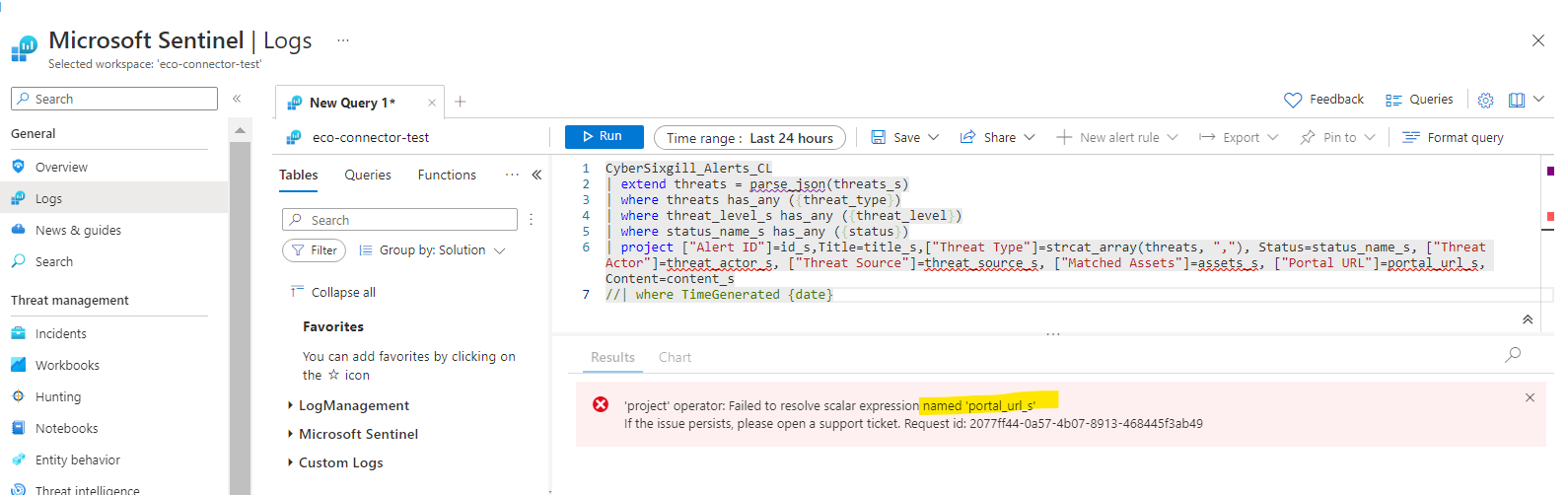 After fixing all these issues need to re-package it again. Thanks!
- threat_source_s
- threat_actor_s
- assets_s
- portal_url_s
Above columns already exists in Cybersixgill_Alerts_CL.json
Do we have to update some where else too?
@loginsoft-integrations : Please resolve the below comments
In Data Connector still we are getting same issue please see the below
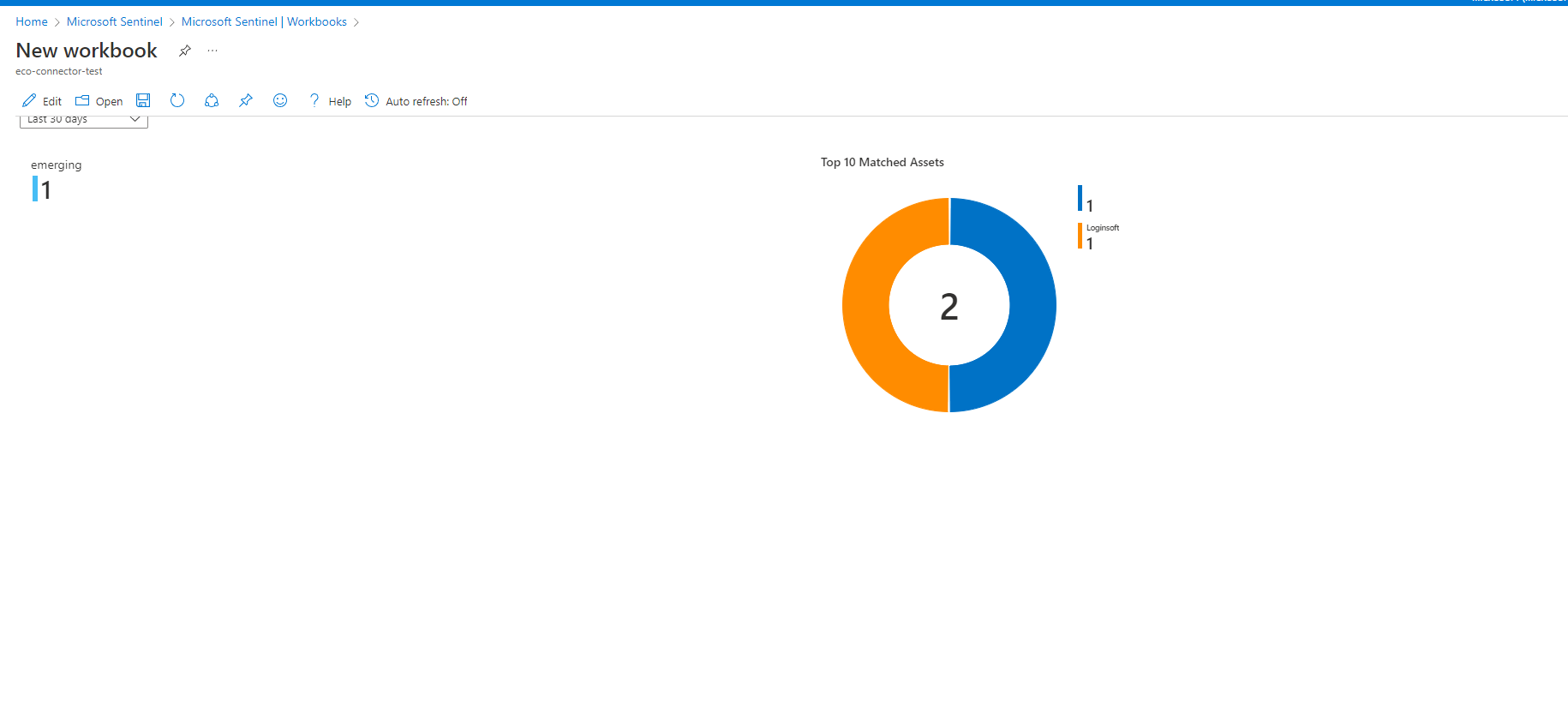
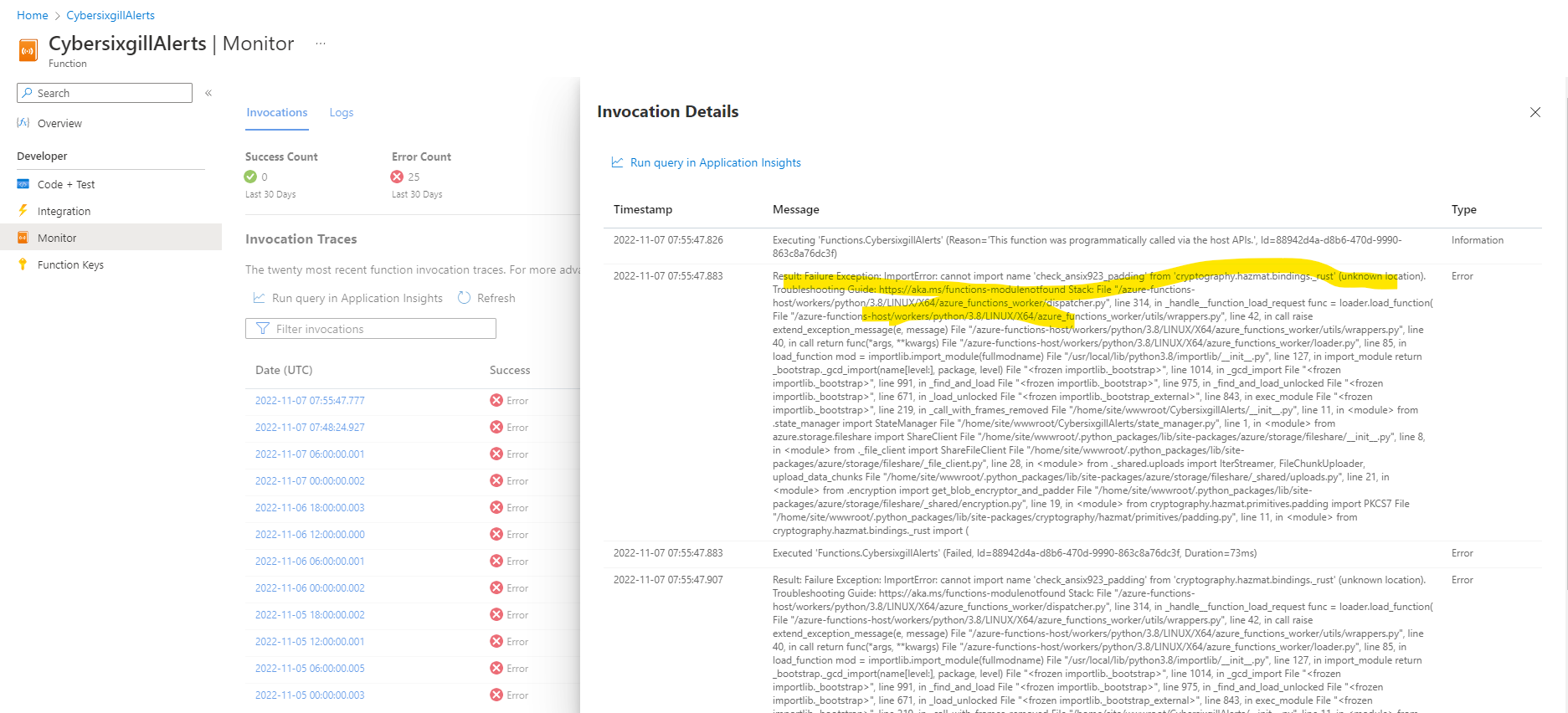 In workbooks looking good
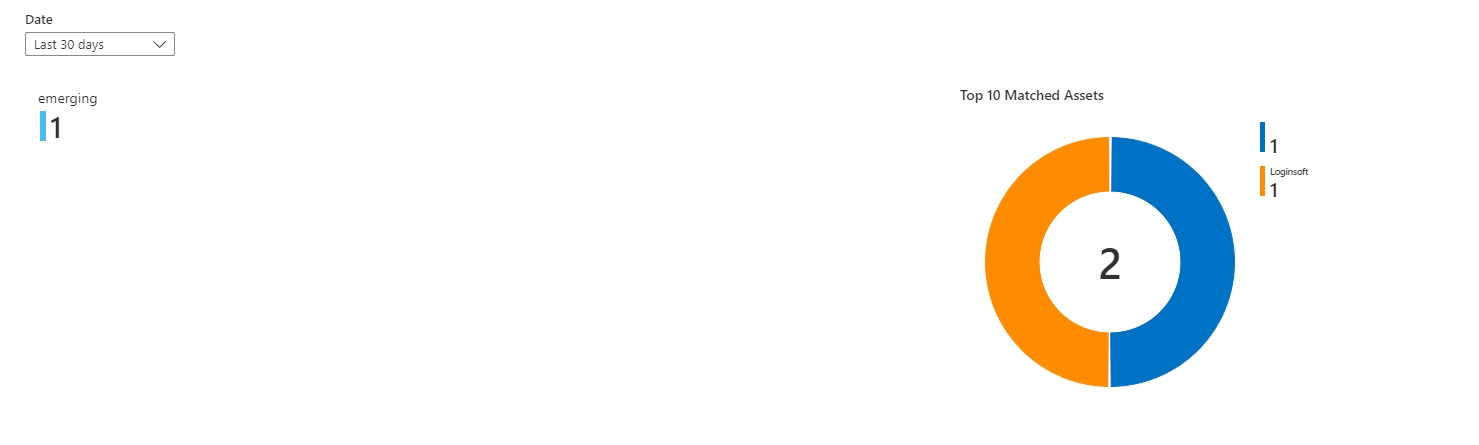 ActionableAlertsDashboard
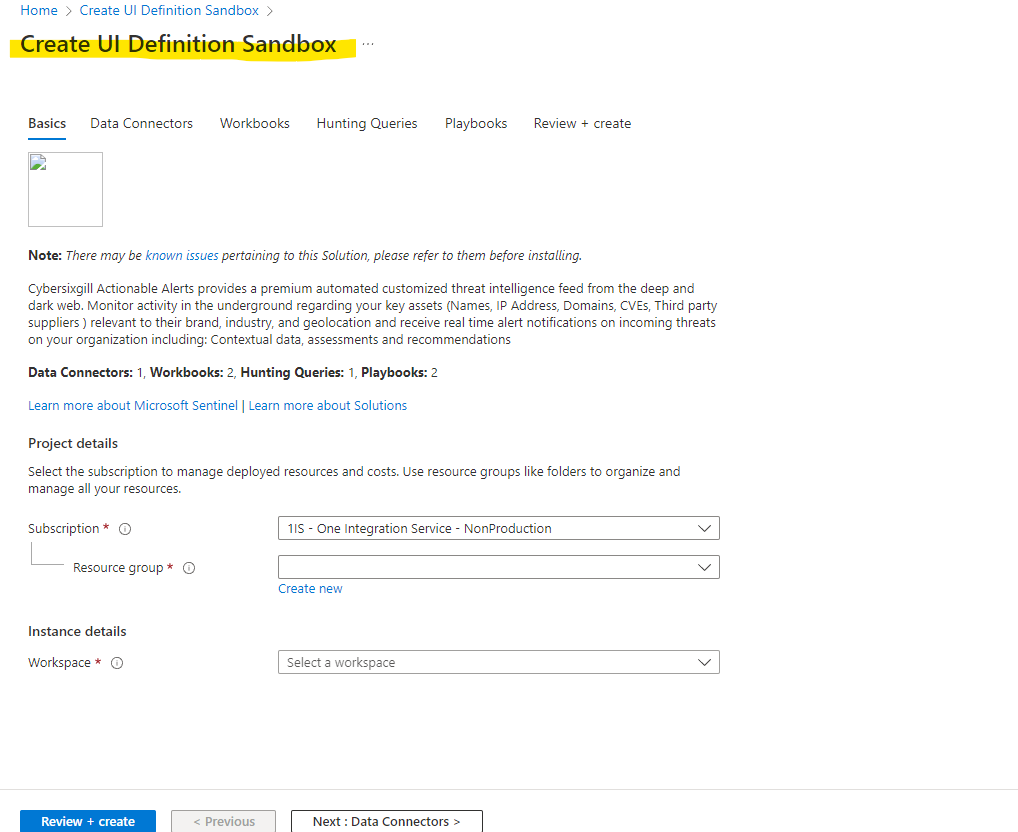
 CreateUI definition
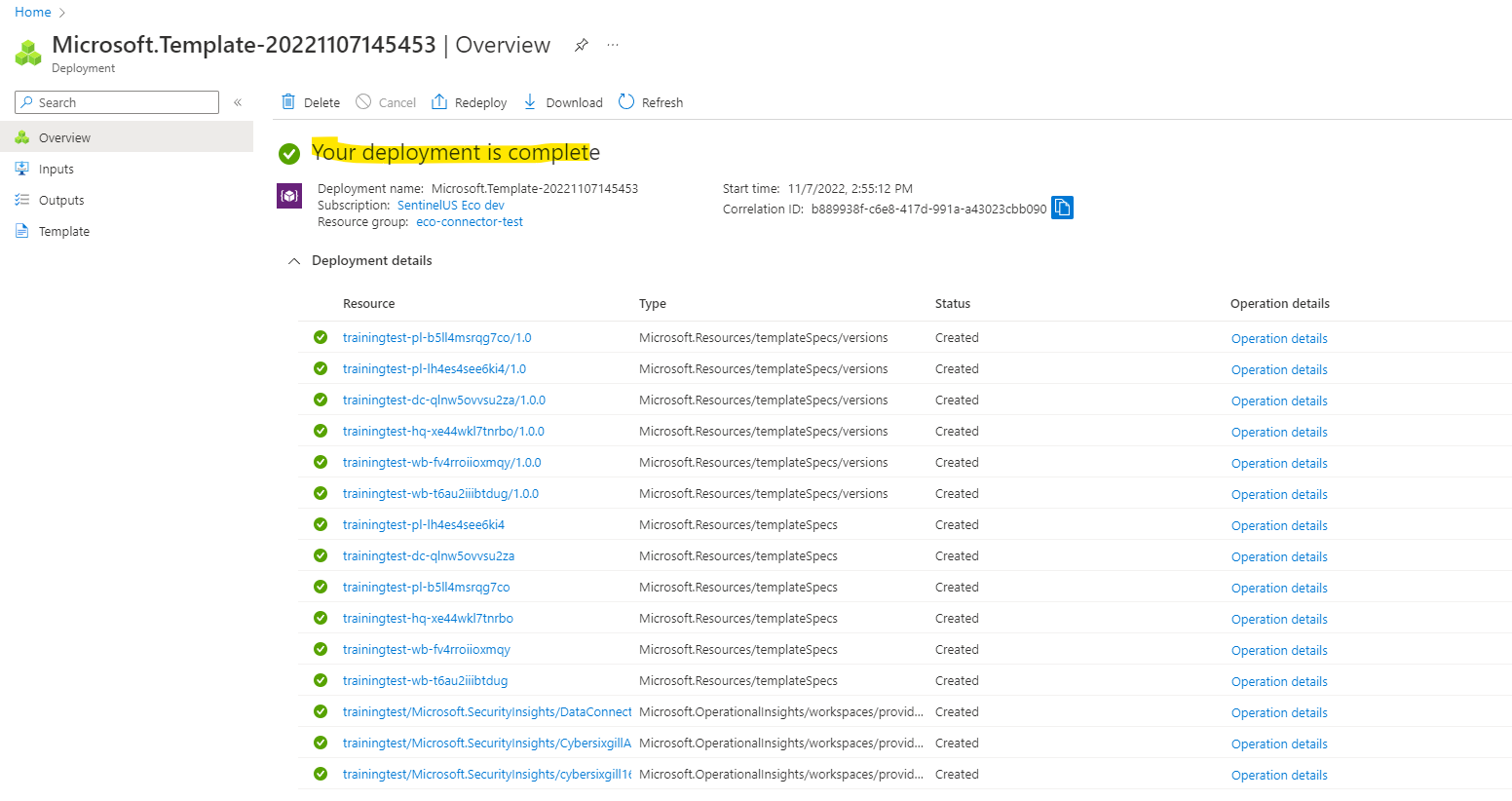
 Main Template
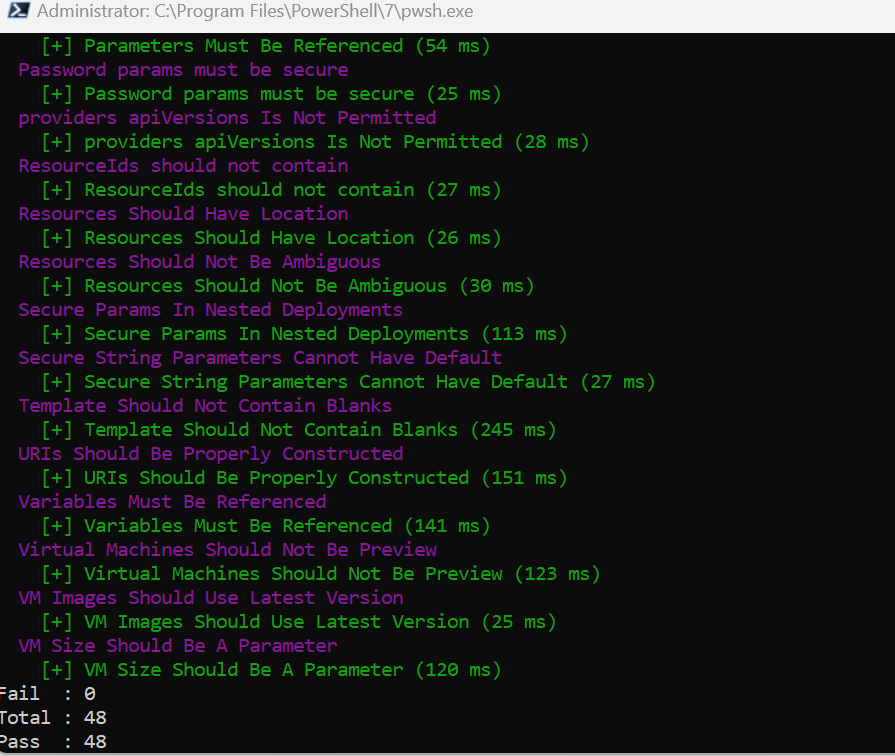
 Arm-ttk also running fine
 After deploying main template we could see below in portal, In playbooks metadata missing please fix
 Use below link to declare the metadata properties it will resolve above problem
https://github.com/Azure/Azure-Sentinel/tree/master/docs/New%20Playbooks%20Contribution%20Guide#add-metadata
Use below link to declare the metadata properties it will resolve above problem
https://github.com/Azure/Azure-Sentinel/tree/master/docs/New%20Playbooks%20Contribution%20Guide#add-metadata
@loginsoft-integrations : Thanks for the metadata changes. Please fix the data connector issues once done re-package it again. Thanks!
@loginsoft-integrations : Still we are getting same error please fix it
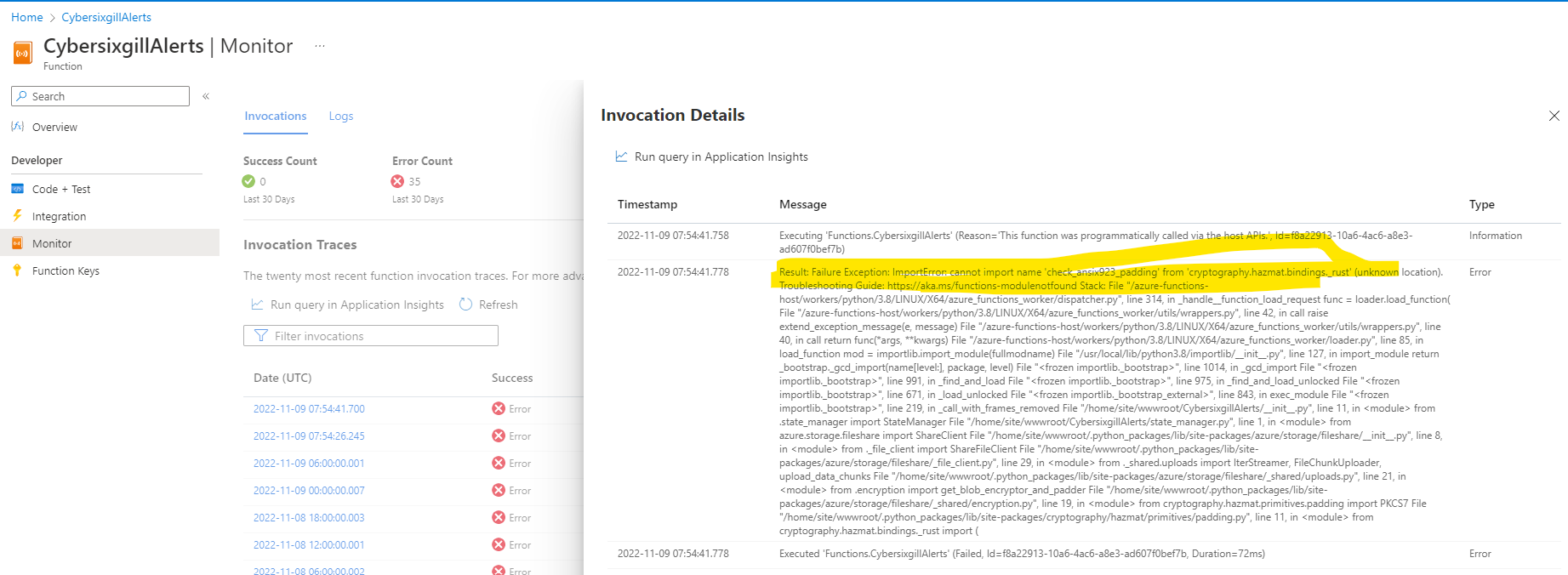

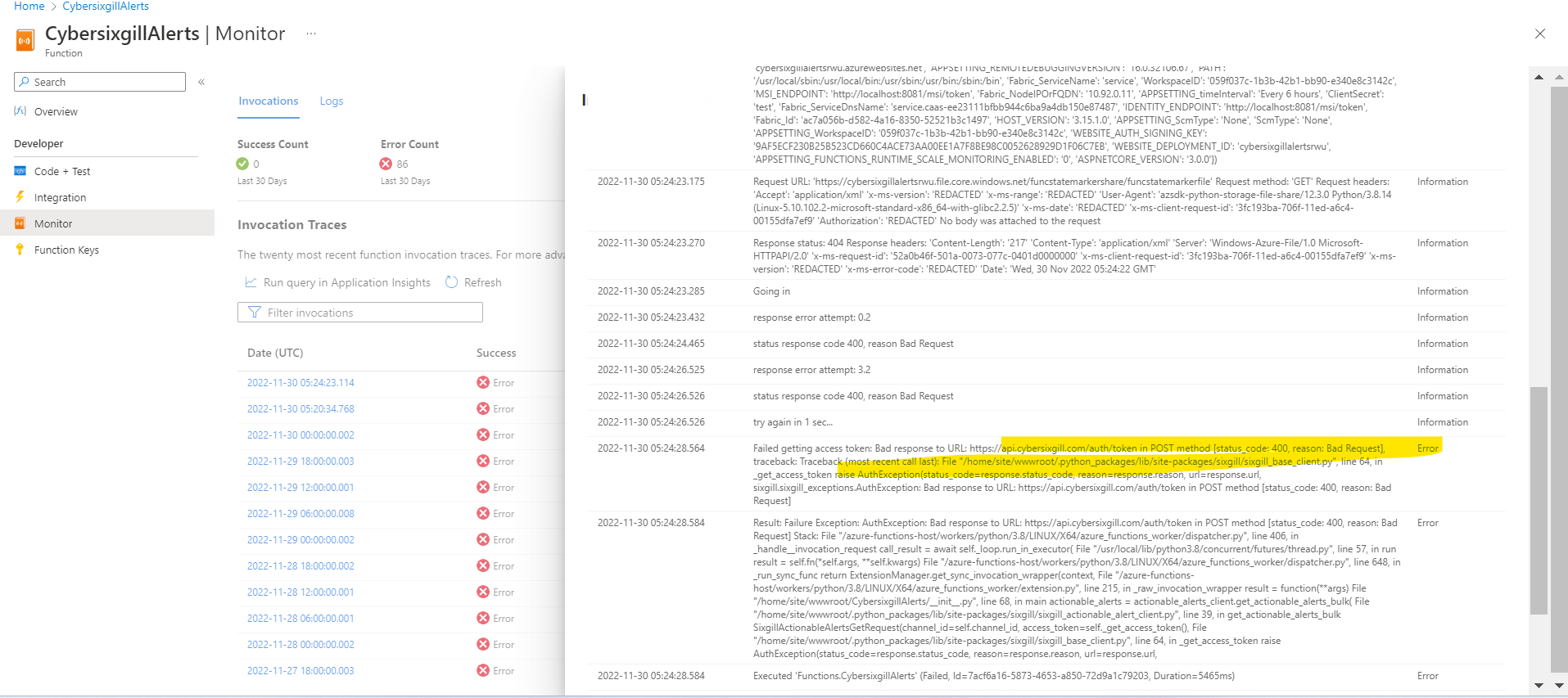
@loginsoft-integrations : While deploying the azure function in portal deployment successful but, not able to see function in function section please see the screenshot below please check and fix it
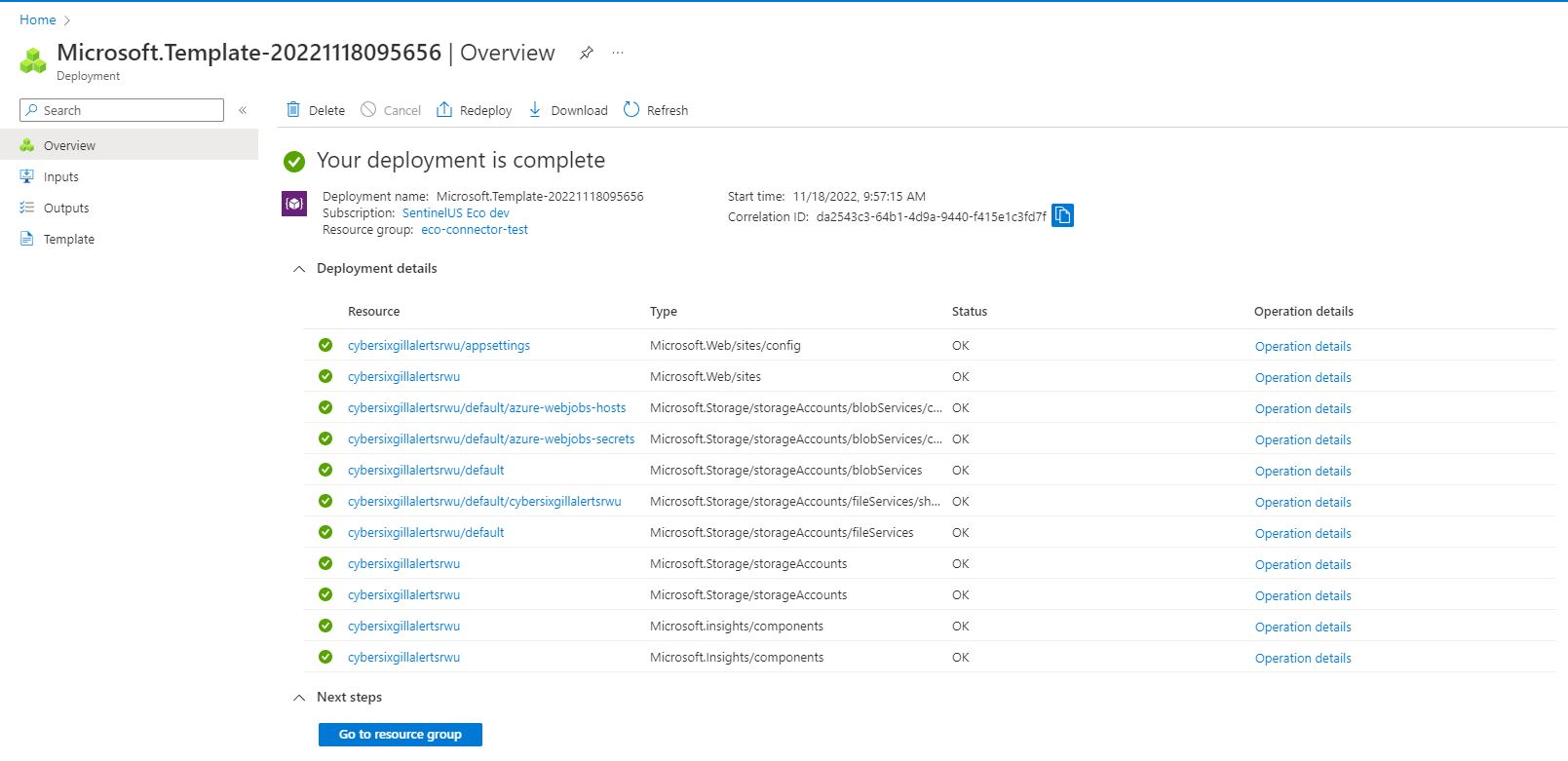
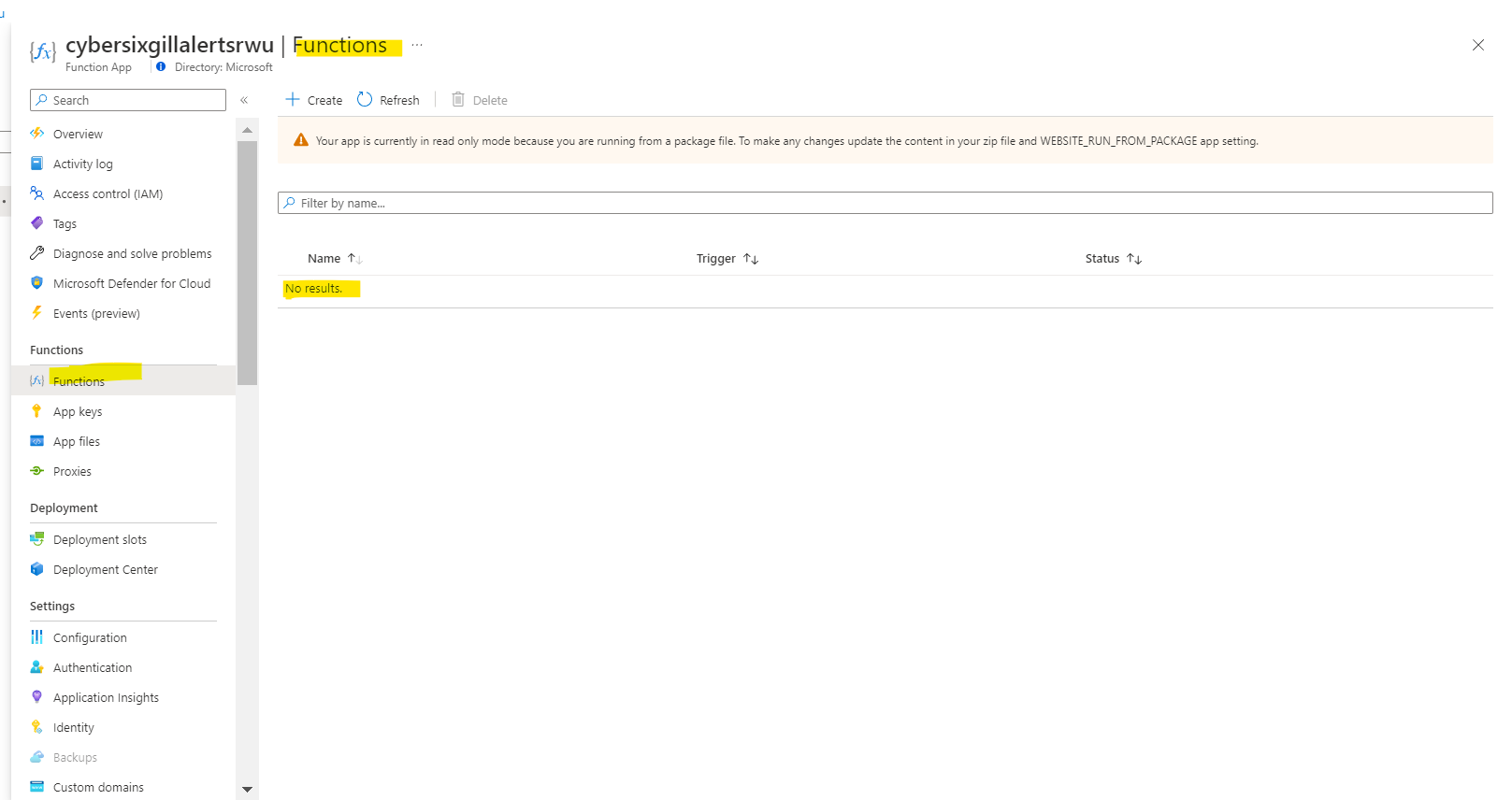
@loginsoft-integrations @syed-loginsoft
Post deployment of playbook we are seeing that secure string are visible in parameter section which is not a good practice
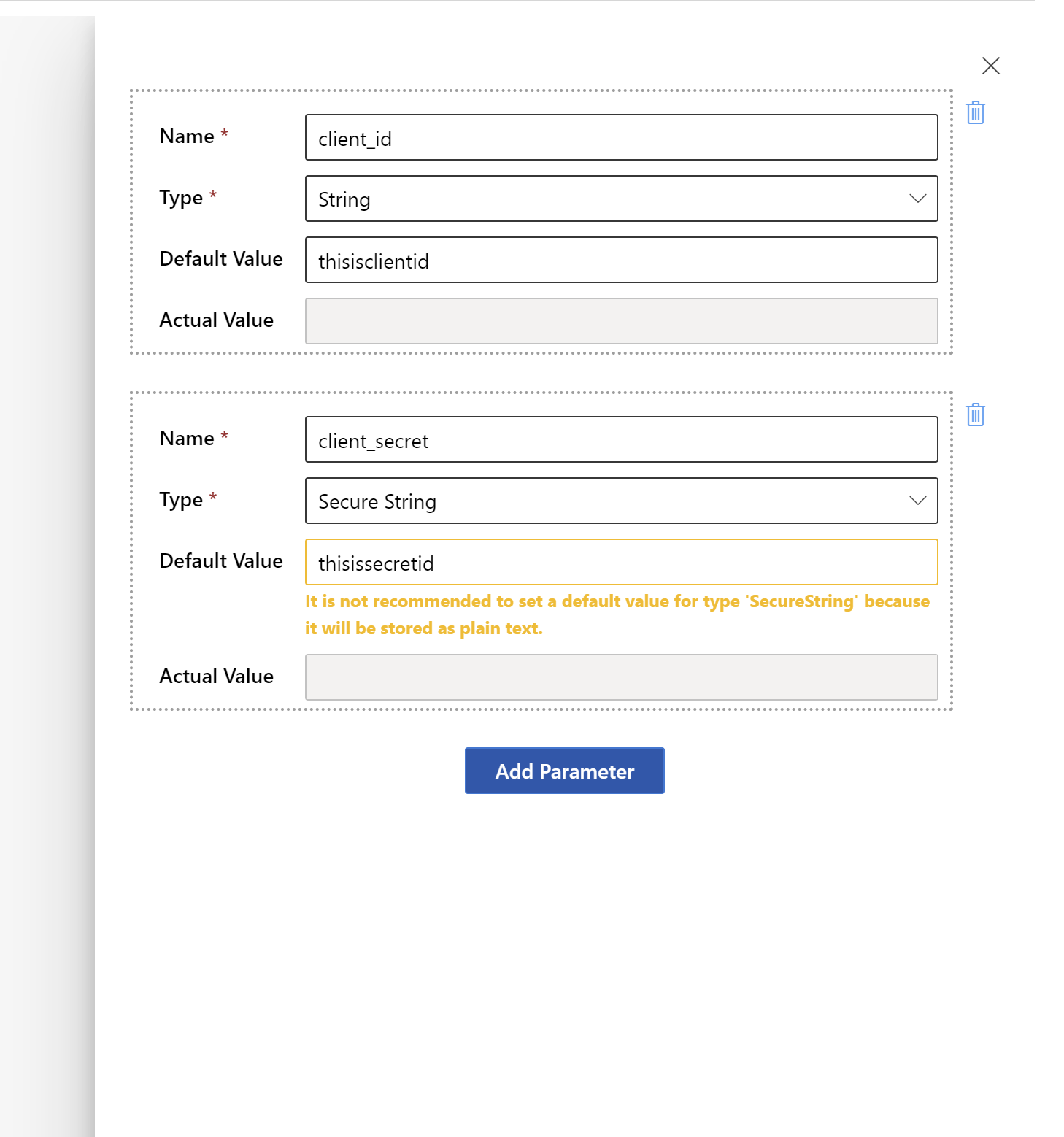
Requesting you to please change your playbooks and try to use existing key vaults for getting the secured secret keys.
@loginsoft-integrations : Please address the @manishkumar1991 comments and as well please fix the below errors.
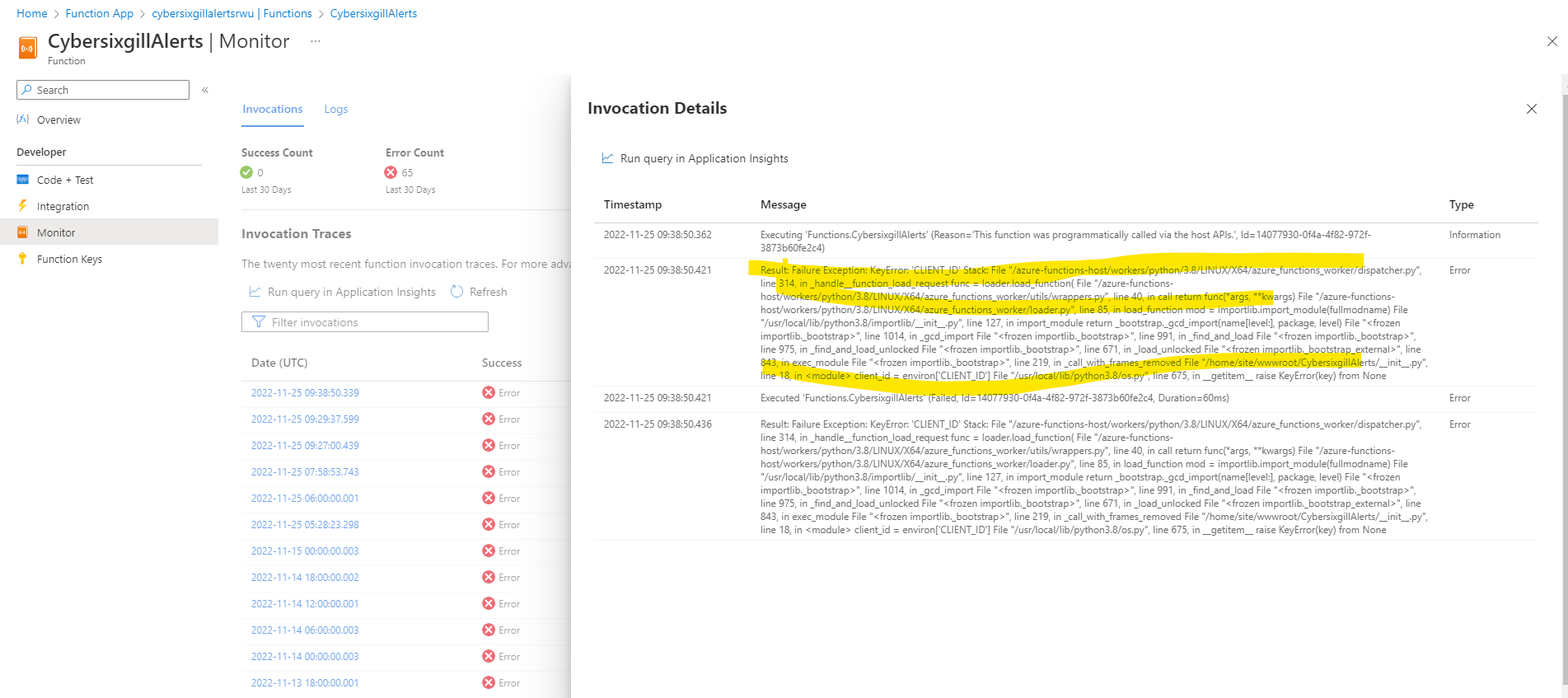
@loginsoft-integrations : we are getting below error please fix
If it is working from your environment, please attach the screenshots.