
themes

themes copied to clipboard
 Automattic
Publication: Placement of the Featured image of the post using Blog Post block isn't considered
Quick summary
- Activate the Publication theme
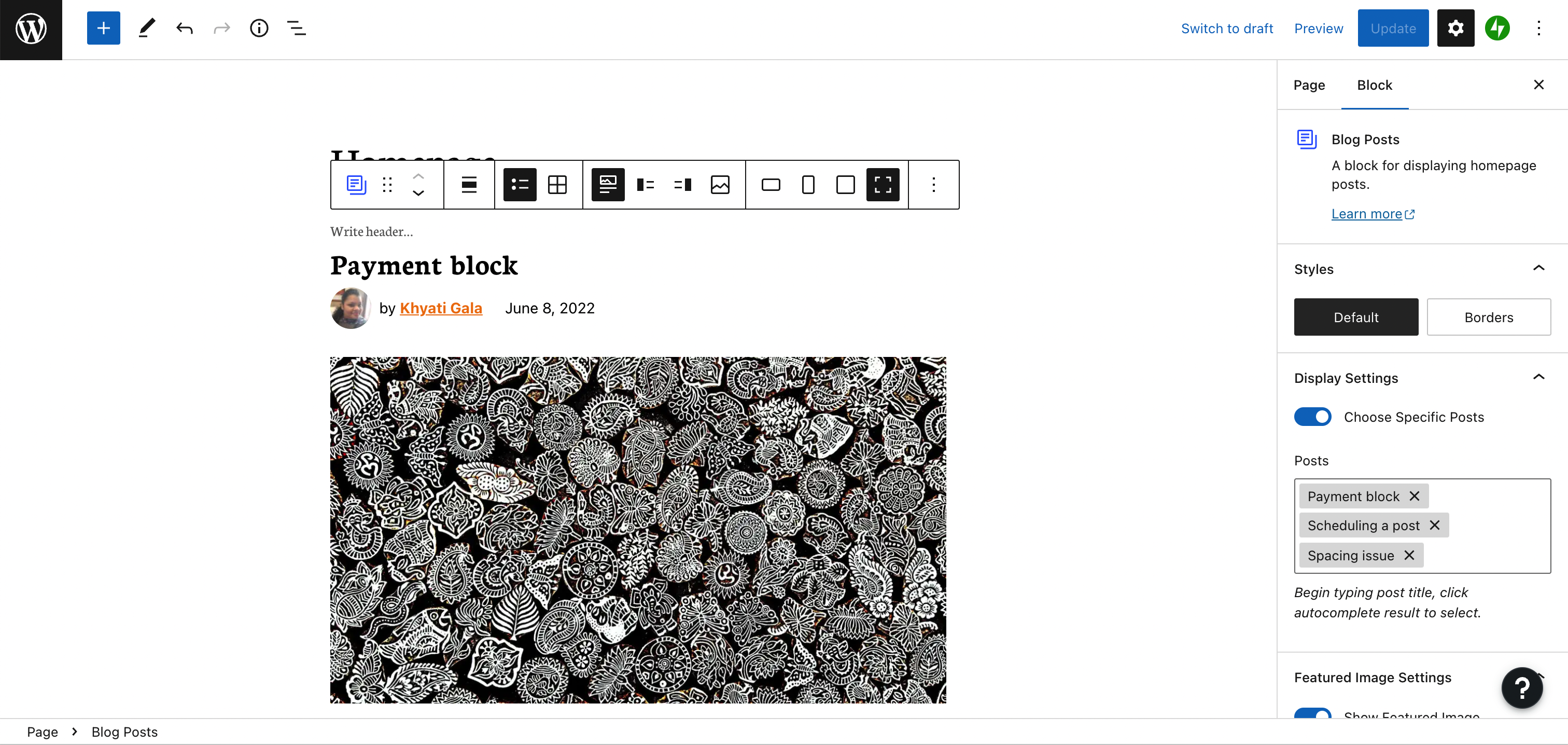
- On a page add a Blog post block and show posts in a list view and image set up to 'Show media on top'.
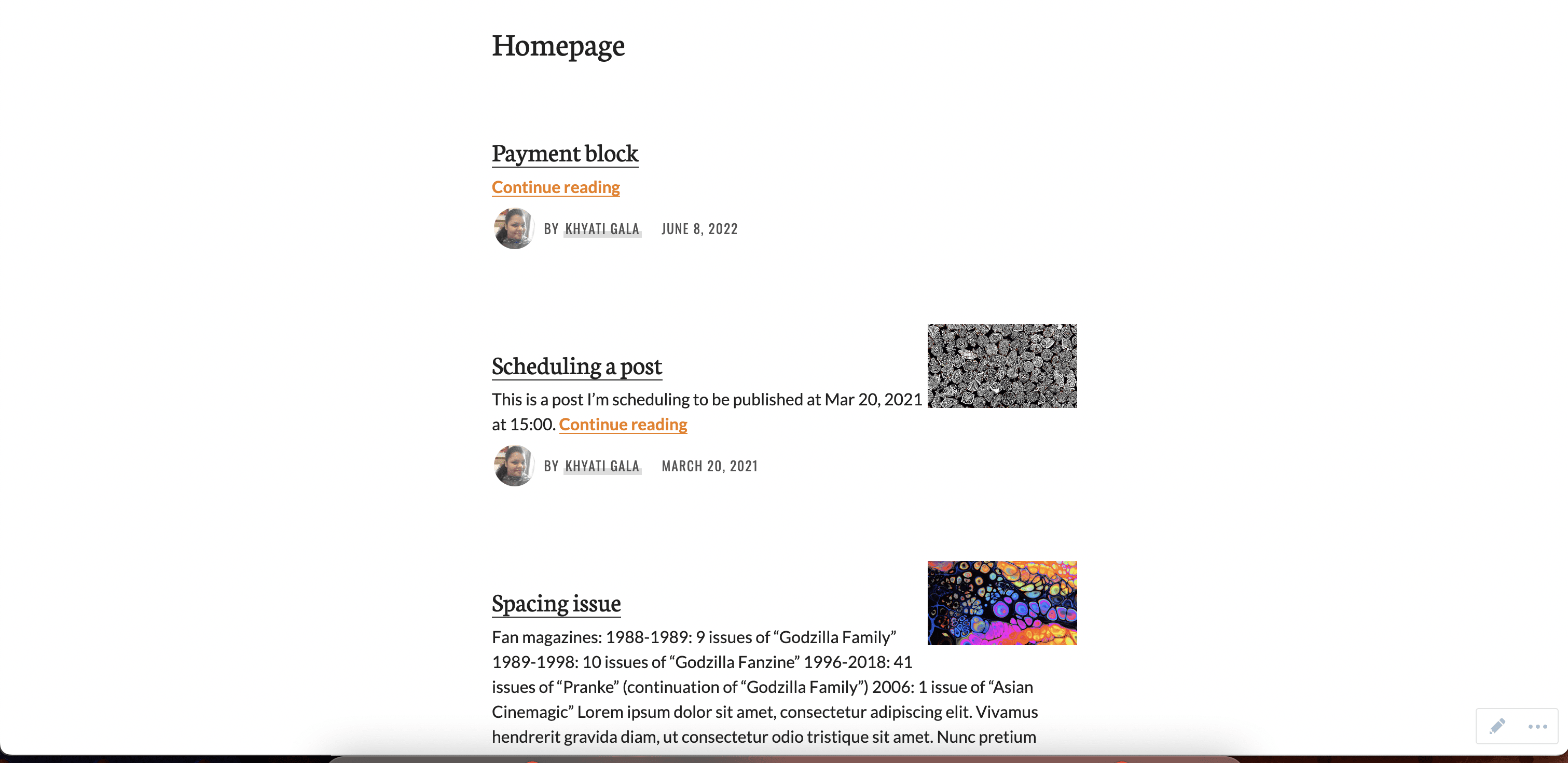
- View the page. It shows the image on right instead of on the top.
Editor screenshot:
Screenshot:
Steps to reproduce
- Activate the Publication theme
- On a page add a Blog post block and show posts in a list view and image set up to 'Show media on top'.
- View the page. It shows the image on right instead of on the top.
What you expected to happen
The images to appear on the top of the content.
What actually happened
The image was showing on the right of the content.
Context
customer report chat: 32058789-hc
Platform (Simple, Atomic, or both?)
Simple, Atomic
Theme-specific issue?
Publication
Browser, operating system and other notes
No response
Reproducibility
Consistent
Severity
Some (< 50%)
Available workarounds?
Yes, easy to implement
Workaround details
Could use the Latest Post block

📌 SCRUBBING
- Tested on P2 ❌
- Tested on Simple ✅
- Tested on AT ✅
- Tested on Self-hosted ✅
- Replicable on Core - No
📌 FINDINGS/SCREENSHOTS/VIDEO
- I can confirm that on both Simple and AT sites the Featured Image of the Blog Posts Block continues to float to the right, regardless of where the image is set to appear:

📌 ACTIONS
- Transferred to Themes repo
