

 Automattic
Shortcode Embeds: should include title attribute on iframe output to meet accessibility standards
Steps to reproduce the issue
The use of oEmbed with Shortcode Embeds enabled or using the embed shortcodes directly have iframe code which then lacks a title attribute.
What I expected
Section 508 and WCAG 2.0 accessibility standards request/require title attributes to be included on iframe elements which describes the content of the iframe for screen readers, etc.
What happened instead
Iframes output by the current version of the Shortcode Embeds module are missing the title attribute.
As an aside, it seems like previous versions of some iframe templates had the title attribute, and the removal of this seems to be odd (don't know why it would've been removed) considering the removal of the title attribute causes the resulting code to fail accessibility standards.
I had originally posted this on the WordPress.org support forum here: https://wordpress.org/support/topic/shortcode-embeds-module-should-include-title-attribute-on-iframe-output/

@KZeni I would love to take a stab at this. This would be my first time contributing, so any guidance on the process would be much appreciated.

@billylinder we really appreciate any effort on this! To submit a PR you will need to fork Jetpack. We have some notes on contributing here: https://github.com/Automattic/jetpack/blob/master/.github/CONTRIBUTING.md#write-and-submit-a-patch
Plus please follow standard WordPress coding guidelines: https://make.wordpress.org/core/handbook/best-practices/coding-standards/
We're always happy to help, so in case you have any questions, don't hesitate to ask them!

Hi, I'm just looking through issues to find a "good first bug", this one however appears to have been resolved now though? #9125 appears to be a fix for this so perhaps this should be closed?

@rickcurran There are most likely a few other iFrames in the plugin that lack that title attribute. This issue focuses on shortcodes, so you could look for iframes inside the modules/shortcodes directly. I can see a few:
- [x]
modules/shortcodes/archiveorg-book.php - [x]
modules/shortcodes/archiveorg.php - [ ]
modules/shortcodes/bandcamp.php - [ ]
modules/shortcodes/crowdsignal.php - [ ]
modules/shortcodes/dailymotion.php - [ ]
modules/shortcodes/flickr.php - [ ]
modules/shortcodes/getty.php - [ ]
modules/shortcodes/googleapps.php - [ ]
modules/shortcodes/googlemaps.php - [ ]
modules/shortcodes/hulu.php - [ ]
modules/shortcodes/instagram.php - [ ]
modules/shortcodes/instagram.php - [ ]
modules/shortcodes/kickstarter.php - [ ]
modules/shortcodes/scribd.php - [ ]
modules/shortcodes/slideshare.php - [ ]
modules/shortcodes/soundcloud.php - [ ]
modules/shortcodes/spotify.php - [ ]
modules/shortcodes/twitchtv.php - [ ]
modules/shortcodes/ustream.php - [ ]
modules/shortcodes/vimeo.php - [ ]
modules/shortcodes/vine.php - [ ]
modules/shortcodes/wufoo.php - [ ]
modules/shortcodes/youtube.php
A few of those may already include a title attribute, I haven't checked, but that should be a good place to start.

I forget if I've posted this somewhere already (considering this issue is from 2017), but I've been using the following in my theme's functions.php file in the meantime to make up for where oEmbed & Jetpack are/were lacking in this regard:
// Add title to iframe elements which were added via WordPress oEmbed functionality (improve WCAG 2.0 & Section 508 compliance). Based on https://stackoverflow.com/a/38885843
function amp_get_video_provider_slug_from_url( $url ){ // Get Video Provider Slug From URL
	// Return a youtube reference for a youtu.be URL
	if( preg_match( '/(youtu\.be)/i', $url ) ){
		return 'youtube';
	}
	// Detect the dotcoms normally.
	preg_match( '/((youtube|vimeo|dailymotion)\.com)/i', $url, $matches );
	// If nothing was detected...
	if( !isset( $matches[2] ) )
		return false;
	$domain = (string) $matches[2];
	return ucfirst($domain);
}
function amp_add_oembed_iframe_title($iframe,$embed_type){
	if($iframe){
		$attributes = 'title="Embedded '.$embed_type.'"';
		$iframe = str_replace('></iframe>', ' ' . $attributes . '></iframe>', $iframe);
		return $iframe;
	}
	return false;
}
function amp_embed_oembed_html($html, $url = '', $attr = '', $post_id = '') {
	if(amp_get_video_provider_slug_from_url($url) !== false){ // Check against the URL parameter, if provided
		$embed_type = amp_get_video_provider_slug_from_url($url);
	}elseif(amp_get_video_provider_slug_from_url($html) !== false){ // Check against the entire HTML content as a fallback (since the `video_embed_html` Jetpack filter doesn't provide a URL parameter.
		$embed_type = amp_get_video_provider_slug_from_url($html);
	}else{
		$embed_type = 'External Media'; // Default to a generic title
	}
	if($html){
		return amp_add_oembed_iframe_title($html,$embed_type);
	}
	return false;
}
add_filter('embed_oembed_html', 'amp_embed_oembed_html', 99, 4); // Take the standard WordPress oEmbed into account
add_filter( 'video_embed_html', 'amp_embed_oembed_html' ); // Take Jetpack's specific Shortcode Embeds module output into account
Of course, it'd be ideal if Jetpack & oEmbed included the title attribute for their iframes from the very beginning so this code would be unnecessary & could be removed.
Hi, I've published an initial PR with a view to adding title attributes to the list of files that @jeherve has listed above: #13451 " Added Title attribute to the iframe for Archive.org book embed"
This changes just tackles the first one in the list in order to establish a correct format / methodology before updating the rest. It adds a fixed text string which would be a translatable string within Jetpack's i8ln language strings.
However, I did wonder that as this embed is generated from a shortcode it could also be an option to enable this string to be specified by the user as an additional attribute to the shortcode.
So perhaps having the fixed translatable string as a fallback but adding a new title attribute to the list of atts for the jetpack_archiveorg_book_shortcode?
having the fixed translatable string as a fallback but adding a new title attribute to the list of atts for the jetpack_archiveorg_book_shortcode?
While I like the idea, I think that would be a bit overkill in this scenario. It is extra work for folks to have to fill in the title attribute, and for a lot of shortcodes the post author often copies that shortcode straight from the external site without actually making any changes to it on their own.
I've just added a PR adding the title attribute on the regular Archive.org embed shortcode:
Add title attribute to the iframe for the regular archive.org embed #13494
Hey, Jetpack team, issue with embed iframe titles has been fixed in core WP back in 2019, see https://github.com/WordPress/WordPress/commit/b2ae00cd21db0efd07064fdc8474493e08117944
Do you think it's possible to merge it into Jetpack functionality?
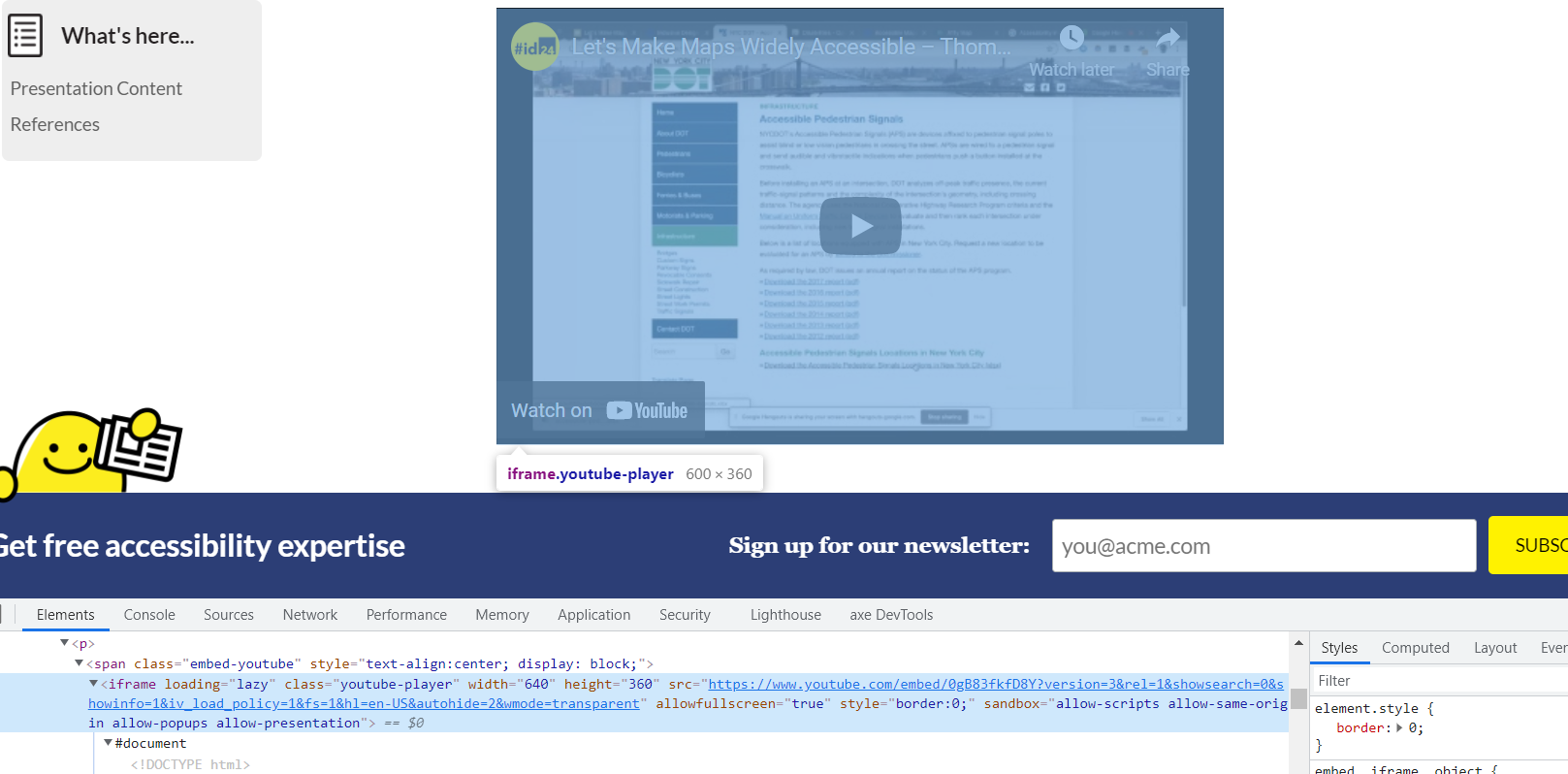
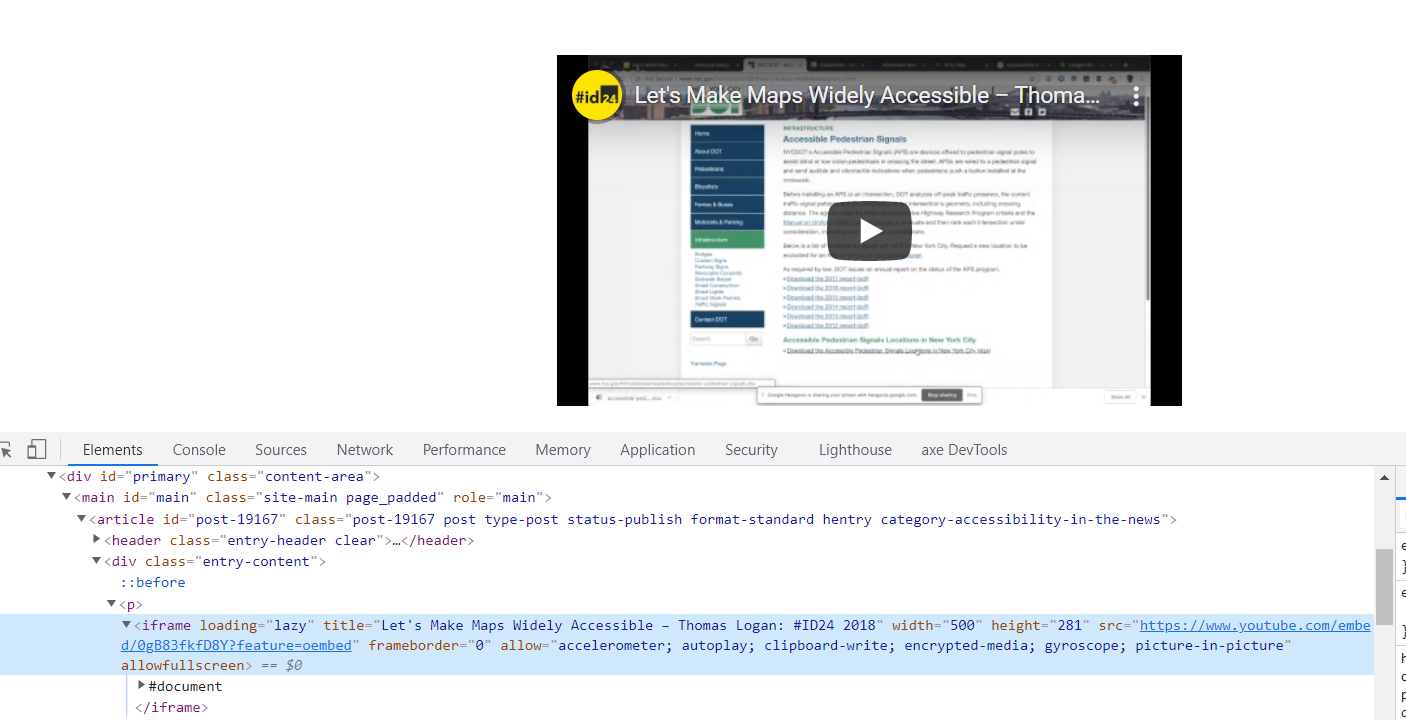
P.S. it's important as currently embeds for YouTube URLs have titles, but with enabled Jetpack they're not.
Jetpack:
Jetpack disabled:

Do you think it's possible to merge it into Jetpack functionality?
Yes, that would certainly be a nice way to solve this issue!
@jeherve a problem is that core WP oembed hooks, including oembed_dataparse, are not applied anymore when Jetpack is enabled, related issue https://github.com/Automattic/jetpack/issues/1571
You can fix title attribute issue by removing Jetpack handlers, example for YouTube and Vimeo:
function ee_init()
{
    // deregister Jetpack handlers for YouTube embeds (fallback to native WordPress will be used instead)
    wp_embed_unregister_handler('wpcom_youtube_embed_crazy_url');
    remove_filter('comment_text', 'youtube_link', 1);

    // deregister Jetpack handler for Vimeo embeds (fallback to native WordPress will be used instead)
    wp_embed_unregister_handler('wpcom_vimeo_embed_url');
}
add_action('init', 'ee_init');
Alternative to https://github.com/Automattic/jetpack/issues/7370#issuecomment-514675560
This will fallback to WordPress default functionality for handling embeds, which has iframe title fix applied.
I'm experiencing this issue on my site with Jetpack active.
I don't see the title attribute on my embedded videos. For example, with Jetpack active the YouTube embed code is:
<figure class="wp-block-embed is-type-video is-provider-youtube wp-block-embed-youtube wp-embed-aspect-16-9 wp-has-aspect-ratio"><div class="wp-block-embed__wrapper"><span class="embed-youtube" style="text-align:center; display: block;"><iframe loading="lazy" class="youtube-player" width="640" height="360" src="https://www.youtube.com/embed/Y9ufbb4mugo?version=3&rel=1&showsearch=0&showinfo=1&iv_load_policy=1&fs=1&hl=en-GB&autohide=2&wmode=transparent" allowfullscreen="true" style="border:0;" sandbox="allow-scripts allow-same-origin allow-popups allow-presentation allow-popups-to-escape-sandbox"></iframe></span></div></figure>
With Jetpack deactivated or disconnected the title attribute is there:
<figure class="wp-block-embed is-type-video is-provider-youtube wp-block-embed-youtube wp-embed-aspect-16-9 wp-has-aspect-ratio"><div class="wp-block-embed__wrapper">
<iframe loading="lazy" title="Smartphone-activated Pedestrian Crossing Test by Andrew and Chris" width="500" height="281" src="about:blank" frameborder="0" allow="accelerometer; autoplay; clipboard-write; encrypted-media; gyroscope; picture-in-picture; web-share" referrerpolicy="strict-origin-when-cross-origin" allowfullscreen data-rocket-lazyload="fitvidscompatible" data-lazy-src="https://www.youtube.com/embed/qdrYIjFCfrM?feature=oembed"></iframe><noscript><iframe loading="lazy" title="Smartphone-activated Pedestrian Crossing Test by Andrew and Chris" width="500" height="281" src="https://www.youtube.com/embed/qdrYIjFCfrM?feature=oembed" frameborder="0" allow="accelerometer; autoplay; clipboard-write; encrypted-media; gyroscope; picture-in-picture; web-share" referrerpolicy="strict-origin-when-cross-origin" allowfullscreen></iframe></noscript>
</div></figure>
I tried adding the code above from @kospl as a code snippet on my site but it didn't work.
Is there likely to be a fix soon for this issue? This is a failure of WCAG 2.1 level A, see here: Frames must have an accessible name

@abrightclearweb We aren't currently working on our legacy shortcode embeds, but you should be able to work around the problem:
- Either by going to Jetpack > Settings, searching for "shortcodes", and disabling the feature if you do not use any other of our shortcodes.
- Either by disabling only the YouTube shortcode if you use other embeds. You can do so thanks to the
jetpack_shortcodes_to_includefilter, as explained here: https://developer.jetpack.com/hooks/jetpack_shortcodes_to_include/