

 Autodesk
[MAYA-123329] DX11shader not saved in USD file, mesh will have no "Looks" associated with it.
Describe the bug If a mesh object has a "dx11shader" applied to it, when exporting a USD file there will be no material or shader saved.
Steps to reproduce
- Open attached scene.
- Export All, choose a filename.
- Open the file in "usdview", notice there is no material on the sphere.
Expected behavior I would expect at least the correct material name to be saved in the USD file. I understand that it couldn't reliably gather textures since it's dependent on an fx file, at the very least we'd expect the correct material name to be included.
Attachments dx11_test.zip
Specs (if applicable): Windows 10 Maya PR 115

Hello @stevkalinowski,
I took a look at this and am seeing the same issue when I use the "Material Colors" for the material option on export, In PR117 some changes were merged regarding material export and with the option to use "Preview Surface Shaders" the stage exports correctly:
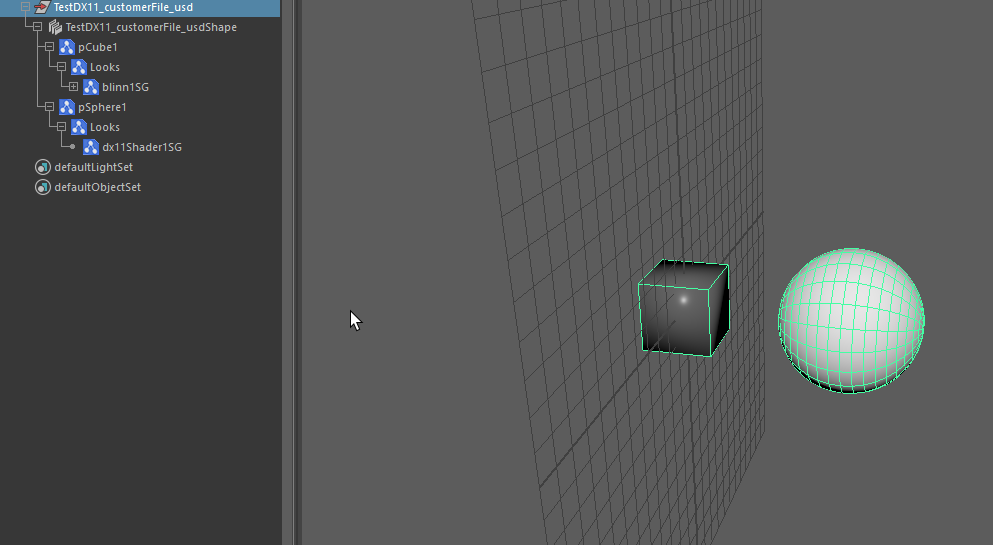

@stevkalinowski wondering if you had the chance to test this in a more current version?
I've tested in Maya 2022.2.1 PFIX 12.0 and confirmed the issues is still present.
I tested with Maya 2022.2 using Maya USD build 0.13.0 and I am getting the looks when I create a usd file from what I exported. Could you test 2022.2 using the same workflow I am using? Attached is a video showing my results:
https://user-images.githubusercontent.com/29235905/148816258-3c8a998c-2e00-4aff-80c6-688bff6812fd.mp4
.
I believe the breakage is on File > Import. In the video you use "Stage" whereas we need File > Import to work. I tested just now using Maya 2022.2 USD 0.13.0 and still have the issue.
I see, thank you for clarifying that. I thought the issue was with Creating a stage from the file not with import. I tested the import and do see the issue in Maya PR131 and Maya 2022.2.
@JGamache-autodesk do you know if adding import translation for DX11 shaders is something that would require Maya side changes or is this something that could be fixed on the Plugin side?
We currently import/export materials that could be rendered in USD standalone with the right Hydra plugin. In the case of a dx11Shader material I can not see how this could be rendered.
If you are looking for a transport mechanism that offers Maya-specific lossless Import/export: look for test/lib/usd/plugin/mayaShaderTranslation.cpp and test\lib\usd\translators\testUsdImportCustomConverter.template.py. This is compatible with multi-material export and might be moved out of testing if there is sufficient demand.
If you are looking for loading that exported USD file as a stage that renders in the viewport using dx11Shader code. That would not work. We can not use Maya shading on Maya-USD render items.

We don't need the rendering to look correct, or even the texture maps. I just at a minimum need the material node to be named correctly, that's it.
@JGamache-autodesk is there something we could do to get the material node to be named correctly on import\export?
The name of the material node is the Maya shading group name. We do have code that tries to reconcile shading group names that do not match the name of the surface shader node, but it requires the surface shader to get exported, which is not the case.
I have logged this internally as MAYA-123329 to see if we can get a fix and have the name of a DX11 Material get saved on import\export.