

 AndrewKeig
Cannot read property 'button' of undefined
i have insert styles={textstyle} on Speech component, but error occurred button undefined, can you help..?


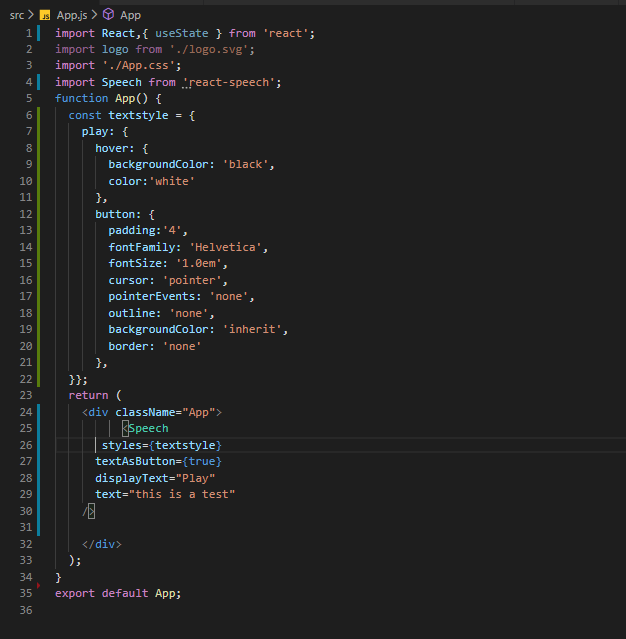
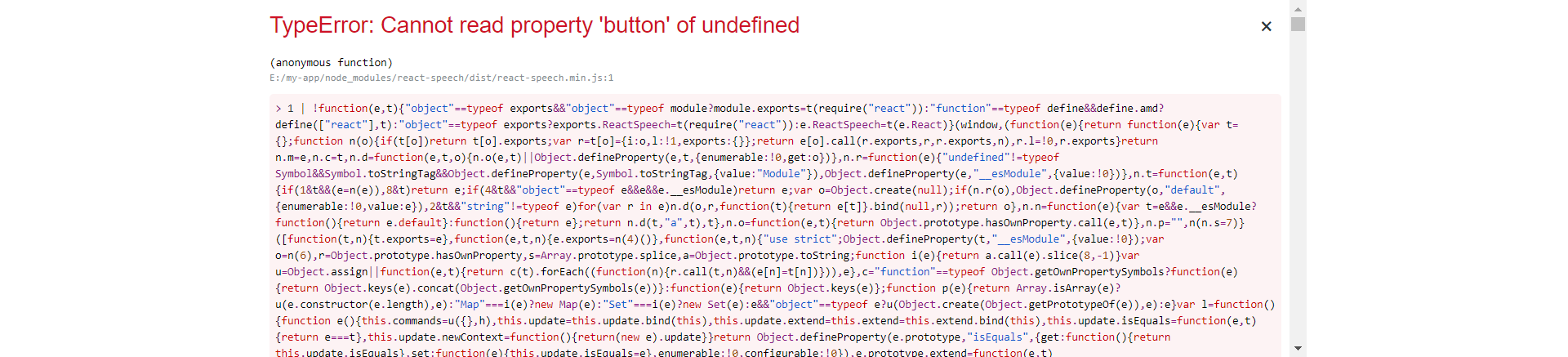
I was also seeing 'button' of undefined and 'pointerEvents' of undefined. Looking at src/speech it appears play, stop, pause, and resume all need button and button.pointerEvents properties.
styles: { play: { button: { pointerEvents: { $set: play } } }, stop: { button: { pointerEvents: { $set: stop } } }, pause: { button: { pointerEvents: { $set: pause } } }, resume: { button: { pointerEvents: { $set: resume } } } }
I edited the example Styles code to remove the play property for pause, stop, and resume and added a button property with empty object to pause and don't get the errors.
    container: {},
    text: {},
    buttons: {},
    play: {
      hover: {
        backgroundColor: 'GhostWhite',
      },
      button: {
        cursor: 'pointer',
        pointerEvents: 'none',
        outline: 'none',
        backgroundColor: 'Gainsboro',
        border: 'solid 1px rgba(255,255,255,1)',
        borderRadius: 6,
      },
    },
    pause: {
      hover: {},
      button: {},
    },
    stop: {
      hover: {},
      button: {},
    },
    resume: {
      hover: {},
      button: {},
    },
  };```

This still didn't work for me, did anyone figure out how to do this? Thanks!

import React from 'react';
import Speech from 'react-speech';

const textstyle = {
    play: {
      hover: {
        backgroundColor: 'black',
        color:'white'
      },
      button: {
        padding:'4',
        fontFamily: 'Helvetica',
        fontSize: '1.0em',
        cursor: 'pointer',
        pointerEvents: 'none',
        outline: 'none',
        backgroundColor: 'inherit',
        border: 'none'
      },
  },
  pause: {
    hover: {},
    button: {},
  },
  stop: {
    hover: {},
    button: {},
  },
  resume: {
    hover: {},
    button: {},
  },

};

class Dashboard extends React.Component {
    render() {
        return (
            <div className="container mx-auto">
                <Speech
                styles={textstyle}
                textAsButton={true}
                displayText="Hello"
                text="line" />
            </div>
        )
    }
}

export default Dashboard
This worked for me.
