

 AdguardTeam
mbway.pt
Issue URL (Incorrect Blocking)
Comment
This is a Portuguese banking app. It was running correctly before 2nd October 2025 (considering my rooted setup); no root changes, profiles or module alterations were made between 1st October and today.
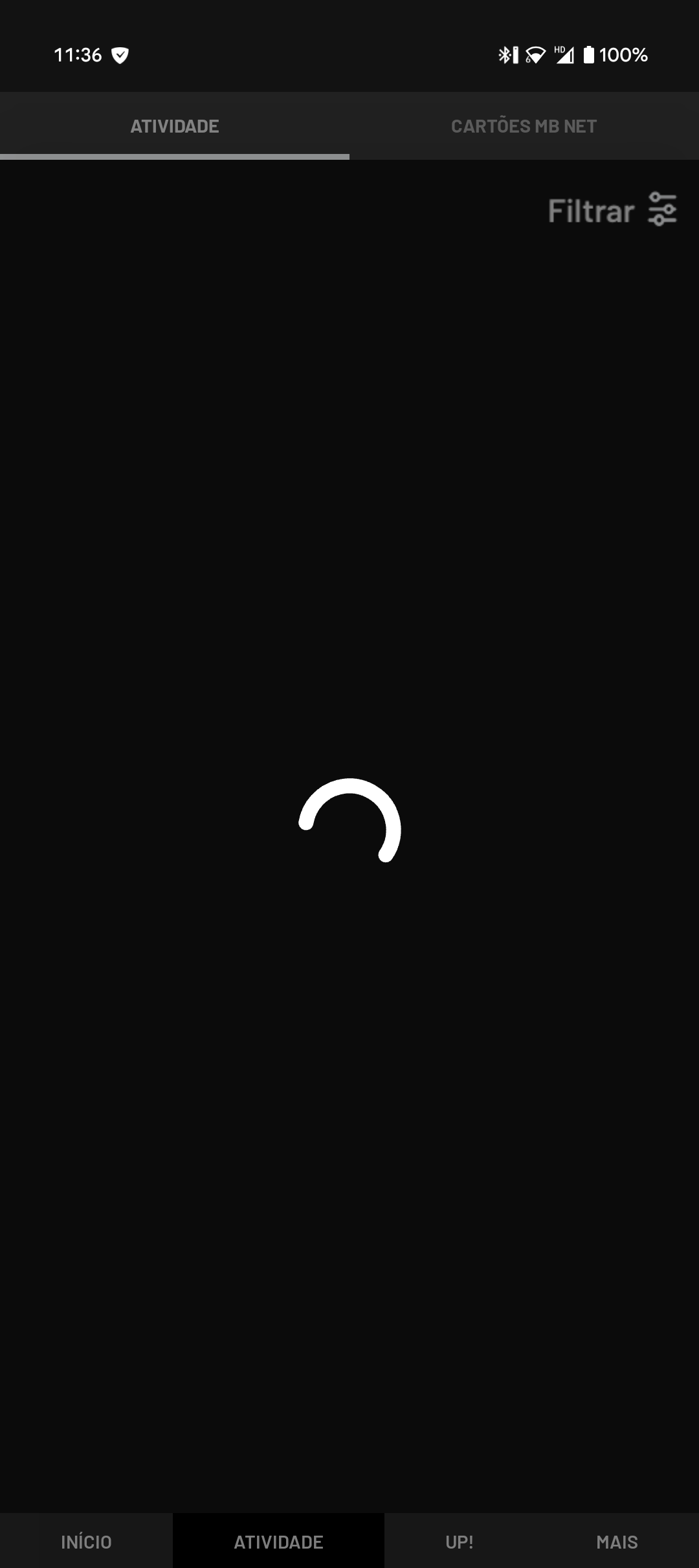
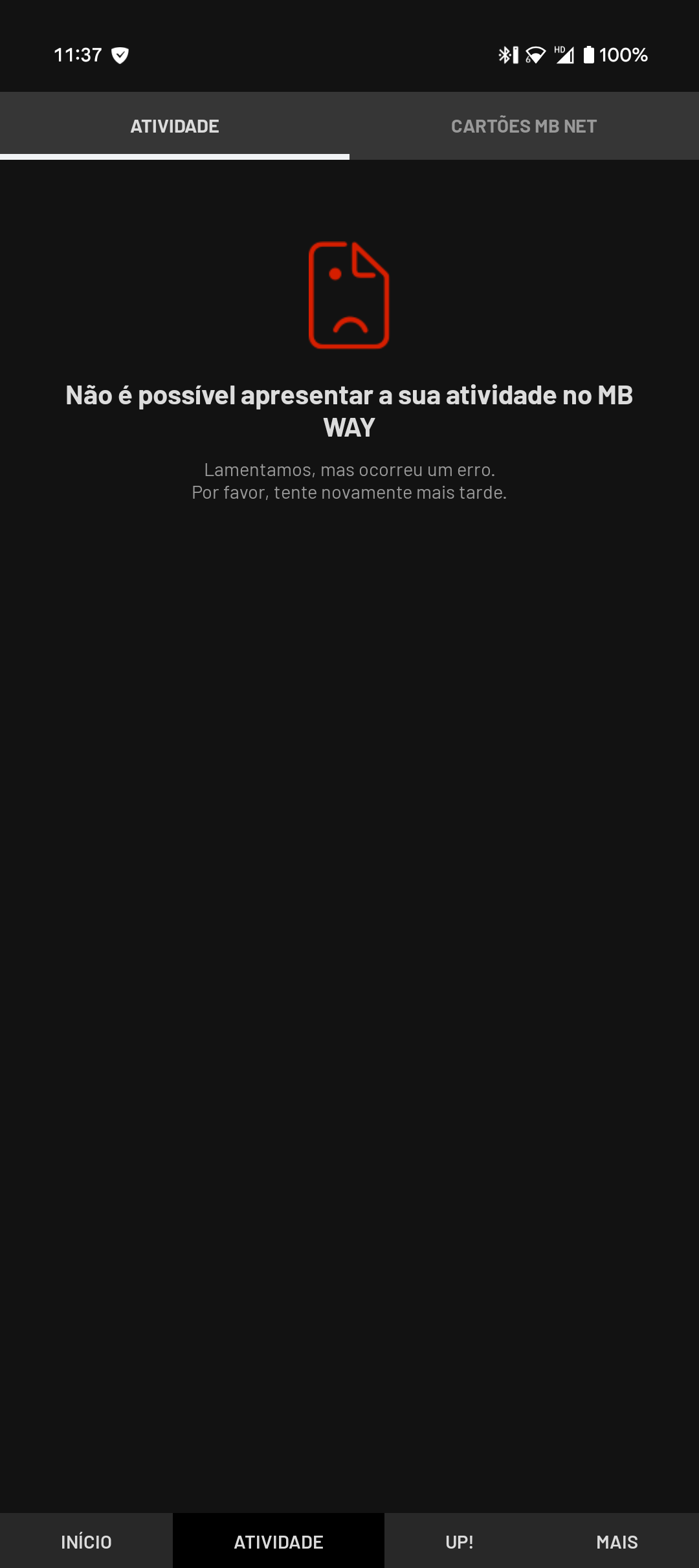
Unfortunately, it stopped working properly since; startup is slow, authentication via biometrics fails (as in, it accepts it but srill shows the PIN keypad as if nothing happened), and accessing sensitive screens (after manually inputting my pin) results in a loading spinner animation for about 10 seconds before it shows an error message.
I've tried disabling multiple Adblock options, Tracking parameters, DNS filtering, nothing changes; the app works again if I disable Adguard entirely, or if I disable the "Filter traffic" for the app.
The filtered logs barely show any trace of a blocked query related to the app.
Username: @Keyaku
Screenshots
Screenshot 1
Screenshot 2
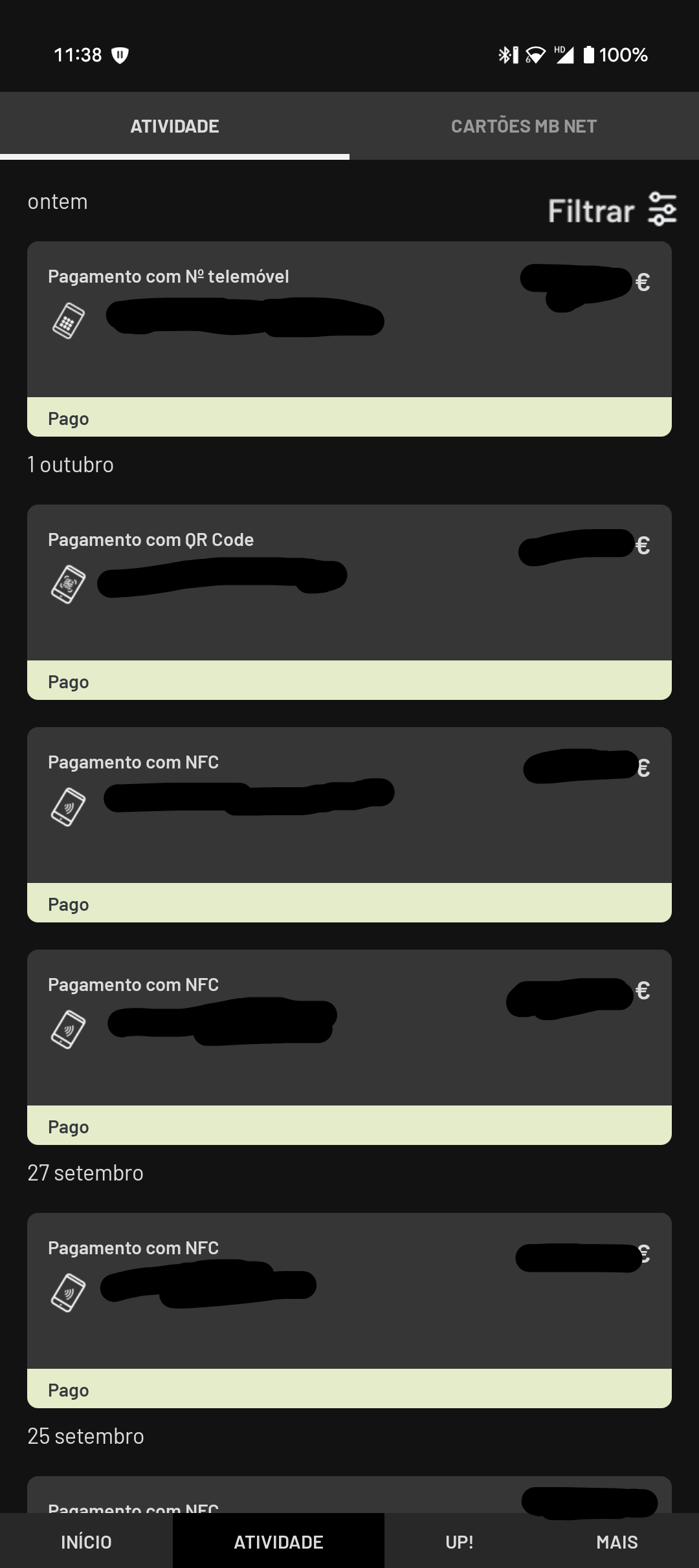
Screenshot 1 with AdGuard disabled
System configuration
| Information | Value |
|---|---|
| AdGuard product: | AdGuard for Android v4.12 |
| System version: | crDroid 12.1 (Android 16) w/ microG + Apatch 11107 (KernelPatch 0.12.0) |
| Browser: | Android app MB WAY (pt.sibs.android.mbway) |
| License type: | paid |
| AdGuard mode: | VPN |
| HTTPS filtering: | disabled |
| Android system root: | true |
| Tracking protection: | General settings: Block trackers, Strip URLs from tracking parameters, Hide your search queries, Send Do-Not-Track header Tracking methods: Self-destructing third-party cookies (2160), Disable cache for third-party requests, Block third-party Authorization header Browser API: Block WebRTC, Block Push API, Block Location API Miscellaneous: Hide your Referrer from third-parties (Default), Hide your User-Agent (Default), Hide your IP address (208.54.104.184), Remove X-Client-Data header from HTTP requests, Protect against DPI |
| DNS filtering: | server: 208.54.104.184 |
| Filters: | Ad blocking: AdGuard Base, AdGuard Mobile Ads Privacy: AdGuard Tracking Protection, AdGuard URL Tracking, Legitimate URL Shortener Social widgets: AdGuard Social Media Annoyances: AdGuard Annoyances, AdGuard Cookie Notices, AdGuard Popups, AdGuard Mobile App Banners, AdGuard Other Annoyances, AdGuard Widgets, Adblock Warning Removal List Security: Online Malicious URL Blocklist, Phishing URL Blocklist, Scam Blocklist by DurableNapkin, uBlock Origin – Badware risks Other: AdGuard DNS Language-specific: AdGuard Spanish/Portuguese, AdGuard French |
| Browsing Security: | enabled |
| Browsing Security statistics: | disabled |
| Userscripts: | disabled |
Issue configuration

The issue report does not take into account the possibility of the problem happening in an app, only a URL; I provided the app's official website as the Issue URL, but I'll ask to disregard it since it's not where the issue happens.

I've tried disabling multiple Adblock options, Tracking parameters, DNS filtering, nothing changes; the app works again if I disable Adguard entirely, or if I disable the "Filter traffic" for the app.
Hi! Unfortunately, I can't check this app on my end, but as I see, it's not related to the filters or other modules. I'll move this issue to another repo.
the app works again if I disable Adguard entirely, or if I disable the "Filter traffic" for the app.
I think it can be excluded from the filtration. For now, disable the filter traffic for the app.

@zloyden This is definitely a filtering issue that is affecting more than Adguard; I found out that using a different filtering software, Re-Malwack, results in the same issue of app instability.
In Re-Malwack's example, we can find the offending URL in question, 0.0.0.0 egoimmerce.e-goi.com in their hosts file.
This definitely is a tracking URL, but the app seems to be programmed to break if it fails to resolve. The logs look like this:
W System.err: java.net.UnknownHostException: Unable to resolve host "egoimmerce.e-goi.com": No address associated with hostname
W System.err: 	at java.net.Inet6AddressImpl.lookupHostByName(Inet6AddressImpl.java:124)
W System.err: 	at java.net.Inet6AddressImpl.lookupAllHostAddr(Inet6AddressImpl.java:103)
W System.err: 	at java.net.InetAddress.getAllByName(InetAddress.java:1152)
W System.err: 	at com.android.okhttp.internal.http.RouteSelector.resetNextInetSocketAddress(RouteSelector.java:178)
W System.err: 	at com.android.okhttp.Dns$1.lookup(Dns.java:41)
W System.err: 	at com.android.okhttp.internal.http.RouteSelector.nextProxy(RouteSelector.java:144)
W System.err: 	at com.android.okhttp.internal.http.RouteSelector.next(RouteSelector.java:86)
W System.err: 	at com.android.okhttp.internal.http.StreamAllocation.findConnection(StreamAllocation.java:176)
W System.err: 	at com.android.okhttp.internal.http.StreamAllocation.findHealthyConnection(StreamAllocation.java:128)
W System.err: 	at com.android.okhttp.internal.http.StreamAllocation.newStream(StreamAllocation.java:97)
W System.err: 	at com.android.okhttp.internal.http.HttpEngine.connect(HttpEngine.java:289)
W System.err: 	at com.android.okhttp.internal.http.HttpEngine.sendRequest(HttpEngine.java:232)
W System.err: 	at com.android.okhttp.internal.huc.HttpURLConnectionImpl.execute(HttpURLConnectionImpl.java:465)
W System.err: 	at com.android.okhttp.internal.huc.HttpURLConnectionImpl.connect(HttpURLConnectionImpl.java:131)
W System.err: 	at com.android.okhttp.internal.huc.HttpsURLConnectionImpl.connect(HttpsURLConnectionImpl.java:30)
W System.err: 	at com.android.okhttp.internal.huc.DelegatingHttpsURLConnection.connect(DelegatingHttpsURLConnection.java:90)
W System.err: 	at com.egoi.egtracker.EGRequestUrlString.doInBackground(EGRequestUrlString.java:28)
W System.err: 	at android.os.AsyncTask$3.call(Unknown Source:20)
W System.err: 	at com.egoi.egtracker.EGRequestUrlString.doInBackground(EGRequestUrlString.java:18)
W System.err: 	at java.util.concurrent.FutureTask.run(FutureTask.java:317)
W System.err: 	at java.util.concurrent.ThreadPoolExecutor.runWorker(ThreadPoolExecutor.java:1156)
W System.err: 	at android.os.AsyncTask$SerialExecutor$1.run(Unknown Source:2)
W System.err: 	at java.util.concurrent.ThreadPoolExecutor$Worker.run(ThreadPoolExecutor.java:651)
W System.err: 	at java.lang.Thread.run(Thread.java:1119)
0.0.0.0 egoimmerce.e-goi.com in their hosts file
Hm, could you please revert the filtering for the app, leave only AdGuard Tracking Protection, update it, check the app? If you still have a problem and you see that the request is blocked in the recent activity (RA), add this rule to user rules or unblock it using RA. Normally it shouldn't be blocked, but you have a root access.
@@||e-goi.com^$app=pt.sibs.android.mbway
By the way, then you installed the app, what was the status of Filter traffic, Filter HTTPS traffic? Since it's the banking app, it shouldn't be filtered at all. @Versty could you check this?
Hm, could you please revert the filtering for the app, leave only AdGuard Tracking Protection, update it, check the app?
Leaving only Tracking Protection and updating the rules lets the app work as intended. Was this URL modified (or did you modify it) in the filtering rules?
If you still have a problem and you see that the request is blocked in the recent activity (RA), add this rule to user rules or unblock it using
RA. Normally it shouldn't be blocked, but you have a root access.@@||e-goi.com^$app=pt.sibs.android.mbway
Since the steps you suggested earlier worked, I fortunately don't have to add that rule. Just a quick sidenote: the search function within the Adguard app (using the search bar Recent activity or Apps) is not working/not filtering the results all the time; sometimes it works, sometimes it doesn't, but I know how to reproduce it. I can't find a related issue in this repo, so maybe I should create one for that as well?
By the way, when you installed the app, what was the status of
Filter traffic,Filter HTTPS traffic? Since it's the banking app, it shouldn't be filtered at all.
When I installed it, Filter traffic was on and Filter HTTPS traffic was off, probably because I don't have HTTPS filtering enabled.
Thank you for your help so far!
Was this URL modified (or did you modify it) in the filtering rules?
I guess there was another request(s) to the domain as we have a specific rule, otherwise you'd have the problem with AdGuard Tracking Protection as you described. So, another filter might have caused this.
Just a quick sidenote: the search function within the Adguard app (using the search bar Recent activity or Apps) is not working/not filtering the results all the time; sometimes it works, sometimes it doesn't, but I know how to reproduce it. I can't find a related issue in this repo, so maybe I should create one for that as well?
Perhaps this https://github.com/AdguardTeam/AdguardForAndroid/issues/4410? If so, please leave a comment there. In other case, yes, you can create the issue in this repo.
Perhaps this #4410? If so, please leave a comment there. In other case, yes, you can create the issue in this repo.
That was it; weird that I couldn't find it. Thanks.
I guess there was another request(s) to the domain as we have a specific rule, otherwise you'd have the problem with AdGuard Tracking Protection as you described. So, another filter might have caused this.
If that's the case, can we consider this closed?
I was glad to help)
If that's the case, can we consider this closed?
Sure, @Versty can do this.