AcademySoftwareFoundation
FCPX reader fails reading clip with solid color generator
I got the following error when reading part of the .fcpxml file.
'NoneType' object has no attribute 'find'
Traceback (most recent call last):
  File "/data/papepipe/pg_production_lib/src/lib/production/edit/otio/otio_checking.py", line 43, in <module>
    info(xml)
  File "/data/papepipe/pg_production_lib/src/lib/production/edit/otio/otio_checking.py", line 20, in info
    tl = otio.adapters.read_from_file(xml_path)
  File "/l/packages/pg/third_party/plugin/python_lib/0.0.11/platform-linux/lib/site-packages/opentimelineio/adapters/__init__.py", line 144, in read_from_file
    **adapter_argument_map
  File "/l/packages/pg/third_party/plugin/python_lib/0.0.11/platform-linux/lib/site-packages/opentimelineio/adapters/adapter.py", line 134, in read_from_file
    **adapter_argument_map
  File "/l/packages/pg/third_party/plugin/python_lib/0.0.11/platform-linux/lib/site-packages/opentimelineio/plugins/python_plugin.py", line 174, in _execute_function
    return (getattr(self.module(), func_name)(**kwargs))
  File "/l/packages/pg/third_party/plugin/python_lib/0.0.11/platform-linux/lib/site-packages/opentimelineio_contrib/adapters/fcpx_xml.py", line 1168, in read_from_string
    return FcpxXml(input_str).to_otio()
  File "/l/packages/pg/third_party/plugin/python_lib/0.0.11/platform-linux/lib/site-packages/opentimelineio_contrib/adapters/fcpx_xml.py", line 795, in to_otio
    return self._from_library()
  File "/l/packages/pg/third_party/plugin/python_lib/0.0.11/platform-linux/lib/site-packages/opentimelineio_contrib/adapters/fcpx_xml.py", line 806, in _from_library
    return self._from_event(self.fcpx_xml.find("./library/event"))
  File "/l/packages/pg/third_party/plugin/python_lib/0.0.11/platform-linux/lib/site-packages/opentimelineio_contrib/adapters/fcpx_xml.py", line 813, in _from_event
    container.append(self._from_project(project))
  File "/l/packages/pg/third_party/plugin/python_lib/0.0.11/platform-linux/lib/site-packages/opentimelineio_contrib/adapters/fcpx_xml.py", line 819, in _from_project
    project_element.find("./sequence", {})
  File "/l/packages/pg/third_party/plugin/python_lib/0.0.11/platform-linux/lib/site-packages/opentimelineio_contrib/adapters/fcpx_xml.py", line 853, in _squence_to_stack
    sequence_element.get("format")
  File "/l/packages/pg/third_party/plugin/python_lib/0.0.11/platform-linux/lib/site-packages/opentimelineio_contrib/adapters/fcpx_xml.py", line 900, in _build_composable
    self._format_id_for_clip(element, default_format)
  File "/l/packages/pg/third_party/plugin/python_lib/0.0.11/platform-linux/lib/site-packages/opentimelineio_contrib/adapters/fcpx_xml.py", line 1020, in _format_id_for_clip
    clip.get("ref")
AttributeError: 'NoneType' object has no attribute 'find'
To Reproduce
- Operating System: CentOS 7
- Python version: Pythoin 2.7.18
- OpenTimelineIO release version or commit hash: OpenTimelineIO==0.13.0

Hi, @cuiyunpengit
I'm not that familiar with the AAF adapter, but looking at the log you provided it seems the "fcpx_xml" adapter is actually used. Are you sure you passed an AAF file?
To make sure you use the AAF adapter you may provide the additional "adapter_name" argument in otio.adapters.read_from_file(xml_path, adapter_name="AAF")
Please also note that there is a 0.14.0 release of OTIO out. Perhaps it solved your issue.

Sorry, looking at this again.. The title confused me a bit :) Perhaps change it to FCP XML adapter.
Is your file an FCPX file or FCP7?
If the latter, try: otio.adapters.read_from_file(xml_path, adapter_name="fcp_xml")
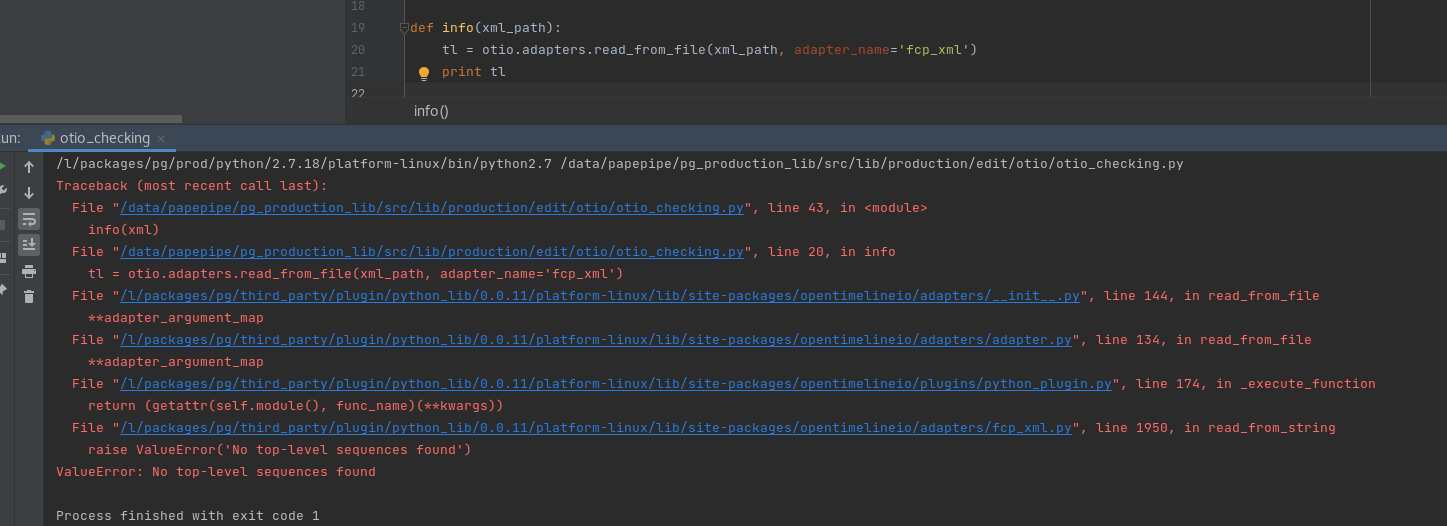
When reading other fcpxml files, without adapter_name='fcp_xml', it can be read normally.
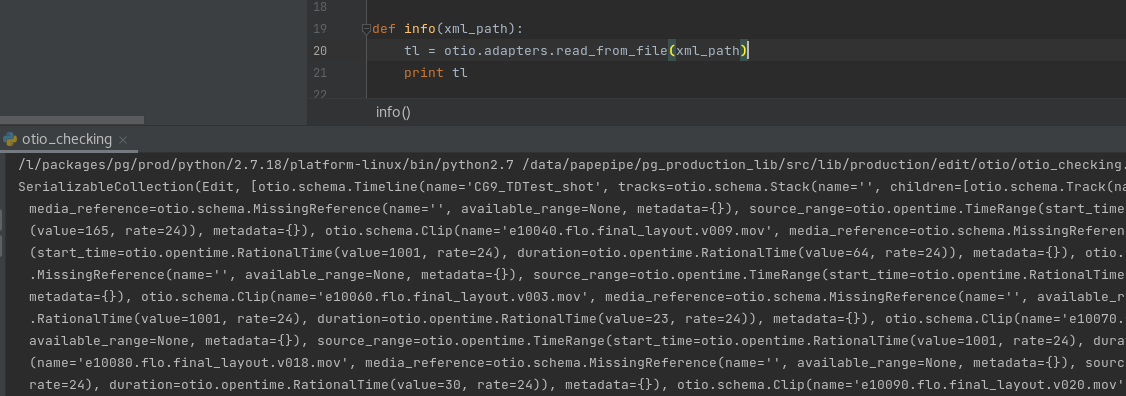
So you're able to read other FCPX files and it's just the one file you mentioned initially that causes an error? Perhaps there's something wrong with that file? If you're the creator of the file, see if another export from fcpx produces a valid one. Or try looking at it and narrow down what differs between the ones that work and this one.
If you still have an issue, would you be able to produce a simplified fcpx xml file that causes the same error and share it here? I'm not the author of this adapter and don't have that much knowledge of it, but an example file could help move this issue forward.
Yes, other files can be read. I re-exported a new fcpxml and tried to read it, but the same error was still reported. I intercepted some fragments and exported a fcpxml file for debugging. Finally, @apetrynet thanks for your help test.zip .
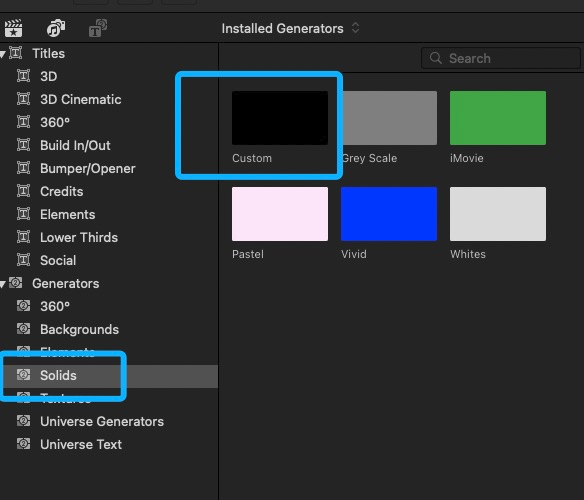
I Found the reason, it was caused by the black field on the Custom layer. After I moved out of this layer, the exported fcpxml file can be read normally. And this layer from the generator that comes with the software. Now, this is not supported, I can only remove it now. ´_>`