
AAChartKit

AAChartKit copied to clipboard
 AAChartModel
如何隐藏滚动条
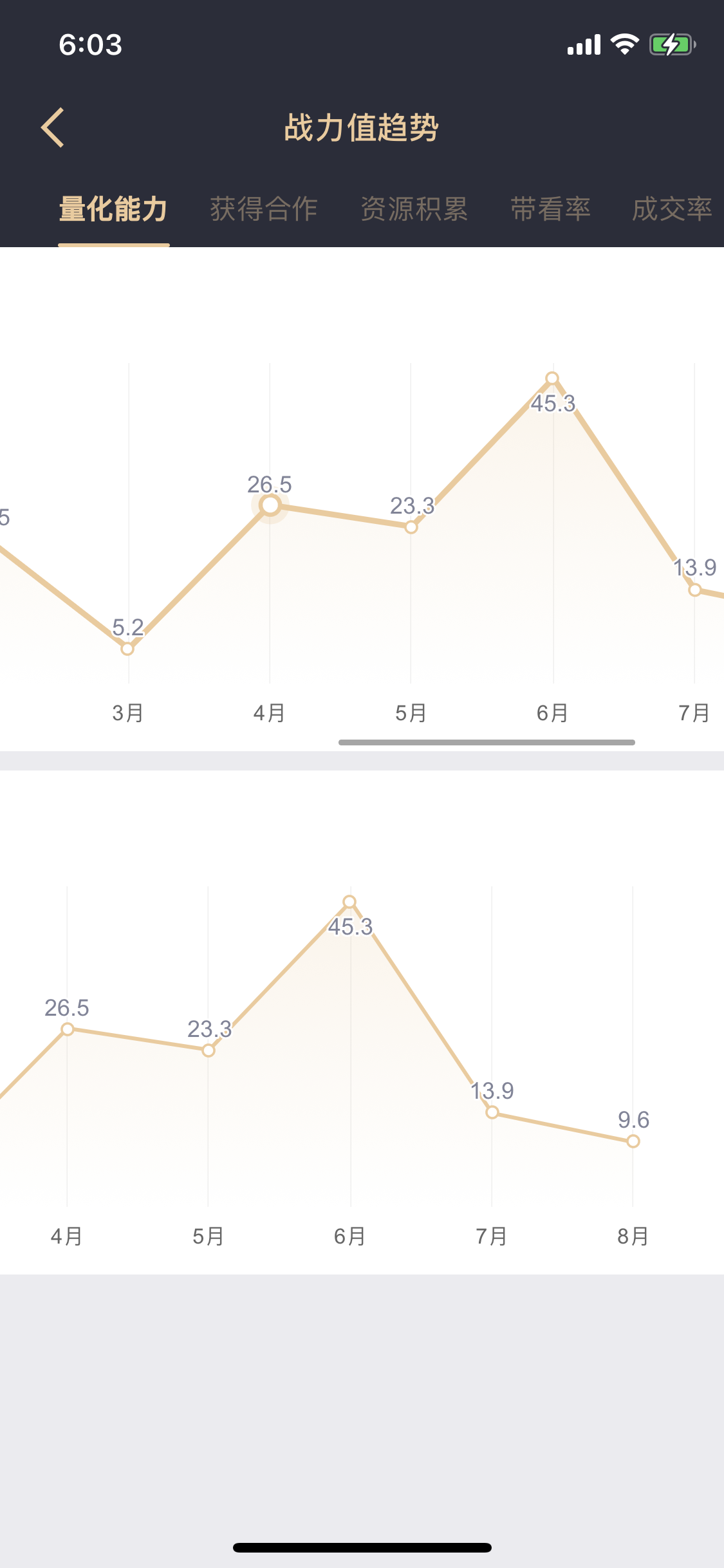

参考在线文档: https://api.highcharts.com/highcharts/chart.scrollablePlotArea
scrollablePlotArea:{
minHeight:undefined
minWidth:undefined
opacity:0.85
scrollPositionX:undefined
scrollPositionY:undefined
}
目前已知的, Highcharts 并未提供隐藏 scrollablePlotArea 滚动条的功能.

参考在线文档: https://api.highcharts.com/highcharts/chart.scrollablePlotArea
scrollablePlotArea:{
minHeight:undefined
minWidth:undefined
opacity:0.85
scrollPositionX:undefined
scrollPositionY:undefined
}
目前已知的, Highcharts 并未提供隐藏 scrollablePlotArea 滚动条的功能.
如何通过css插入overflow-x:hidden; 尝试下呢?