

 AAChartModel
Set the Y axis to a specific Tick Steps
I am trying to setup the specific tick steps to the Y axis. The problem is that I get nil with the aaOptions.yAxis as? AAYAxis and I cannot configure the yAxis steps. Is it a bug?. I am using the last pod version
var passRange = ["+1.00","+0.50","+0.00","-0.50","-1.00"]
var passResult = [0.3,0.1,-0.2,0.5,0.7]

    override func viewDidLoad() {
        super.viewDidLoad()
        let aaChartView = createChart(view: plotView)
        let aaOptions = customOptions()
        aaChartView.aa_drawChartWithChartOptions(aaOptions)
    }

    func createChart(view:UIView)-> AAChartView{
        let aaChartView = AAChartView()
        aaChartView.frame = CGRect(x:0,y:0,width:view.layer.frame.width,height:view.layer.frame.height)
        view.addSubview(aaChartView)
        return aaChartView
    }

    private func customOptions() -> AAOptions {

        let aaChartModel = AAChartModel()
            .chartType(.line)
            .colorsTheme(["#1e90ff","#ef476f","#ffd066","#04d69f","#25547c",])
                .axesTextColor(AAColor.white)
                .title("")
                .subtitle("")
                .dataLabelsEnabled(true)
                .tooltipValueSuffix("")/
                .animationType(.bounce)
                .backgroundColor("#22324c")
                .touchEventEnabled(true)
                .categories(passRange)
                .yAxisReversed(true)
                .yAxisMin(-0.2)
                .yAxisMax(1)

                .series([
                    AASeriesElement()
                        .name("")
                        .data(passResult)
                        ,
                    ])


        let aaOptions = AAOptionsConstructor.configureAAOptions(aaChartModel: aaChartModel)

        let aaYAxis = aaOptions.yAxis as? AAYAxis
        aaYAxis?.tickPositions([-0.2,-0.1,0,0.1,0.2,0.3,0.4,0.5,0.6,0.7,0.8,0.9,1.0])
         return aaOptions
    }
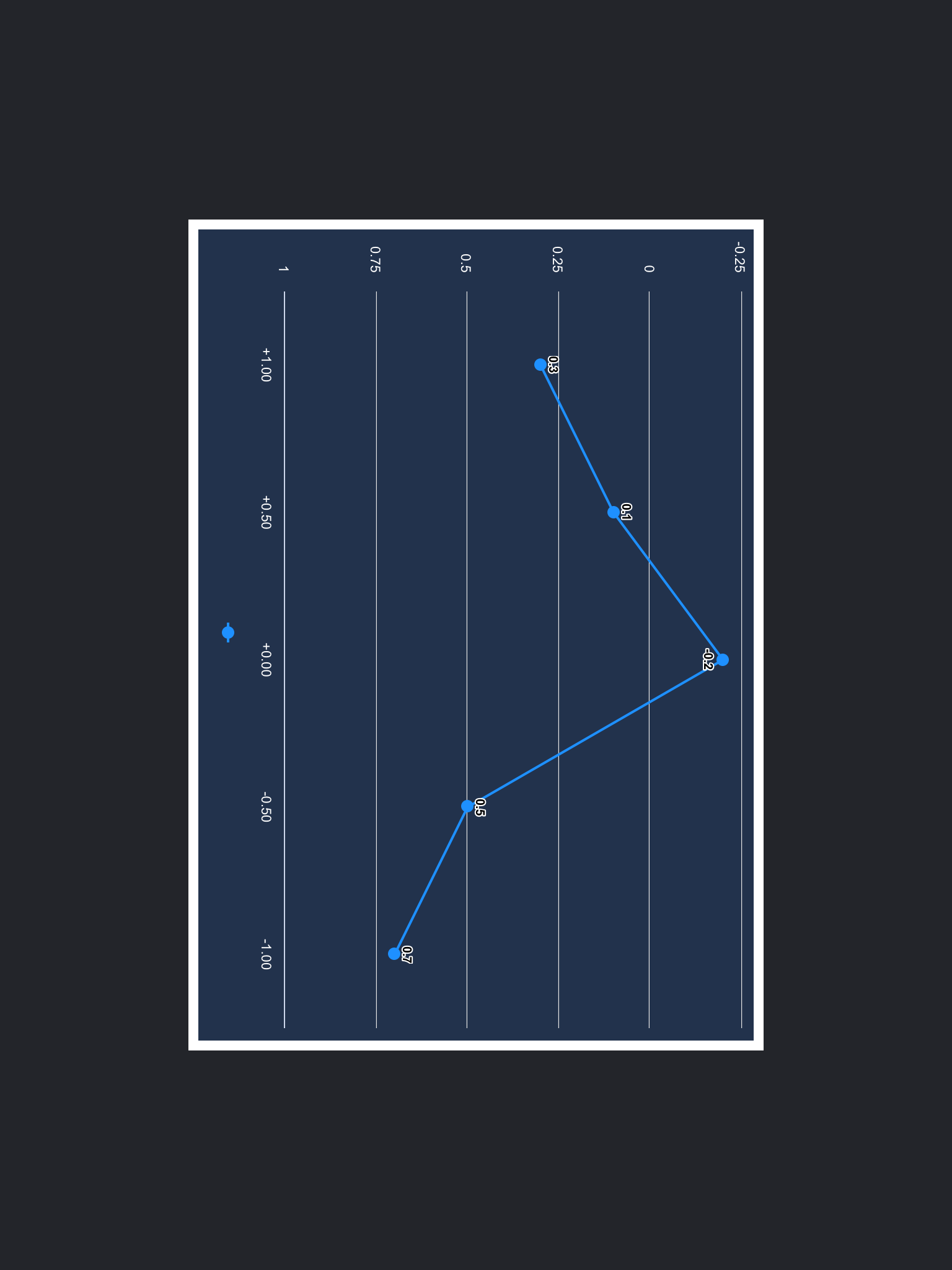

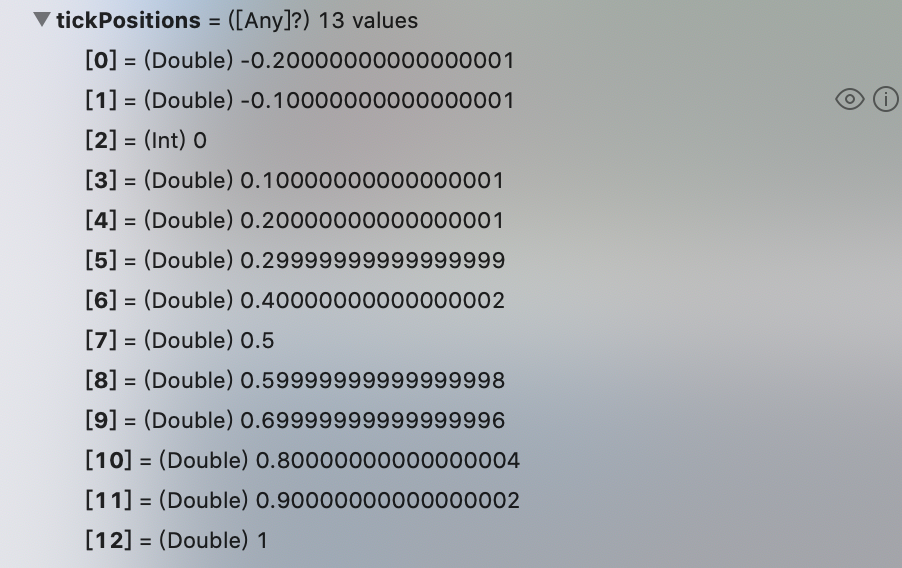
Without any changes, I finally got the AAYAxis object instance and the tickPositions value using your code.

First, thanks for your fast answer and congratulations for your work, it is quite good. I have reproduced the bug in a project.
-
If the chart is attached to the self.view of the view controller the chart is properly configured
-
If the chart is attached to a view from the storyboard, it returns nil. I am using Xcode