8bitPit
A Direct Switch/Toggle To Show/Hide Hidden Apps In App List
Would It Possible To Show The Hidden Apps, Without Unselecting The Hidden Apps

Toggles aren't typically added unless the feature is significant/impactful enough - see Design Principles. I'm not sure where you propose this toggle should be either 🤔
The purpose of the hidden apps feature is to hide unnecessary/unwanted apps - useful ones can be categorized in pop-up folders - so having a toggle just to show those apps seems too redundant. Using the search is pretty quick, and seeing the hidden apps list is already a few taps away in Niagara settings > Features > Hidden apps
*What use case did you have in mind for this?

Usually the launcher i used provided both the option to directly access all the hidden apps from app drawer without needing to go to launcher settings.
Ik one can access the hidden apps from Niagara settings,and search but it isn't easy to recall the app name after sometime if one has many apps installed.
For Example:
-
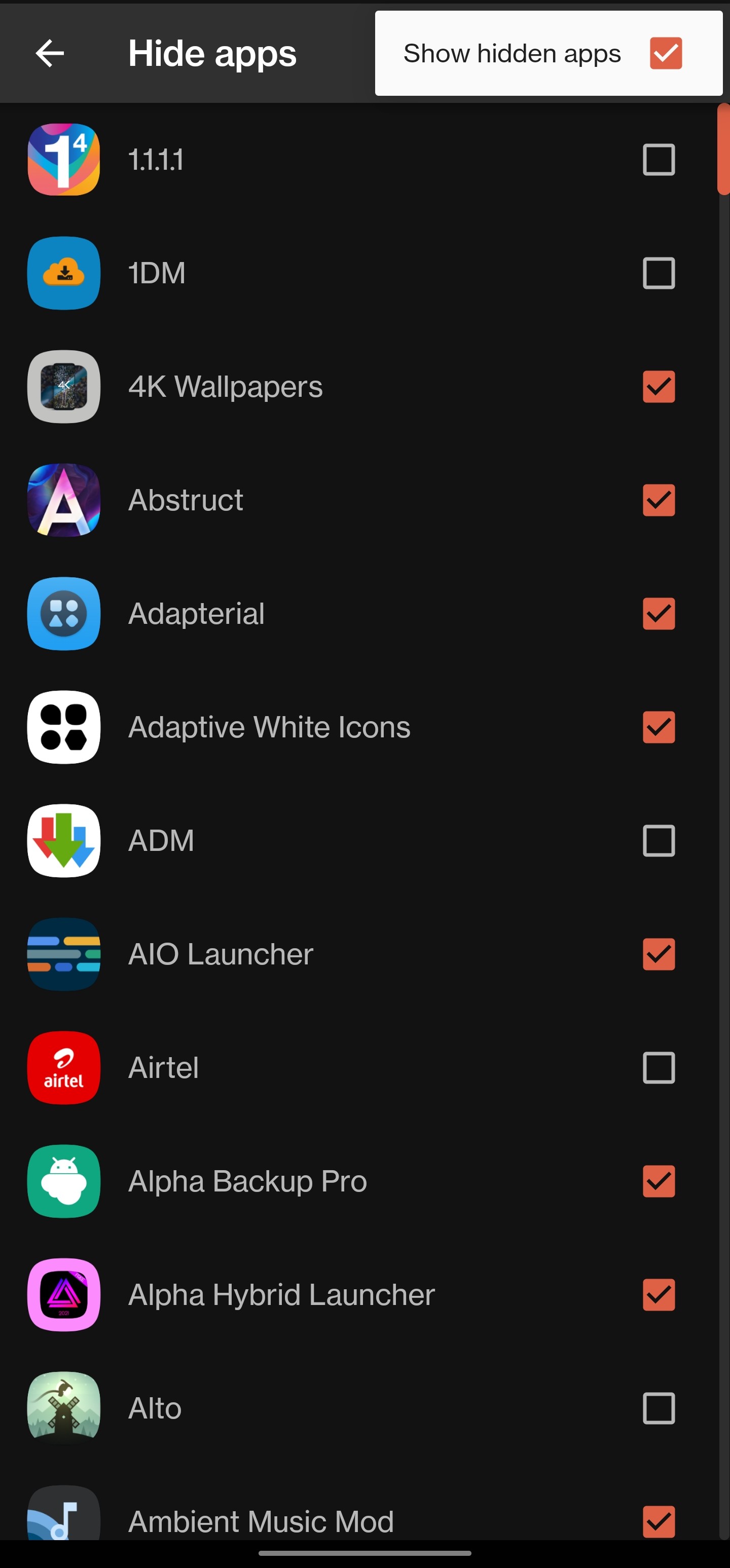
Nova Launcher: Provides a toggle in nova settings to show up all the hidden apps in the list without having to untick all the hidden apps.
-
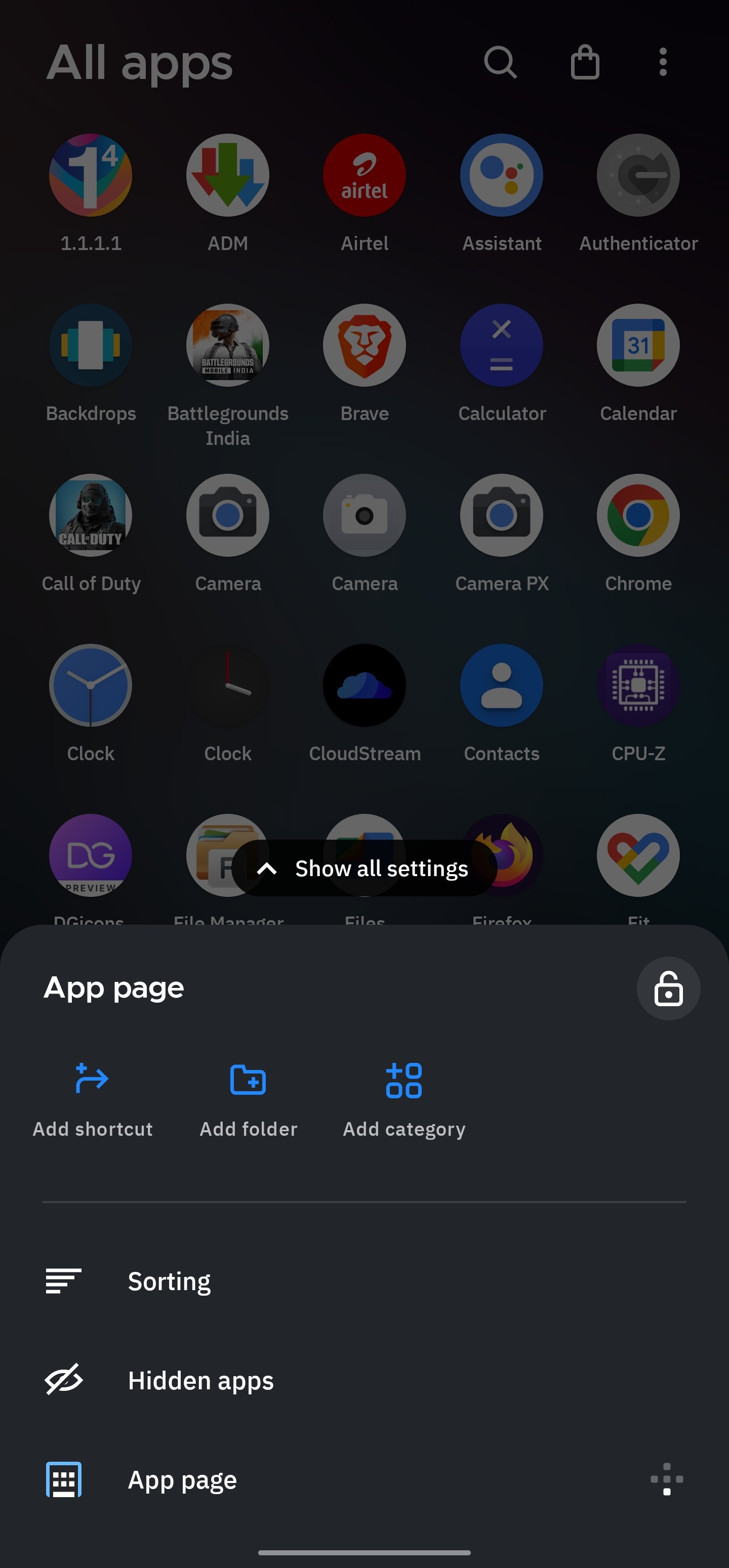
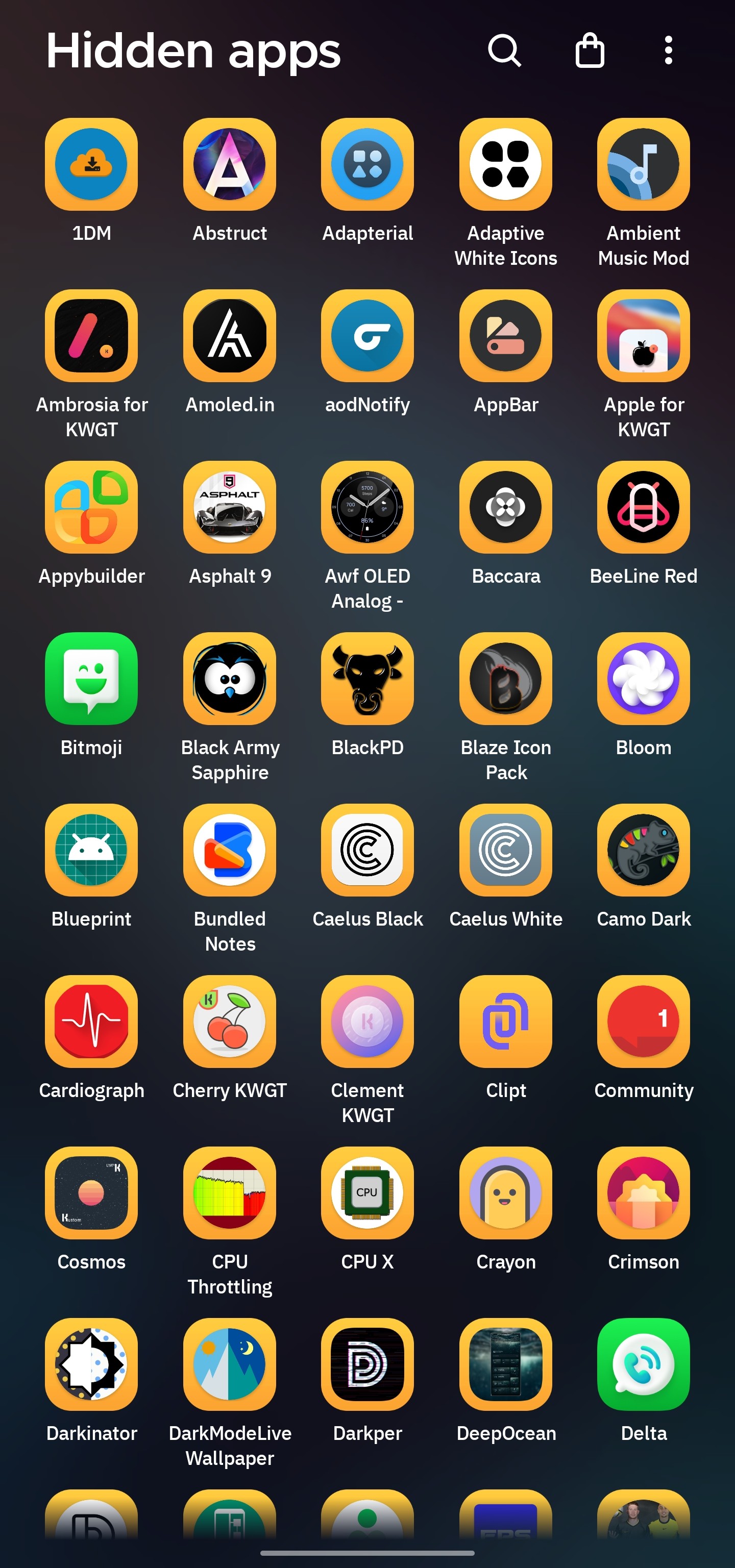
Smart Launcher: Provides a three Dot button menu at the top right corner in app drawer to directly access the hidden app drawer.
A few ideas on how it can be implemented:
-
A toggle can be added in niagara settings> hidden apps page (at the bottom of the hidden app Page "show hidden apps button" to make all the selected hidden apps visible in app list.
-
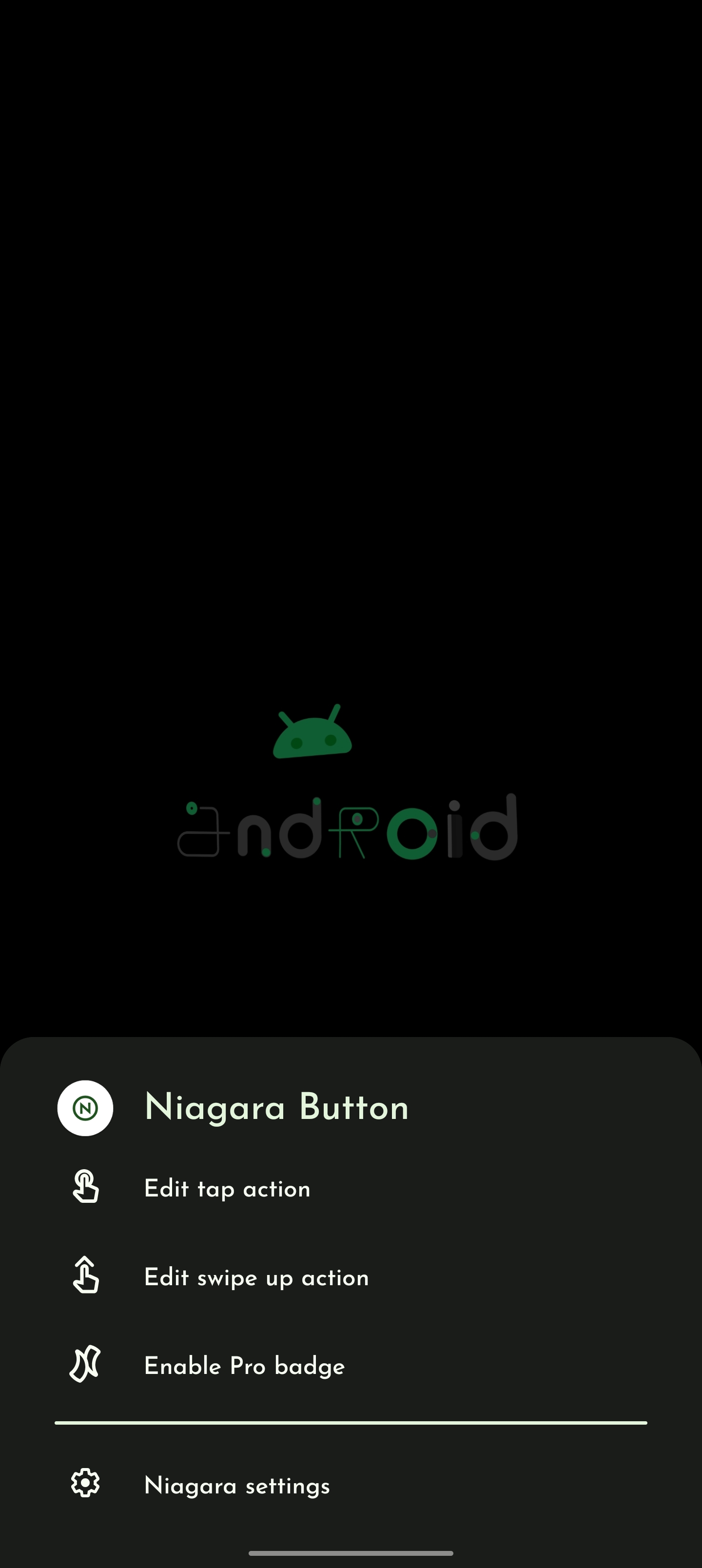
Long Tap Is not assigned to app list search button, just like the favorites screen niagara button to change the tap, swipe function etc, So long tapping on search button will show up the card menu with an option to directly bring up the hidden apps.
Sorry or the late response.
To reiterate, the hidden apps feature is meant for apps you basically won't ever use or that you want to categorize in folders instead, if you're going to use it now and then it probably shouldn't be tucked away there. As far as I can tell, showing the hidden apps in the app list won't simplify things much as you'll still need to manually sift through the list for the app you can't remember, and all your examples were launchers with app drawers. Niagara skips the app drawer and intentionally keeps the settings/toggles minimal so users don't have to memorize/learn so much functionality - e.g. users are unlikely to long-press the search button if they don't know it has other functions
There are other tools in the launcher to help with hidden apps:
-
rename apps: you can change their name or add a symbol/string to make searching easier
- e.g. I used to add "util" to utility apps I'll hide
-
categorize in folders: keep them at the bottom of app list so they're tucked away but easily reachable by tapping the bottom of the app list
- you can even make your own "Hidden apps" folder if you wanted for the same functionality as you request, and use the new "Add to category" option in the long-press menu to quickly put things there
- pin them in the pop-up of associated apps that you can remember, like shortcuts
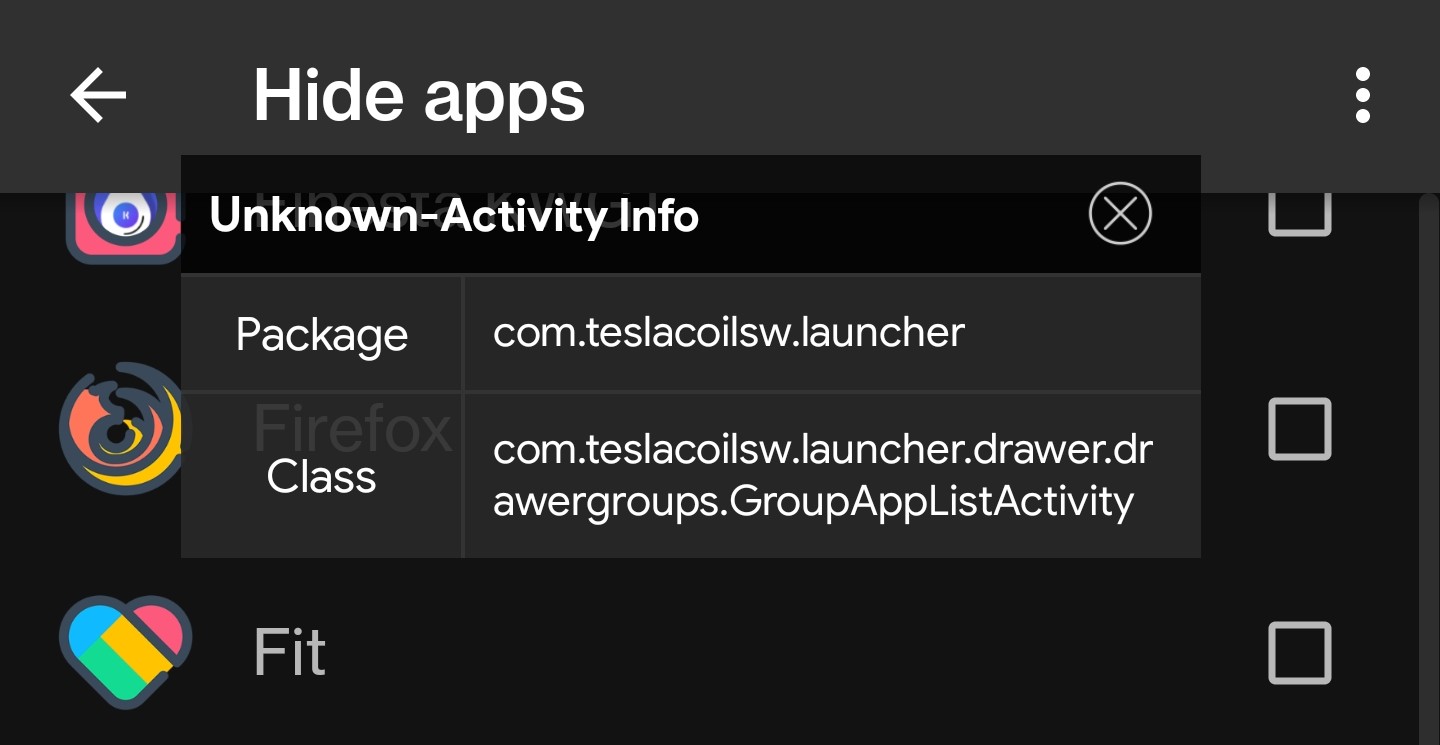
@Oddward I was wondering if there is an activity available for the hidden apps page/ or can it be made possible?, so that i can directly call up the hidden page with a shortcut?