

 4ian
4ian
numpad numbers not recognized
GDevelop isn't recognizing any numpad numbers when I run it in preview.
I modified the Not-A-Vania game to imitate a 2 player Street Fighter 2 type game. I made a 2nd character that uses the arrows to move, and the numpad for attacks. But nothing shows up.
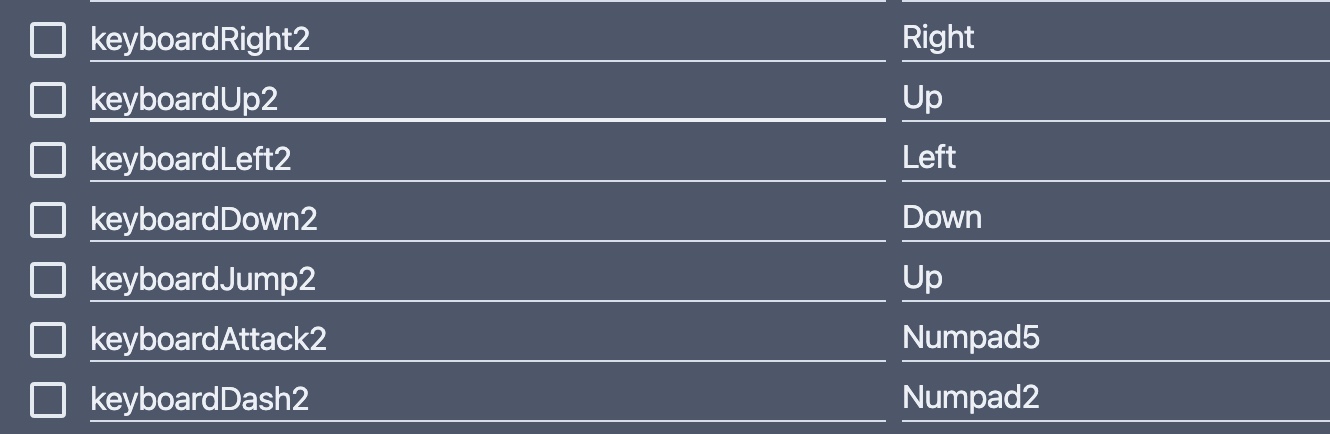
I also added a debugger text that displays the name of the LastPressedKey() and it shows blank for numpad numbers.

The NumpadAdd and NumpadSubtract still work to turn the debugger visuals on and off, just not the numbers. Anyone else run into this?
If I switch the variable to Num5 instead, it works fine, but only on the regular 5 above the letters, and that's a bad location.
I'm using a MacbookPro(Monterey) with an external keyboard (Mac) plugged into it. Could that have something to do with it?

I have tested the same changes on my PC. It seems to be working fine. Is there a chance NumLock is not enabled on your keyboard?
If so the numpad numbers will not be detected as numbers. (The keyboard sends them as completely different character codes)

For me, most numpad keys are returning a value for the LastKeyPressed() in both states for me. If Num is enabled, it displayes the number like Numpad7 and if it's disabled, it will show the function key that will be triggered instead of numbers like NumpadLeft or NumpadEnd.
The only keys that will show a 'blank' value when using LastKeyPressed() for me are: "Numpad0" (Num disabled), "Numpad5" (Num disabled), and the comma key next to the 0 (both Num enabled and disabled).
So even if they had Num disabled, it still should show most values either way.

I tried it again on a mac mini (2021) with a wired keyboard. Still the same issue. There is no NumLock on these keyboards.
I can confirm that LastKeyPressed() works fine on Win10, with a QWERTY keyboard. Also the 0(Num enabled).
